
How Do You Get Product Photos Without Having the Product?
FAQ · Product photos
You can get product photos without having the product in hand, and most dropshippers and pre-launch brands do. The usual routes are supplier images you have permission to use, a sample you shoot yourself, and AI scenes built from a real product photo. The hard part is not getting images; it is keeping them accurate, so buyers receive exactly what they saw. Here are straight answers to the questions sellers ask most.
Updated October 2026 · By the CreaX team
Key takeaways
- ✓Supplier photos are a fine starting point if you have permission to use them. Edit them so they look like your store, not like every other listing.
- ✓Order a sample before you scale. It lets you check quality and shoot real photos and video that no other seller has.
- ✓AI can restage a real product photo in new scenes and ad layouts. It should never invent features, colors, sizes or results.
- ✓Accuracy is the rule. Check every image against the specs and, once it arrives, the sample: color, size, materials and what is in the box.
In this guide
TL;DRThe short answer
You have four realistic sources of product images before your stock arrives. Most sellers combine them in stages:
| Source | Best for | Watch out for |
|---|---|---|
| Supplier or manufacturer photos | Your first listing and first ad test | Permission, watermarks, the same images every competitor uses |
| AI scenes from a real product photo | Ad creatives, lifestyle shots and different sizes | Changing the product itself; platform rules on AI content |
| Renders or 3D files from the manufacturer | New products not yet produced | Renders can look better than the real item |
| Your own photos of a sample | Scaling, trust and video | Takes time and the cost of a sample |
A practical order for most sellers: supplier images and AI scenes to test, a sample before you scale.
The goal is simple: test fast with images you are allowed to use, and replace or add real photos as soon as you can. If you are launching a test this week, our guide to launching a dropshipping product test in 24 hours shows where images fit in the whole process.
Question 1Can I use supplier photos?
Often yes, if you have permission. Photos are creative work, and whoever took them usually holds the rights. Many suppliers are happy for resellers to use their images, and some say so on the listing, but do not assume. A short message asking “can I use your product photos and videos in my store and ads?” and a saved reply is a good habit. This is general guidance, not legal advice.
Even with permission, raw supplier photos have three problems:
- Everyone uses them. Buyers who saw the same image on another store or marketplace may assume you are a reseller with nothing extra to offer.
- They often carry other brands. Watermarks, logos, foreign-language text or another store's packaging should never appear in your ads.
- They are rarely ad-shaped. A square white-background photo does not fill a vertical feed or a Story.
So treat supplier images as raw material: crop, clean the background, remove anything that is not yours, and use them as the base for new scenes. Never take photos from another brand's website or ads, even if the product looks identical.
!Don't copy another seller's photos
Question 2Should I order a sample?
Yes, before you put real money behind a product. You can run a first small test with supplier images, but a sample pays for itself quickly:
- You see the real quality, color and size, so your photos and claims match what buyers get.
- You can shoot photos and video nobody else has, which is often what separates your ads from the other sellers of the same item.
- You find the details that matter: how it is packaged, what is in the box, how long it takes to arrive.
- You can answer questions honestly in your FAQ and comments.
Shooting a sample does not need a studio. Daylight from a window, a plain background and a phone on a tripod are enough for clean product photos, and a few hand-held clips are enough for a simple video. If you would rather not film, see product demo video ads without filming.
Question 3Can AI make the photos?
Yes, if it starts from a real product photo and keeps the product true. The useful kind of AI product photography takes an image of your actual product and builds new scenes, backgrounds and ad layouts around it. That is very different from asking an image model to invent a product from a description.
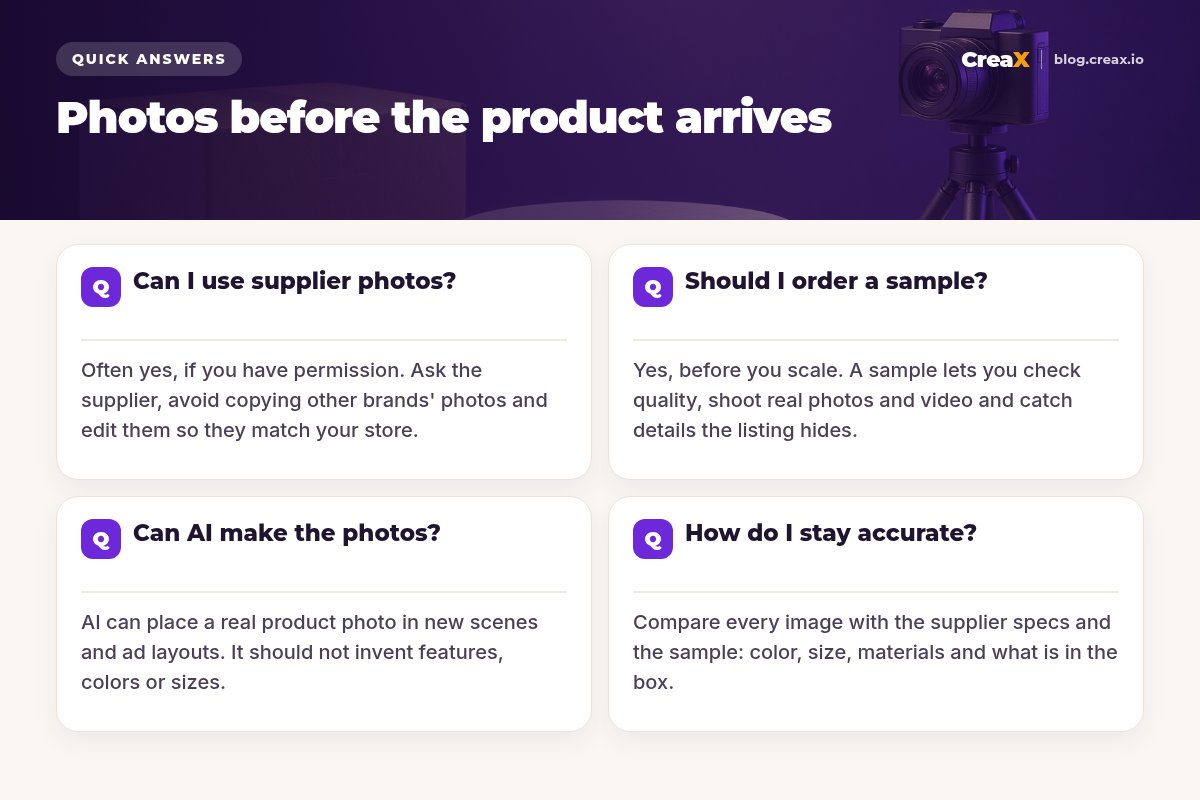
Here is what AI is good at, and what it should not do:
| Good uses of AI | Risky uses of AI |
|---|---|
| Lifestyle scenes around a real product photo | Inventing a product from a text prompt |
| Clean studio backgrounds and lighting | Changing color, size or materials |
| Resizing for feed, Stories and Reels | Adding accessories that are not in the box |
| Several ad styles from one image | Fake reviews, fake customers or fake results |
| Short UGC-style video built from the product | Before-and-after images you cannot prove |
Keep the product itself unchanged. Change the scene, not the item.
Platforms also have rules about AI-generated and altered content in ads, including labels for realistic AI media. Our guides on whether AI-generated ads are safe to use commercially and whether AI UGC ads are allowed on Meta and TikTok go deeper. For the photo side, see whether AI product photos can replace a photoshoot.
Turn one product photo into a full set of ad creatives
Paste a product link or upload a product image into CreaX and get studio ad creatives, UGC-style video ads and a landing page built around the real product.
Question 4How do I stay accurate?
Check every image against the facts before it goes live. A simple routine:
Collect the real specs
Compare each image with the specs
Show scale
Label what needs labeling
Replace with real photos when the sample arrives
★Use the box contents as your test
PitfallsCommon mistakes to avoid
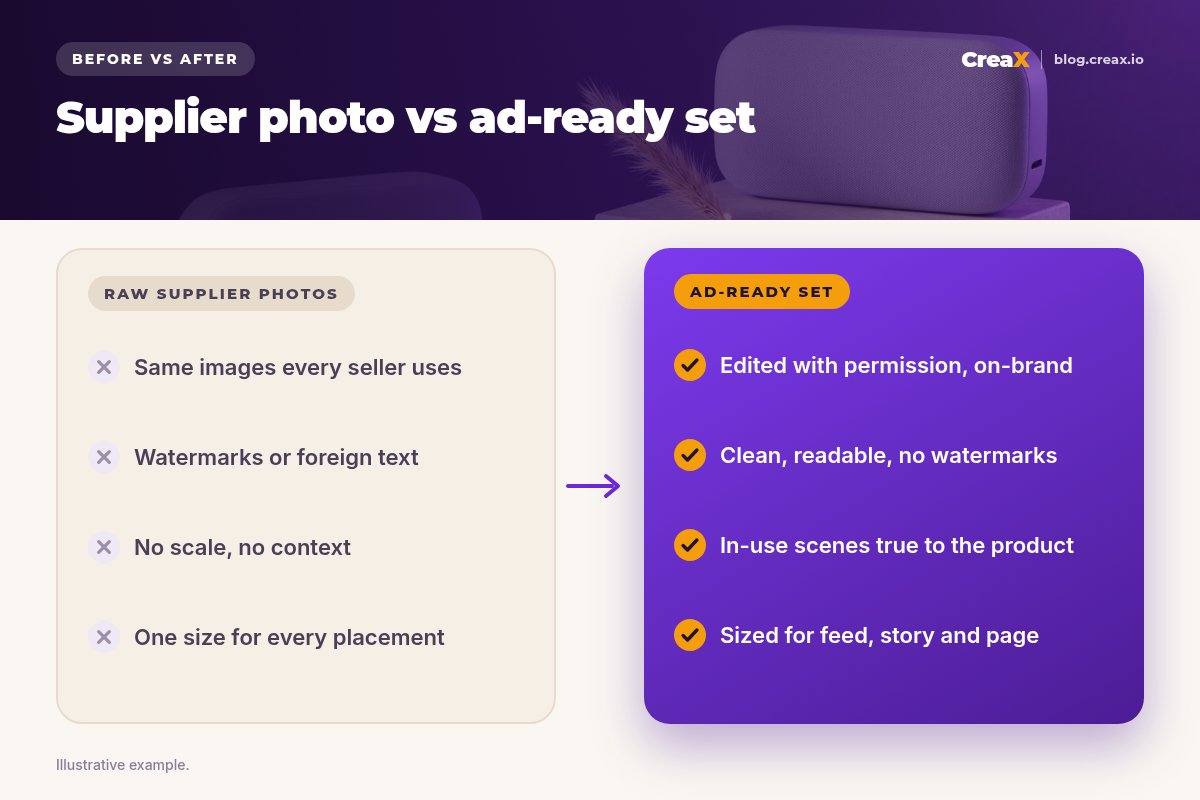
- Using raw supplier images as ads. They are the same images every competitor runs, often with watermarks or foreign text.
- Letting AI “improve” the product. A slightly nicer finish or a brighter color turns into refunds and bad reviews.
- Hiding the size. Small products photographed close up look bigger than they are. Show scale.
- Skipping the sample forever. Supplier photos are fine for a test, not for a brand you plan to grow.
- Photos that do not match the page. If the ad shows one color and the page another, buyers leave. Keep ads and page on the same images.
Before you publishChecklist you can copy
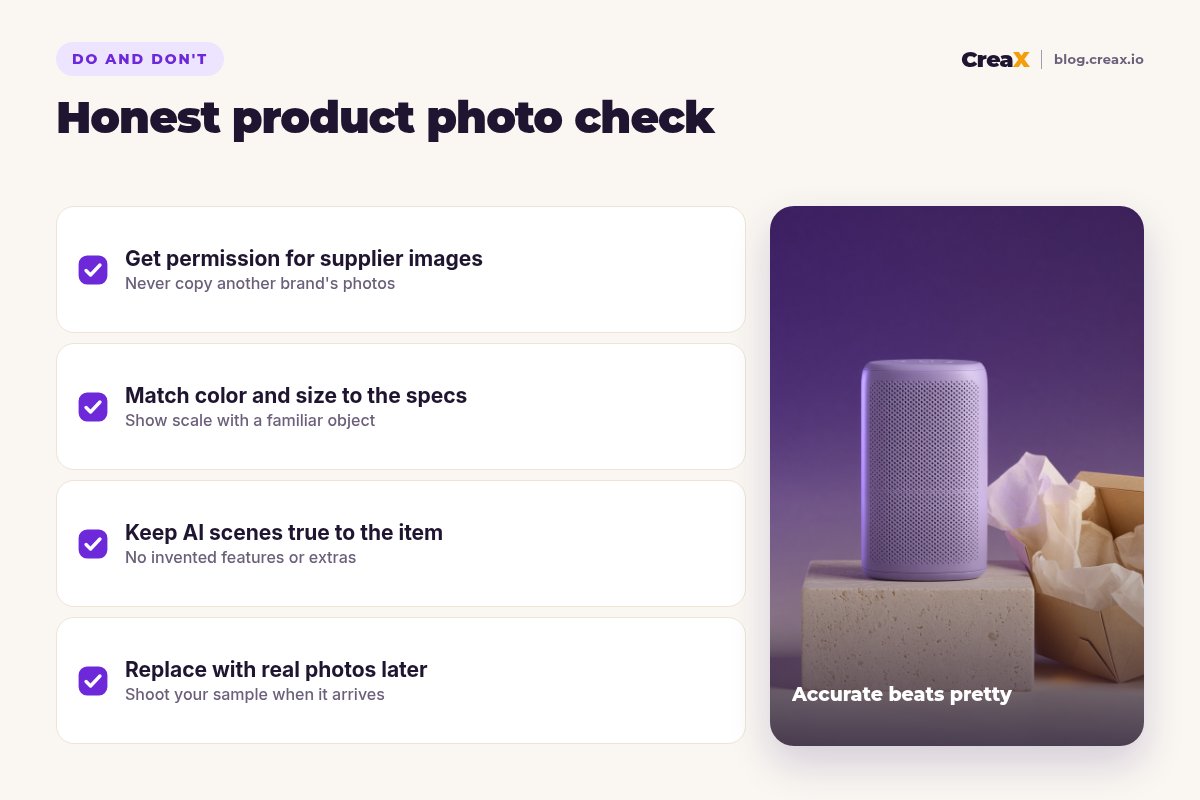
Product photos without the product: checklist
- ✓I have written permission to use the supplier's photos and videos
- ✓No watermarks, other brands' logos or foreign-language text are visible
- ✓Every image matches the real color, size, materials and box contents
- ✓At least one image shows scale with a familiar object
- ✓AI scenes keep the product unchanged and follow platform labeling rules
- ✓The ads and the landing page use the same product images
- ✓A sample is ordered, and I will replace images that differ when it arrives
Our toolHow CreaX helps (briefly)
CreaX is built for exactly this stage. Paste a product link (creax.io says you can use a link from Alibaba, AliExpress, Amazon, Etsy or any product page) or upload one product image. In about 60–120 seconds you get studio ad creatives in five ad styles and four sizes (1:1, 3:4, 4:5 and 9:16), UGC-style video ads in 18, 30 or 45 seconds, a publish-ready landing page and a multi-tenant store. Review every output against the real product, as you would with any AI tool. See how studio ad creatives work from one product photo and how to turn one product image into a week of ad tests.
Get ad-ready images before your stock arrives
One product link or image, about 60–120 seconds, and you have studio ads, UGC-style videos and a landing page to test.
FAQFrequently asked questions
Q.Can I sell a product without having it?
Q.Can I use photos from a supplier's marketplace listing?
Q.Can I use AI product images in Meta or TikTok ads?
Q.What if the sample looks different from the supplier photos?
Q.How many product photos do I need to start testing?
Q.Do I need a photographer?
Ready to test your product before it lands?
Paste a product link into CreaX and get studio creatives, UGC-style video ads and a landing page built around your real product.
This guide is published by CreaX. It is general guidance, not legal advice. Platform policies and image rights vary, so check your supplier's terms and each ad platform's current rules.