
How to Make a Pre-Order Landing Page for a New Product
How to · Pre-orders
A pre-order landing page lets you sell a new product before you hold the stock, so real orders, not opinions, tell you whether to place that big inventory order. Done badly, it creates angry customers and refund requests. This guide shows you how to set honest dates and terms, write a pre-order offer, build the page, make launch ads and follow up until the product ships.
Updated October 2026 · By the CreaX team
Key takeaways
- ✓Decide the estimated ship window, when you charge, and your cancellation and refund terms before you write anything else.
- ✓Give people an honest reason to order now: first batch, early access or a launch price your margins can support. No fake countdowns.
- ✓Put the ship window right next to the order button, label prototype images, and answer the pre-order questions in an FAQ.
- ✓Measure real pre-orders and cost per pre-order, send regular updates, and use the result to decide how much stock to buy.
In this guide
The goalWhat you'll have at the end
By the end you will have a live pre-order page for one new product: clear dates and terms, an honest offer, a page that answers the questions pre-order buyers always ask, a small set of launch ads and a plan for updates and measurement. Most importantly, you will have a way to validate demand with real money before you commit to stock.
A pre-order is a sale of a product that is not ready to ship yet. It is different from a waitlist, where people only leave an email. Both are useful: a waitlist is lighter and tells you about interest; a pre-order asks for commitment and tells you about demand.
PrepWhat you need before you start
- A realistic production timeline from your supplier or manufacturer, with some buffer for delays.
- Product photos you can show honestly. Samples or prototypes are fine if you label them; renders should be marked as renders.
- A checkout that supports pre-orders. Shopify, for example, supports pre-orders through purchase options set up with a pre-order app; other platforms use plugins or apps. Check which payment methods work with deferred or partial charges on your setup.
- Your margins worked out, so any launch price still leaves room for shipping, payment fees and ad costs.
- A way to email buyers, because a pre-order is a promise to keep people informed.
!Know the delivery rules where you sell
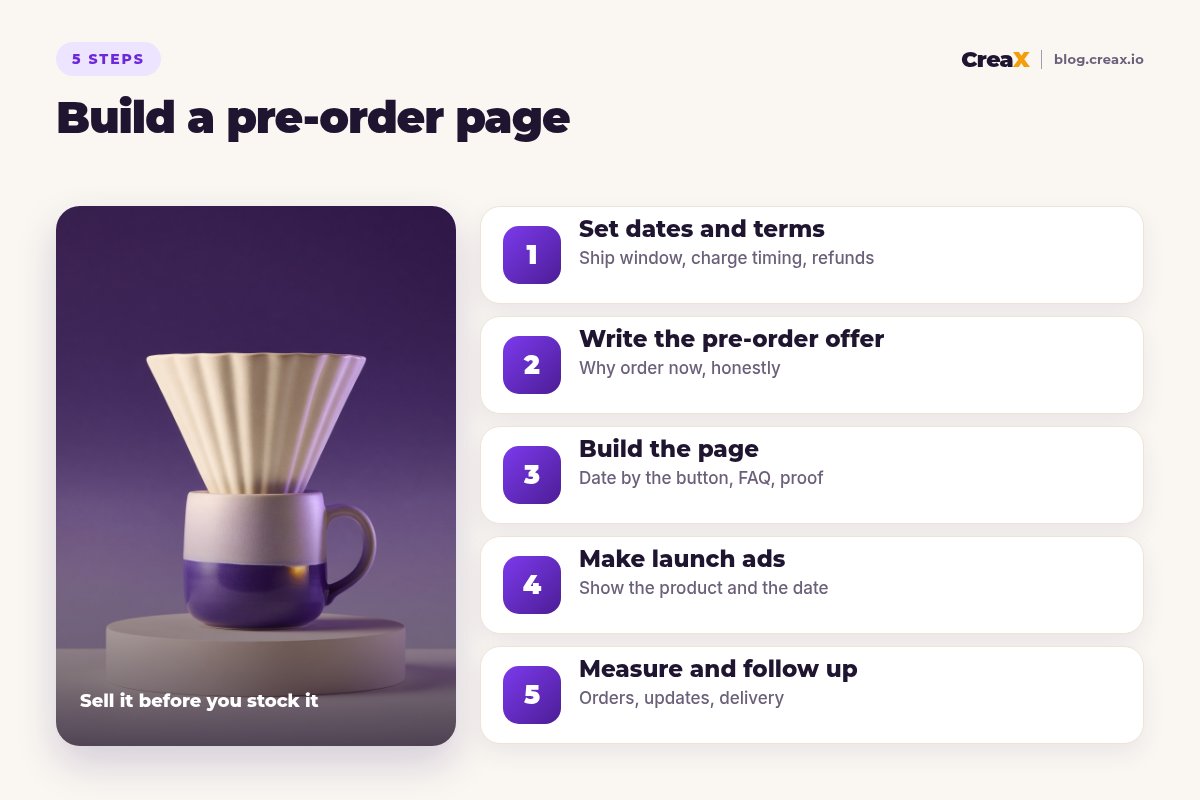
Step 1Step 1: Set dates and terms
Pre-orders go wrong when terms are vague. Decide these four things first and write them down in plain language:
| Decision | Options | What to tell buyers |
|---|---|---|
| Ship window | A month, or a date range | “Estimated to ship in [month]”, with buffer built in |
| When you charge | Full payment now, a deposit, or charge at shipping | Exactly when their card is charged and how much |
| Cancellation | Any time before shipping, or until a cut-off | How to cancel and how fast refunds arrive |
| Delays | Email updates, cancel option | What happens and how they will hear about it |
Your platform and payment provider decide which charge options are available. Test a real order before launch.
Be conservative with the date. Shipping two weeks early delights people; shipping two weeks late creates support tickets. Use a window (“estimated to ship in March”) rather than a single day unless you are certain.
Step 2Step 2: Write the pre-order offer
People need a reason to pay now for something they will receive later. Honest reasons include:
First batch access
A launch price
A small extra
Shaping the product
Then write the core message: who the product is for, the problem it solves, and why it is better than what they use now. Our guide on how to write product page copy that converts covers headlines and benefits in detail.
⚖No fake scarcity
Step 3Step 3: Build the page
A pre-order page needs everything a normal product page has, plus answers to the extra questions people ask before paying in advance. A structure that works:
- Hero: product image, one-line promise, the price and the estimated ship window next to the button. The button says “Pre-order now”, not “Buy now”.
- What it is and who it is for: the problem, the solution and the main benefits in short sections.
- Details and visuals: materials, sizes and close-ups. Label prototype or render images as such.
- How pre-ordering works: three short steps covering order, updates and shipping, plus when they are charged.
- Proof you can honestly show: the story behind the product, samples in use or press coverage if you have any. No invented reviews.
- FAQ: ship date, charge timing, cancellation, delays and returns once delivered.
- Final call to action: a repeat of the offer, price and ship window.
You can build this in your store's product page, a page builder, or a dedicated landing page. A dedicated page often works better for launches because it can focus on one product and one message; see landing page vs product page for when to use which.
Building it faster with CreaX
If you have a product image (a sample photo or a prototype shot), CreaX can turn it into a publish-ready landing page at Simple, Detailed or Advanced level in about 60–120 seconds, together with studio ad creatives and UGC-style video ads. Then edit the page so it says “pre-order”, add your ship window next to the button, and add your pre-order FAQ. The guide to turning a product link into a landing page without a designer shows the general workflow.
Turn your prototype photo into a launch kit
Upload a product image and CreaX generates a landing page, studio ads and UGC-style video ads in about 60–120 seconds. Add your dates and terms, and your pre-order is ready to test.
Step 4Step 4: Make launch ads
Launch ads for a pre-order have two jobs: make people want the product, and make it clear they are ordering something that ships later. Practical rules:
- Say “pre-order” in the ad. In the copy and, ideally, on the creative. People who click expecting next-day delivery will not convert and may complain.
- Show the product clearly. Studio shots and close-ups help people judge a product they can't hold yet.
- Lead with the problem and the idea. Why this product exists matters more at launch than a list of specs.
- Test a few angles. Different buyers respond to different reasons; see how to test ad angles for a new product.
- Never imply existing customers. With an unreleased product, avoid anything that looks like a real customer review. If you use AI-generated presenters, don't present them as buyers, and label AI content where platforms require it.
Your existing audience is often the best first traffic: email subscribers, social followers and waitlist sign-ups. Paid ads then tell you whether strangers want it too, which is the real validation.
Step 5Step 5: Measure and follow up
Decide in advance what result would justify placing the stock order. Then track:
| Metric | What it tells you |
|---|---|
| Pre-orders | Real demand: people willing to pay before the product exists |
| Cost per pre-order | Whether paid traffic can work at your price and margin |
| Page conversion rate | Whether the page and offer convince the people who visit |
| Waitlist or email sign-ups | Softer interest you can convert later |
| Cancellation requests | Whether the terms or the dates are causing doubt |
Set your own thresholds based on your costs. There is no universal “good” number.
Then keep your promise to communicate. Send a confirmation that repeats the ship window and charge timing, an update at each production milestone, and an immediate message if anything slips, with a clear way to cancel. Buyers forgive delays far more easily than silence.
★Use the waitlist as a warm audience
ExampleWorked example: a ceramic pour-over dripper
Say you designed a ceramic pour-over coffee dripper and your manufacturer quotes a production run that would take a couple of months. You don't want to pay for a large batch without proof of demand.
Dates and terms
Offer
Page
Ads
Decision
For more on testing products quickly, see how to launch a product test in 24 hours.
Watch outMistakes to avoid
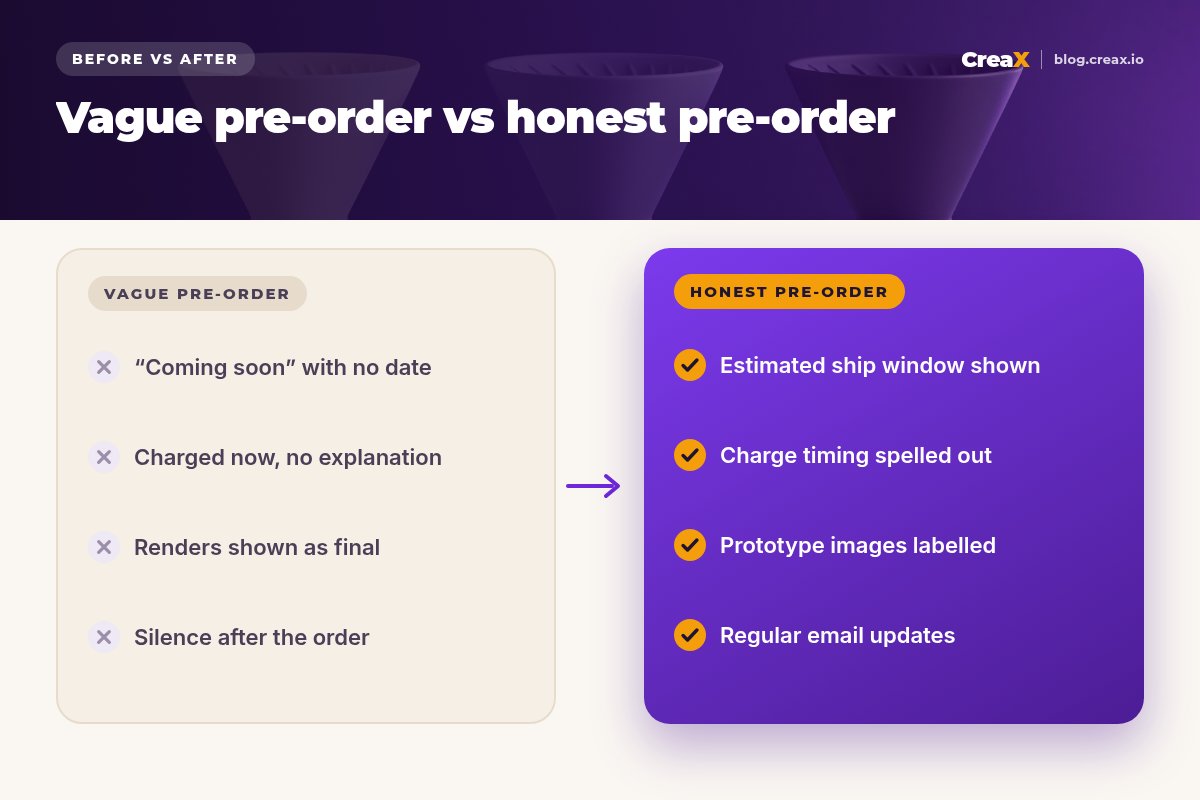
- Hiding the ship date in the small print or the FAQ only.
- Optimistic dates with no buffer for production or shipping delays.
- Unclear charging, which leads to “why was I charged?” emails and disputes.
- Showing renders as final product without saying so.
- Going silent between the order and the shipping date.
- Fake urgency that damages trust before the product even exists.
Copy thisChecklist before you launch
Pre-order page launch checklist
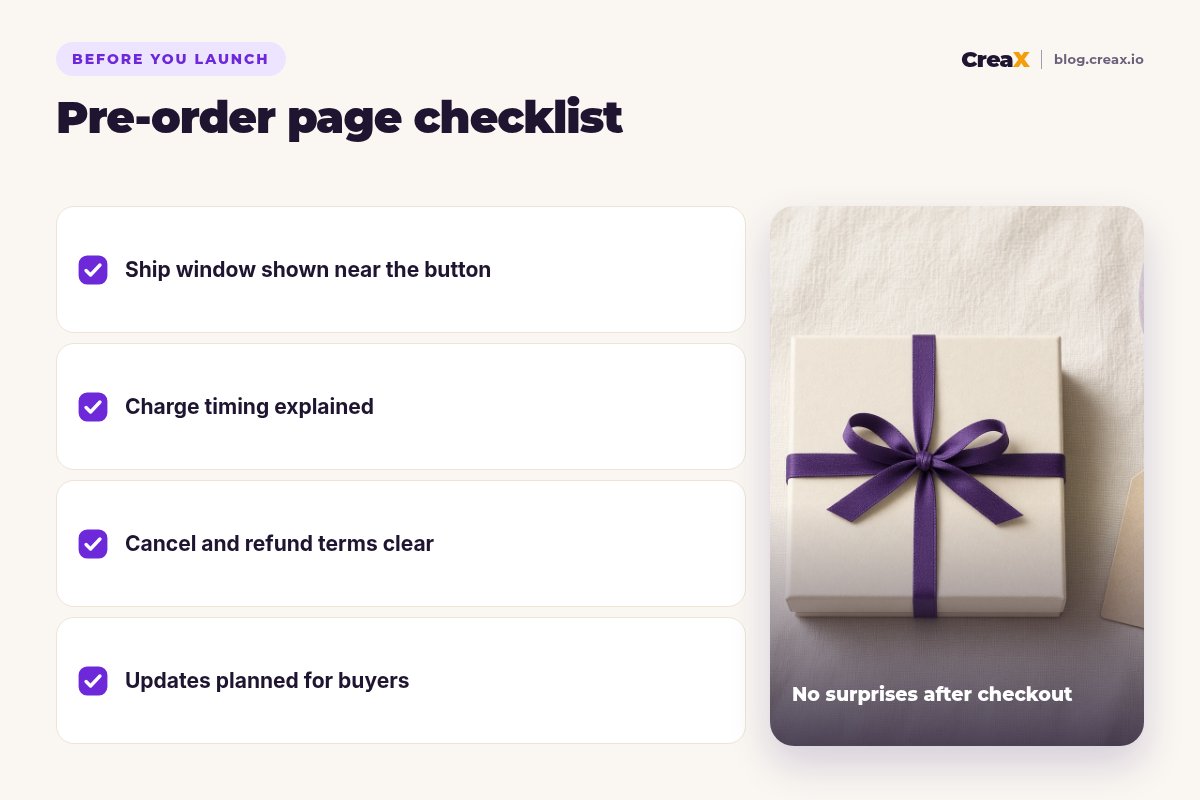
- ✓Estimated ship window next to the order button and in the confirmation email
- ✓Charge timing stated plainly on the page and at checkout
- ✓Cancellation and refund terms easy to find
- ✓Prototype or render images labelled
- ✓Pre-order FAQ covering dates, charges, delays and returns
- ✓Ads that say “pre-order” and send people to the matching page
- ✓A test order placed and refunded to check the whole flow
Get your launch page and ads ready today
One product image in, and CreaX gives you a landing page, studio ads and UGC-style video ads. Add your pre-order terms and start validating demand.
FAQFrequently asked questions
Q.What is a pre-order landing page?
Q.Should I charge customers upfront for pre-orders?
Q.What's the difference between a waitlist page and a pre-order page?
Q.How long can a pre-order period be?
Q.Can I run Facebook or TikTok ads to a pre-order page?
Q.Can I use CreaX for a product that doesn't exist yet?
Ready to validate your next product?
Build the page and the ads in about 60–120 seconds, then let real pre-orders tell you how much stock to buy.
This guide is published by CreaX. It is general information, not legal advice. Platform features and consumer rules change and differ by country, so check your store platform's documentation and the rules where you sell.