
How Media Buyers Turn One Product Image Into a Week of Ad Tests
Media buying · Creative testing
How Media Buyers Turn One Product Image Into a Week of Ad Tests
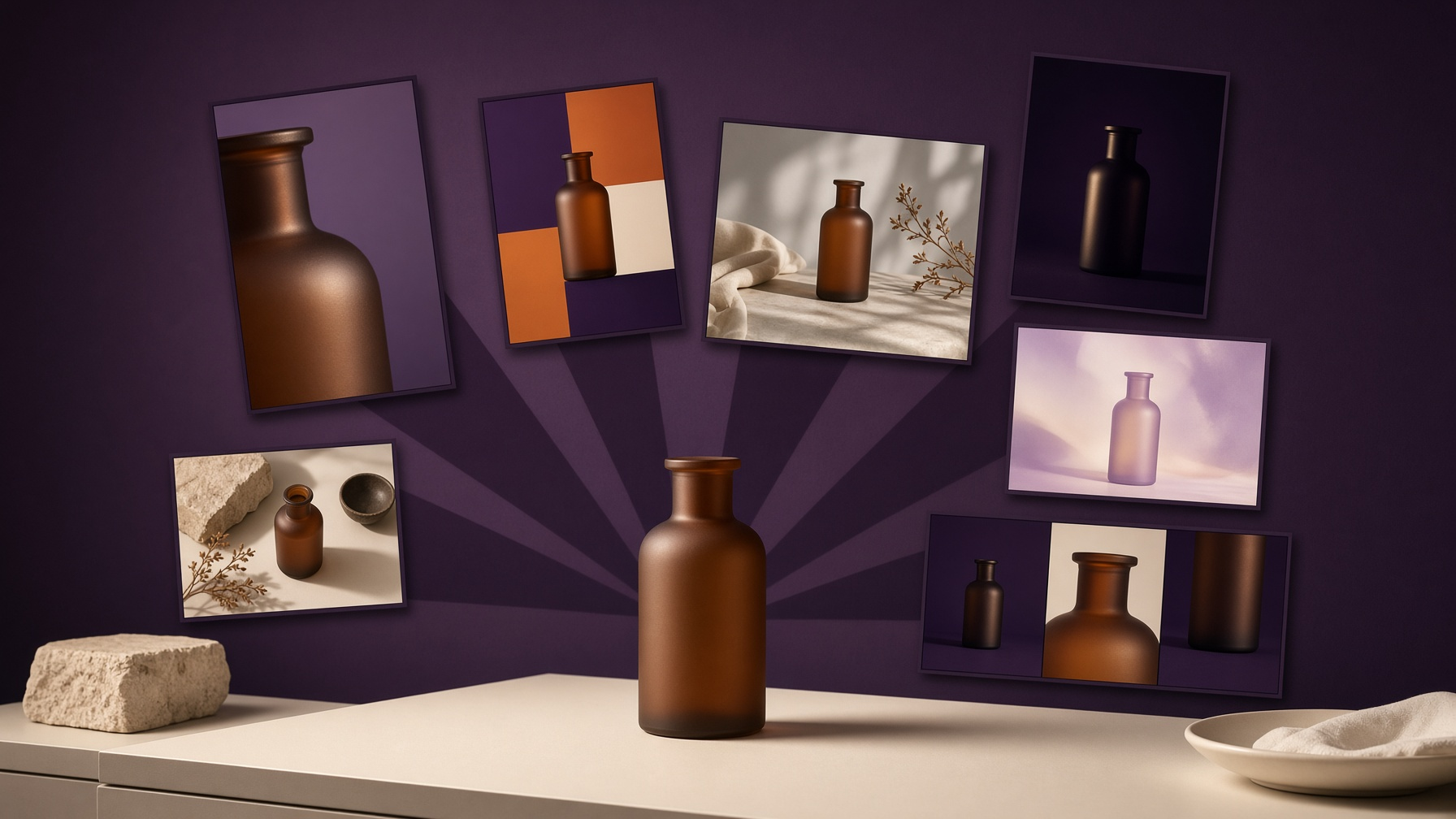
You do not need a new photoshoot every morning. One clear product image is enough to plan seven different tests, then turn that image, or the product link, into the page and the ads those tests need.
Get started See pricingDropshippers, media buyers, affiliates, and coaches all hit the same wall. The product is ready. The audience exists. The thing that stalls the week is creative: a single hero shot, reused until the account goes quiet, because making the next version feels like starting over.
A useful test changes one idea and keeps everything else still. The product stays the product. The angle changes. That is why one image can carry a week of work, as long as each day is a deliberate variation and not a resized copy of Monday.
What CreaX actually does
CreaX.io turns a product link or a product image into a landing page, studio ad creatives, UGC video ads, and a multi-tenant store in about 60–120 seconds. You still choose what to test. The tool removes the wait between “I have this photo” and “I can put a new angle live.”
Why one image is a testing asset, not a dead end
A product photo already holds the facts a buyer needs to see: shape, color, material, and how the object sits in light. Most early tests are not asking for a new object. They are asking whether a closer crop, a different backdrop, or a short product-only sequence gets the click.
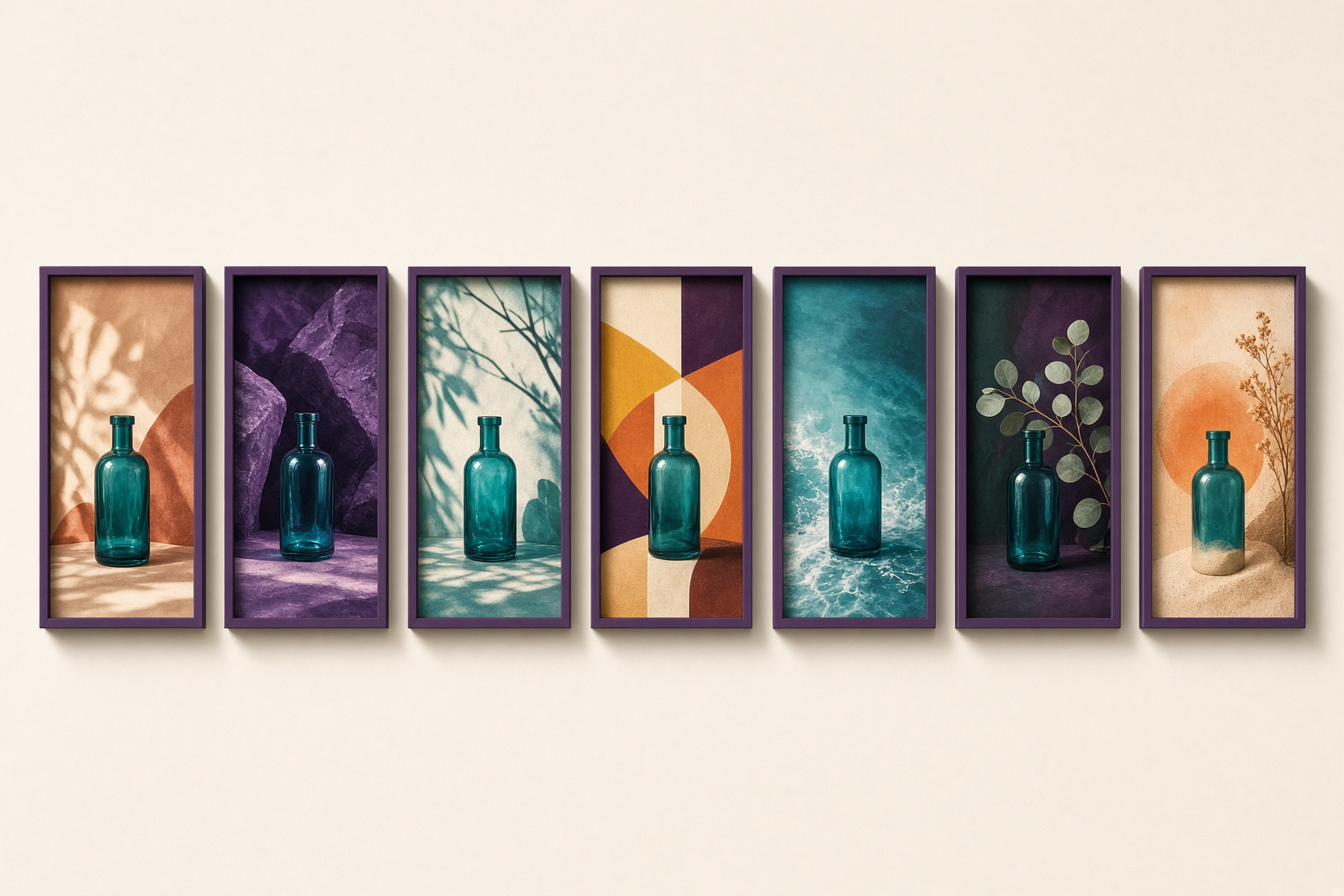
Treat the original file as the source, then plan the week as a set of compositions. Each one should be different enough that a tired thumb can tell them apart in a feed.
A seven-day map you can run from a single photo
This is a planning order, not a promise about results. Change the creative idea. Keep the offer, the audience, and the destination page steady so you can tell what moved.
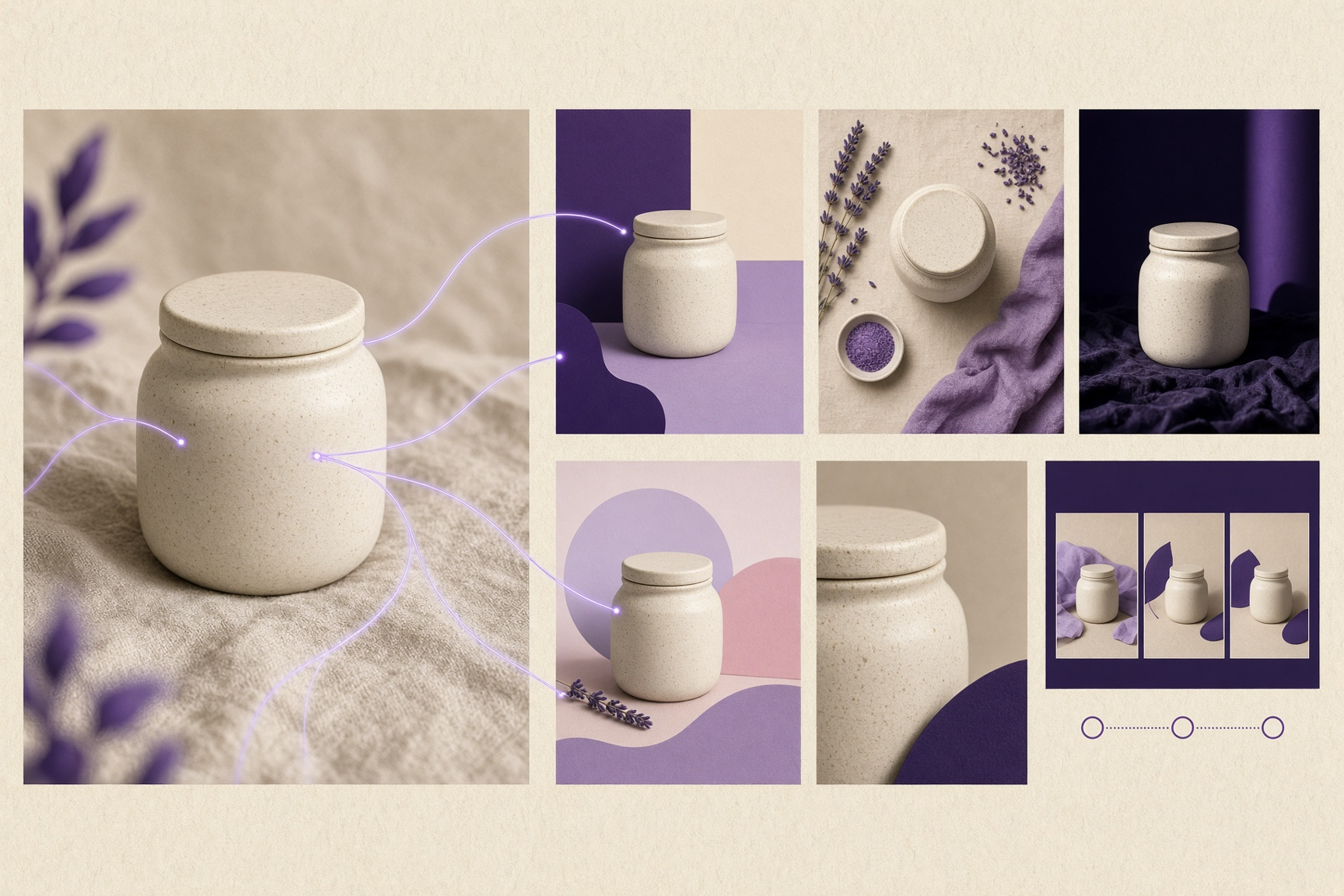
Clean hero
The product large, on a simple ground. This is the control. If a later test wins, you need this one to know what it beat.
Detail crop
Lid, texture, edge, or material, pulled in close. You are testing whether the object itself is the hook.
Still life, no people
Place the product with a few related objects: cloth, a sprig, a stone. Context without turning the ad into a lifestyle scene you cannot produce again tomorrow.
Graphic color block
Same object, flat shapes and a stronger palette. This tests whether the feed stops for contrast more than for realism.
Short product sequence
Three beats of the same item: wide, detail, hero. Use it as the spine of a UGC video ad so the motion is the variable, not a new script you cannot shoot.
Page-matched frame
Build the landing page from the same image, then make the ad look like the first screen of that page. The click should not feel like a different product.
One fresh cut of the strongest idea
Take the composition that is worth another look and change only the crop or the ground. Do not restart the whole week.
Put the page, the static ads, and the video on the same clock
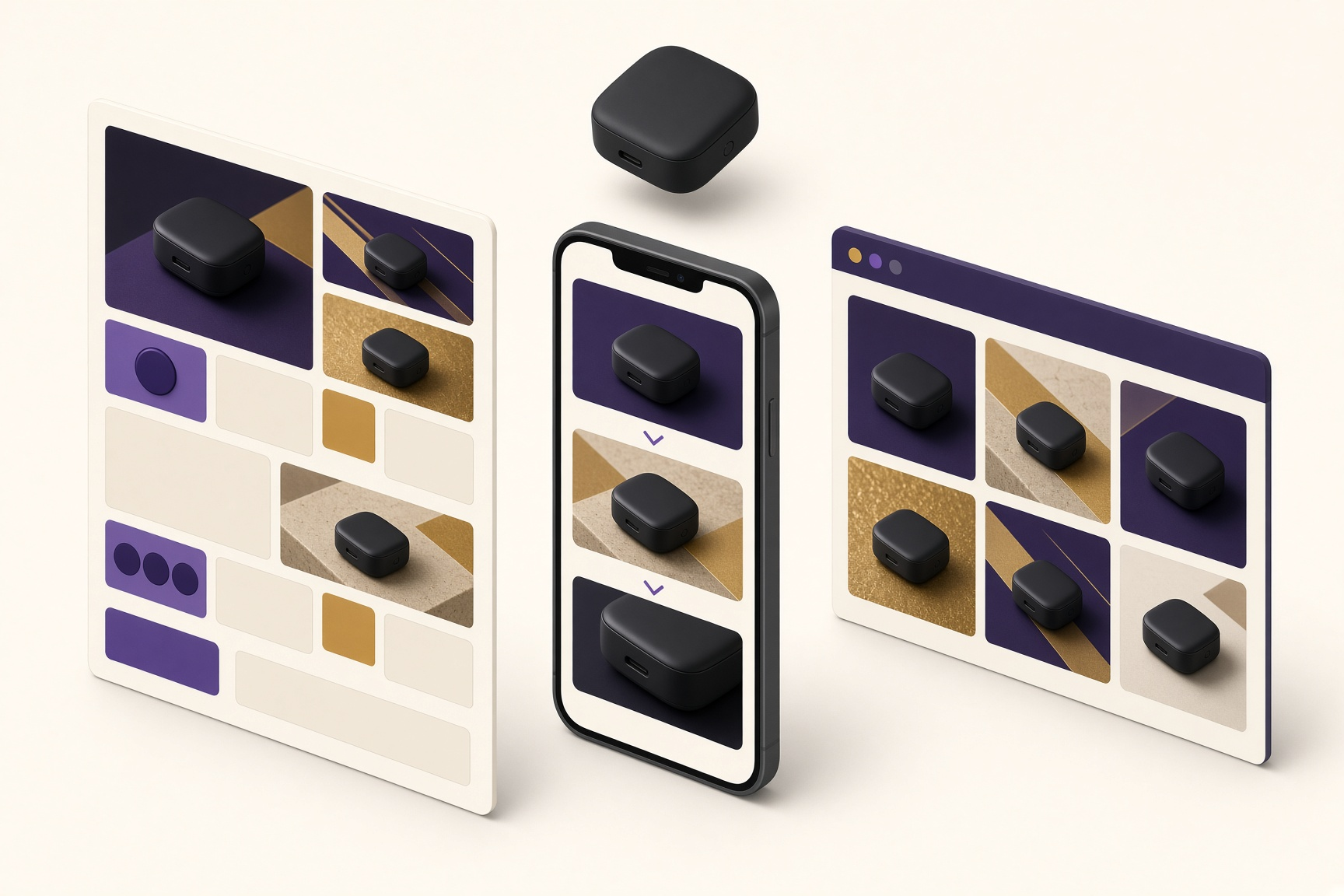
A creative test falls apart when the ad is ready on Tuesday and the page is still a blank document on Thursday. The person who clicked saw one product. The page has to be that product, with the same image language.
From a link or an image, CreaX produces four things together, in about 60–120 seconds:
Landing page
A destination that uses the product you supplied, so the ad has somewhere honest to send the click.
Studio ad creatives
Still variations you can line up as the static half of the week’s tests.
UGC video ads
Short video ads from the same source, so day five is not blocked on a creator schedule.
Multi-tenant store
A store you can stand up with the product, useful when the test needs more than a single page.
How to run the week without mixing the lesson
- Start from what you already have. Upload the product image, or paste the product link. Do not wait for a second shoot to begin the test.
- Name the seven angles before you generate. If two frames would look the same in a three-second scroll, they are not two tests.
- Generate the page with the ads. In about 60–120 seconds you have a landing page, studio creatives, UGC video ads, and, if you need it, a multi-tenant store.
- Change one variable in market. New creative, same destination, same offer. Otherwise you will not know which piece did the work.
- Retire the weak angle, keep the system. Next week starts from the same image and a sharper question, not from a blank folder.
Waiting on a new production cycle vs working from the image
| Question | A fresh production cycle | One image in CreaX |
|---|---|---|
| Starting input | A new brief, and usually a new shoot or a new edit queue | The product image you have, or the product link |
| What you can launch | Whatever files come back, then a page you still have to build | Landing page, studio ad creatives, UGC video ads, and a multi-tenant store |
| Time to a testable set | Whatever the queue takes | About 60–120 seconds |
| Next angle | Another round of the same handoff | Generate again from the same source and change the idea |
Plans, without a made-up credit story
CreaX lists five plans. The free plan includes 0 credits. Paid plans are Basic at $4.99, Standard at $14.99, Pro at $29.99, and Premium at $49.99. Pick from the pricing page rather than guessing how many generations a week will take. The product job stays the same on the way in: a link or an image, then a page, studio creatives, UGC video ads, and a store in about 60–120 seconds.
Free
$0
0 credits
Basic
$4.99
Standard
$14.99
Pro
$29.99
Premium
$49.99
Questions media buyers actually ask
Either one. CreaX turns a product link or a product image into the landing page, studio ad creatives, UGC video ads, and multi-tenant store.
How long does that take?About 60–120 seconds. That is the gap between having the asset and having something you can point traffic at, not a claim about how fast an ad will win.
Who is this workflow for?Dropshippers, media buyers, affiliates, and coaches who already have a product to show and need more than one creative before the week is over.
Does one image guarantee a winning ad?No. It gives you enough distinct tests to learn from. Keep the offer and the page steady, change the angle, and let the traffic tell you which frame is worth repeating.
What do the plans cost?Free is $0 and includes 0 credits. Basic is $4.99, Standard is $14.99, Pro is $29.99, and Premium is $49.99.
Start the week from the image you already have
Bring a product link or a product image. In about 60–120 seconds, CreaX builds the landing page, studio ad creatives, UGC video ads, and a multi-tenant store you can test against.
Get startedSign in