
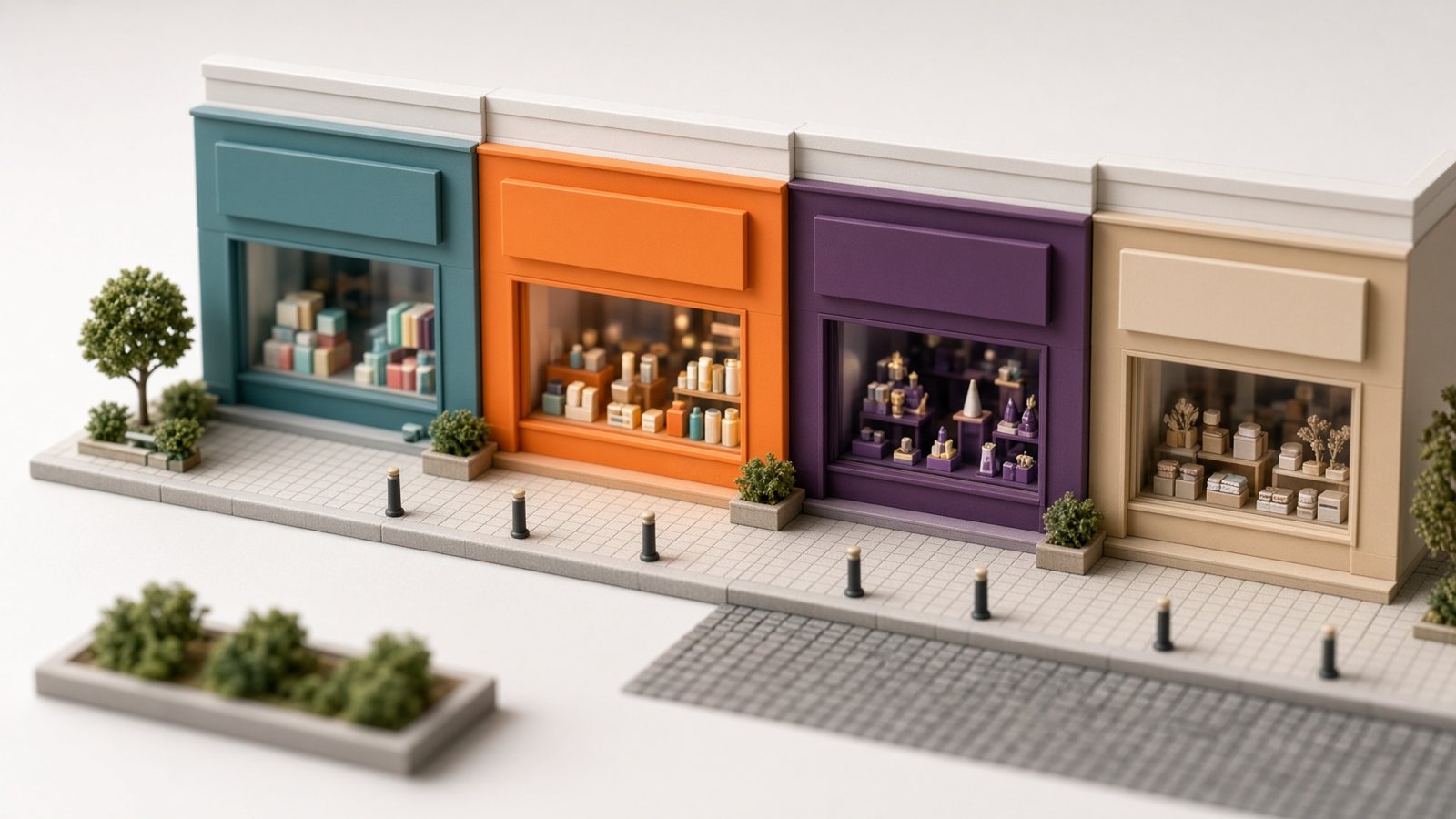
CreaX Multi-Tenant Store Explained: Launch Branded Stores for Niches or Clients
Feature explainer · Multi-tenant store
CreaX Multi-Tenant Store Explained: Launch Branded Stores for Niches or Clients
One account, many storefronts. Here is what a multi-tenant store builder actually is, why it matters if you test niches or serve clients, and how CreaX generates a store alongside the landing page and the ads from a single product link.
Updated October 2026 · About 11 min read · By the CreaX team
What you will learn
- Multi-tenant means several separate storefronts running on one platform, each with its own products and look.
- It is built for people who run more than one store: niche testers, agencies, affiliates and coaches with client or offer stores.
- CreaX generates a multi-tenant store together with a landing page, studio ad creatives and UGC video ads from one product link or image, in about 60–120 seconds.
- The win is not one fancy store. It is launching the next one without starting from zero.
Most store builders assume you have one business and one store. That is fine until you work the way many e-commerce operators actually work: testing a pet niche this week and a kitchen niche next week, running a separate branded storefront for each client, or giving every affiliate offer its own home instead of cramming it into a general store. Then every new store means another setup, another theme, another set of images, and another afternoon gone.
A multi-tenant store builder is the answer to that problem, and it is one of the four things CreaX produces from a product link. This explainer covers what the term means in plain English, who benefits, and how to use it to launch a niche store fast without building from scratch every time.
The conceptWhat is a multi-tenant store?
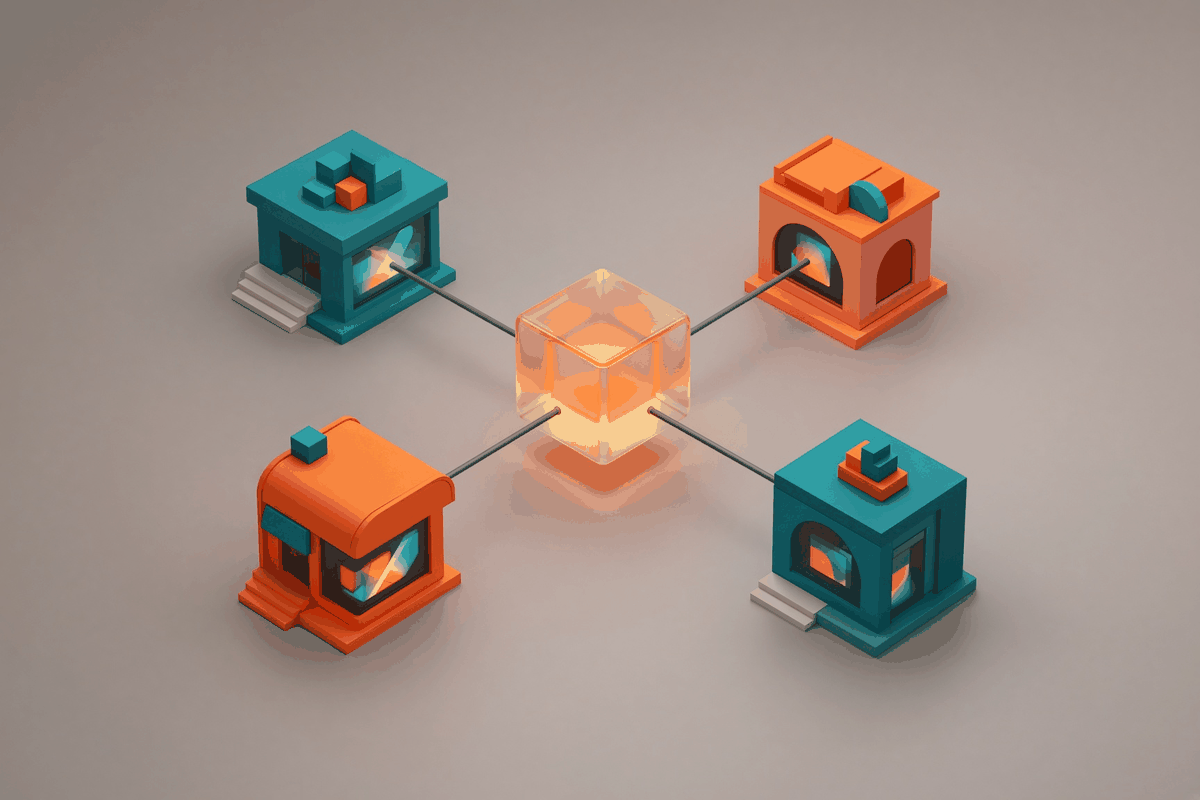
‘Multi-tenant’ is a software term. It describes a single platform that serves many separate ‘tenants’, each with its own space. Think of an apartment building: one structure, shared foundations and plumbing, but every apartment has its own door, its own furniture and its own residents.
Applied to e-commerce, a multi-tenant store builder lets you run several distinct storefronts on one platform. Each store can have its own products and its own branding, while you manage them from one place instead of juggling separate accounts and setups.
Separate storefronts
Each niche, client or offer can have its own store instead of sharing one catch-all catalogue.
Its own branding
A pet store should not look like a fitness store. Each tenant can carry the look that fits its audience.
One place to work
You create and manage stores from the same platform where you generate their pages and ads.
Use casesWho needs a multi-tenant store builder?
Dropshippers testing niches
A general store is convenient, but a shopper arriving from a dog-harness ad trusts a store that is clearly about dogs more than a store that also sells phone cases and yoga mats. Niche stores feel more credible, but they are traditionally a pain to set up. Multi-tenant makes ‘one store per niche’ a realistic way to work rather than a luxury.
Agencies and freelancers with clients
If you build stores for clients, each client needs a branded storefront that is clearly theirs. Running them as separate tenants keeps every client’s products and branding apart while you work from one platform. A store for clients becomes a repeatable deliverable rather than a bespoke project each time.
Affiliates and media buyers
When you buy traffic for several offers, sending every campaign to the same generic destination weakens each one. A dedicated store or page per offer keeps the message tight from ad to checkout.
Coaches and creators
Coaches who sell physical products or merch alongside their programmes often want a separate, branded shop for each audience or brand rather than one mixed catalogue.
CreaX.io
Your next niche store, without the setup marathon
Paste a product link into CreaX and get a multi-tenant store, a landing page, studio ad creatives and UGC video ads for it in about 60–120 seconds.
How it worksHow the multi-tenant store fits into CreaX
CreaX is an all-in-one AI e-commerce creative OS. The store is not a separate product you have to set up on its own; it is generated as part of the same kit as everything else. The flow is deliberately short:
Start from a product link or image
Paste the supplier or product page link, or upload a clean product photo.
Generate the kit
In about 60–120 seconds CreaX produces four things: a publish-ready landing page, studio ad creatives, UGC video ads and a multi-tenant store.
Give the store its identity
Make sure the store’s look and positioning fit the niche or client it serves, so it reads as its own brand.
Send traffic
Run the ads that came out of the same generation, pointing to the matching page or store, so the shopper sees one consistent story.
Repeat for the next niche or client
The next store starts the same way: a new link, a new kit, a new storefront—without rebuilding from zero.
Why generation matters here
The slow part of launching a store is rarely the store itself; it is everything around it: product images, a page that sells, and ads that match. Because CreaX generates the store with the page and the creatives, a new storefront arrives with its launch assets already in hand.
We are describing the store at the level CreaX itself does. Exact options inside the app evolve, so the best way to see the current store settings is to generate one from a product you already sell.
ComparisonMulti-tenant store vs the alternatives
There are three common ways to run more than one store. Here is how they compare in concept.
| One general store | Separate accounts per store | Multi-tenant on CreaX | |
|---|---|---|---|
| Branding per niche or client | Shared, one look for everything | Yes, but set up separately each time | Each store can have its own identity |
| Effort to launch the next store | Low, but no niche focus | High: new setup, theme and assets | Generated from a product link |
| Ads and landing page | Made separately | Made separately | Generated in the same kit |
| Where you work | One dashboard | Many logins and dashboards | One platform |
| Best for | Very early tests | Large standalone brands | Niche testers, agencies, affiliates, coaches |
A conceptual comparison to help you choose a setup, not a feature-by-feature spec.
PlaybookA practical playbook to launch a niche store fast
A multi-tenant store builder gives you speed. A playbook makes sure that speed goes somewhere useful. Here is a simple approach for testing niches or onboarding clients.
1. Define the niche in one sentence
‘Calm, practical gear for first-time dog owners’ is a niche. ‘Pet stuff’ is a category. The sentence decides your product choices, your visual style and your ad angles, so write it before you generate anything.
2. Start with a hero product, not a full catalogue
One strong product with a clear problem-solution story is enough to open a niche store. Generate its kit first; add supporting products once the hero shows signs of life.
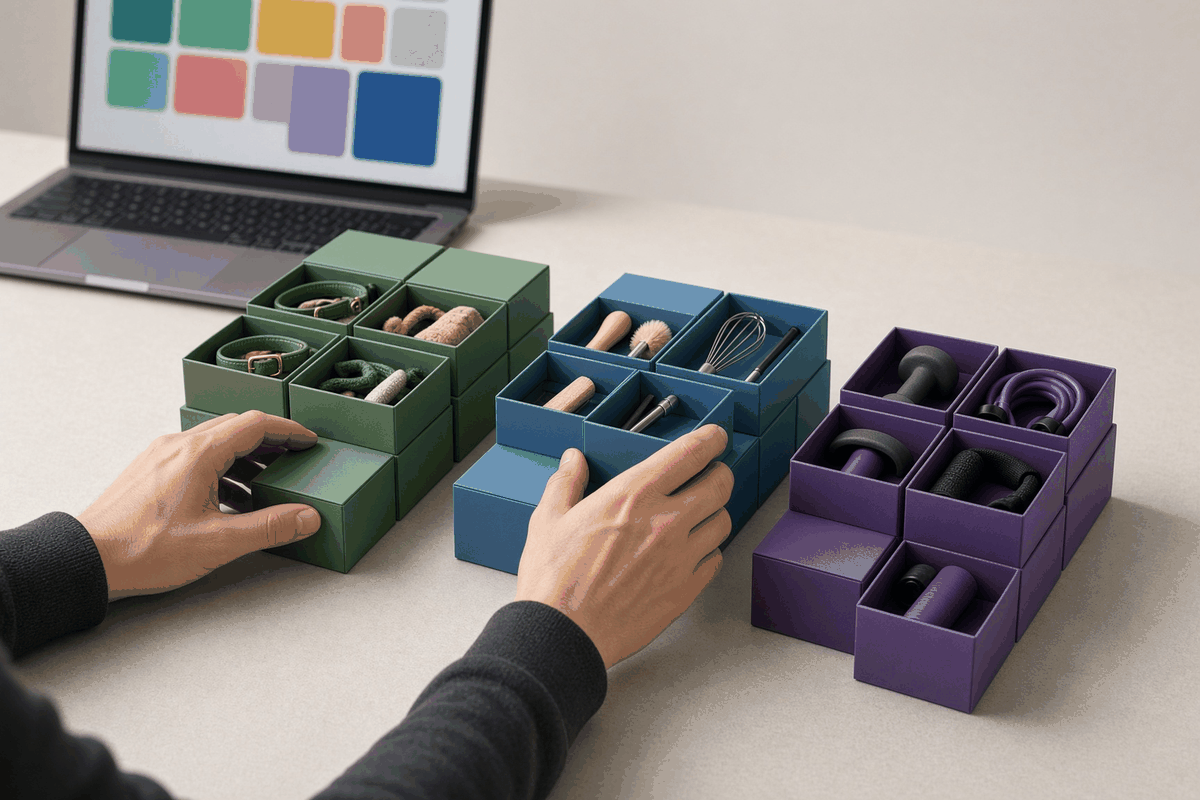
3. Keep each store visually distinct
If your stores look identical, you lose the credibility advantage of going niche. Use colour, imagery and tone that fit each audience.
4. Match the ads to the store
A niche store loses its edge if the ads feel generic. Use the studio creatives and UGC video ads generated with the store so the shopper’s first impression and the storefront feel like the same brand.
5. Decide on a review point
Before launch, decide when you will judge the niche and what result would make you continue. Then either add products and new angles, or let it go and launch the next niche from a fresh product link. Multi-tenant makes walking away cheap, which is exactly what you want when testing.
For agencies
Treat each client store as a repeatable package: a hero product, a generated page, a set of creatives and the storefront. Being able to show a client a store with matching ads in the same session is a strong way to start a relationship.
Launch checklistWhat a niche or client store needs on day one
Speed is only useful if the store you launch is ready for a real shopper. Whether it is a niche test or a client handover, check these basics before the first ad goes live.
A clear promise above the fold
Who the store is for and what problem the hero product solves, visible without scrolling on a phone.
Product images that look like one brand
Consistent backgrounds and style. Mixed supplier photos make a niche store look like a reseller. Generated studio creatives help here.
Honest shipping and returns information
Shoppers on a store they have never heard of look for this before they buy. Make it easy to find and accurate.
Ads that send people to the right place
Each ad should land on the product or page it shows, not a generic homepage.
A named owner for each store
Especially with client stores, decide who approves changes and who watches results, so nothing falls between the cracks.
None of this requires a big catalogue or weeks of design. It requires that each store feels like it knows its customer. That is the real advantage of running several focused storefronts instead of one store that tries to speak to everyone at once.
Mistakes to avoid with multiple stores
- Cloning the same store with a new name. If every store looks and reads the same, you lose the trust that comes from being specific.
- Launching too many niches at once. Spread too thin, no single store gets enough attention or budget to teach you anything. Run a few at a time.
- Letting old test stores linger. Close or pause the niches that did not work so your workspace reflects what you are actually running.
- Mixing client assets. Keep each client’s products, images and branding in their own store to avoid awkward mistakes.
CreaX plans are credit-based, so you pay for generation rather than per store setup. Start Free (0 credits), then choose a plan:
Free
$0
0 credits
Basic
$4.99
2,000 credits
Standard
$14.99
6,500 credits
Pro
$29.99
14,000 credits
Premium
$49.99
25,000 credits
Need more mid-month? Top-ups are $1 per 500 credits. Current details are always on the CreaX pricing page.
FAQMulti-tenant store FAQ
What does multi-tenant mean for an online store?
It means one platform runs several separate storefronts, or tenants. Each store can have its own products and branding, while you manage them from one place instead of separate setups.
Can I launch a niche store fast with CreaX?
Yes. Paste a product link or upload a product image and CreaX generates a multi-tenant store along with a landing page, studio ad creatives and UGC video ads in about 60–120 seconds.
Can I build stores for clients?
The multi-tenant approach suits agencies and freelancers because each client can have a distinct storefront. Generate each client’s kit from their product link and keep each store’s branding separate.
Do I still need a separate page builder?
Not to get a product live. CreaX generates the landing page and store for you. Some teams still use a page builder later to hand-tune a long-term flagship page.
Is a niche store better than a general store?
Not always, but a store clearly built for one audience often feels more credible to the shopper who arrives from a niche ad. Multi-tenant makes it practical to try both and keep what works.
How much does it cost to create a store on CreaX?
CreaX uses credits. Plans are Free ($0, 0 credits), Basic $4.99 (2,000 credits), Standard $14.99 (6,500), Pro $29.99 (14,000) and Premium $49.99 (25,000), plus $1 per 500-credit top-ups.
Launch the next one
One product link. One new storefront. Ads included.
Open CreaX, paste a product link or upload a product image, and launch a branded store with its landing page, studio creatives and UGC video ads in about 60–120 seconds.