
How to Generate a Winner UGC Video for Less Than $2 in Under 2 Minutes
The Evolution of UGC Video Production
In the fast-paced world of ecommerce, speed and cost-efficiency are the primary drivers of profitability. Traditionally, producing a winner UGC video required hiring actors, renting studios, and waiting weeks for post-production. Today, AI marketing-kit platforms like CreaX have revolutionized this workflow, allowing marketers to generate professional-grade assets in under two minutes for a fraction of the traditional cost.
By leveraging AI, you can bypass the logistical bottlenecks that typically hinder scaling. Whether you are testing a new winner product or optimizing your current ad spend, the ability to generate high-converting creative assets on demand is a competitive advantage. CreaX streamlines this by allowing you to input a product URL and instantly generate a suite of marketing materials, including UGC video ads, landing pages, and ad images.
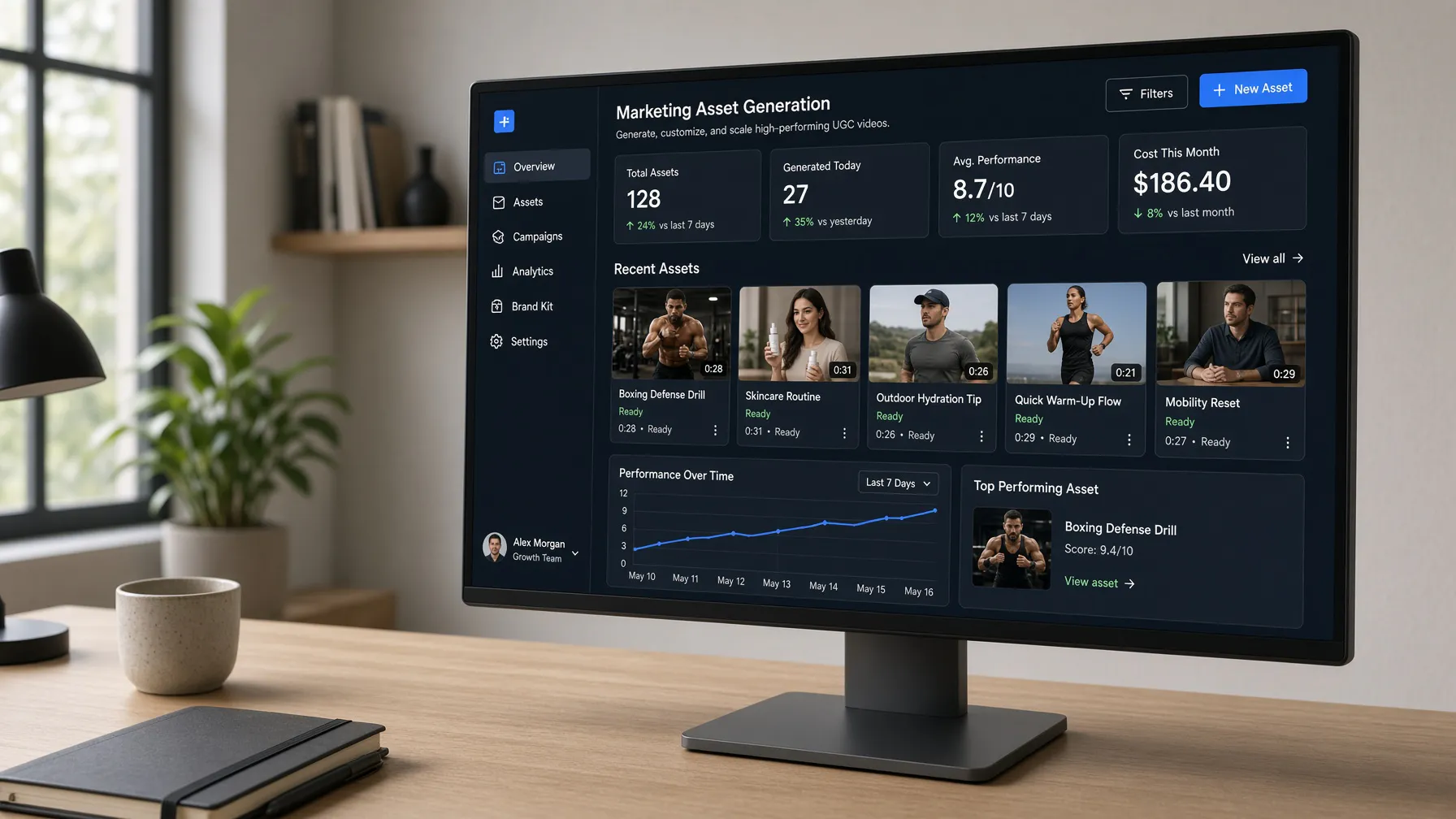
Start Creating Your UGC Video Now
Prerequisites for Your First AI-Generated Campaign
Before you begin, ensure you have your product URL ready. CreaX functions by analyzing the content of your product page to generate relevant, high-converting creative assets. Having a clear, well-structured product page will help the AI generate more accurate and compelling content.
You will also need an active subscription to CreaX. The platform operates on a credit-based system, which provides the flexibility to scale your production based on your current campaign needs. With credit top-ups available, you never have to worry about running out of resources during a high-traffic sales period.
Step 1: Setting Your Target Market and Localization
The first step in generating a winner UGC video is defining your audience. CreaX offers a robust target-country picker that allows you to tailor your assets to specific markets. You can select from 20 countries, including the United States, United Kingdom, Germany, Japan, and Brazil. Once your country is selected, the platform automatically aligns the language and currency to match your chosen region.
With support for 13 languages—such as English, Spanish, French, Japanese, and Arabic—you can easily expand your reach into international markets without needing a local translation team. This localization feature ensures that your UGC video ads feel native to the viewer, which is essential for building trust and driving conversions.
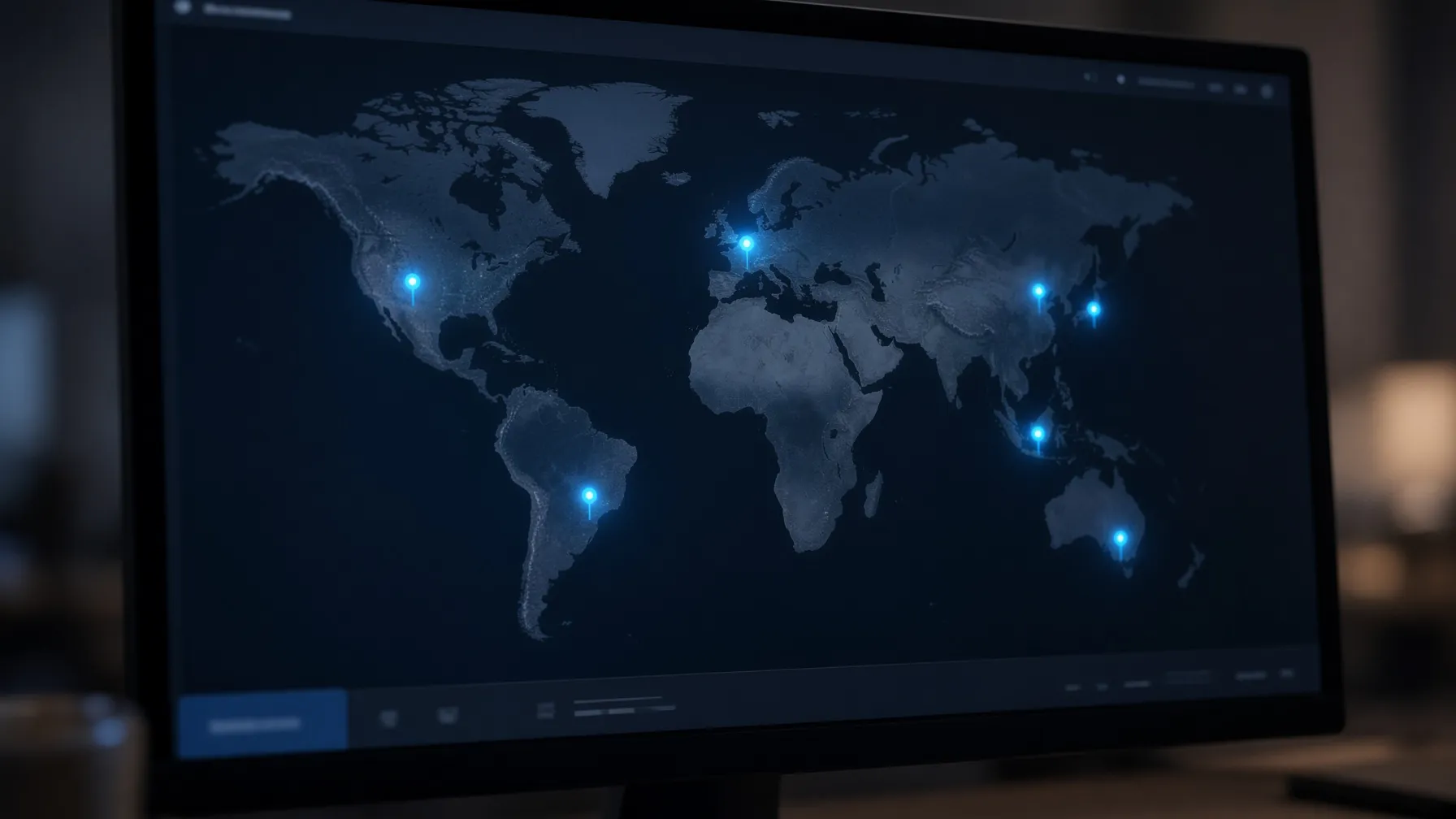
Explore CreaX Localization Features
Step 2: Generating Your Winner UGC Video
Once your market is set, it is time to generate your UGC video. Using the in-app Grok engine, you can select the duration that best fits your ad strategy. CreaX offers three distinct options: 18s (3 scenes), 30s (5 scenes), or 45s (7 scenes). These structured durations are optimized for social media platforms, ensuring your message is delivered effectively within the viewer's attention span.
The AI analyzes your product URL to craft scenes that highlight your product's unique value proposition. By focusing on the core benefits of your winner product, the generated UGC video maintains a high level of engagement. Because the process takes less than two minutes, you can test multiple variations of your video to see which hook or scene sequence performs best with your audience.
Step 3: Creating High-Converting Landing Pages
A great video ad is only as effective as the destination it leads to. CreaX allows you to generate landing pages that match the aesthetic and message of your video. You can choose from three types of landing pages: Simple (5 blocks), Detailed (6 blocks), or Advanced (7 premium 4K blocks). This allows you to match the complexity of your page to the stage of your sales funnel.
Whether you need a quick landing page for a flash sale or a detailed, high-trust page for a premium product, the AI-driven layout ensures that your conversion elements—like call-to-action buttons and product descriptions—are placed strategically. This consistency between your ad and your landing page is a key factor in reducing bounce rates and increasing your overall conversion rate.
Step 4: Designing Ad Images for Multi-Platform Success
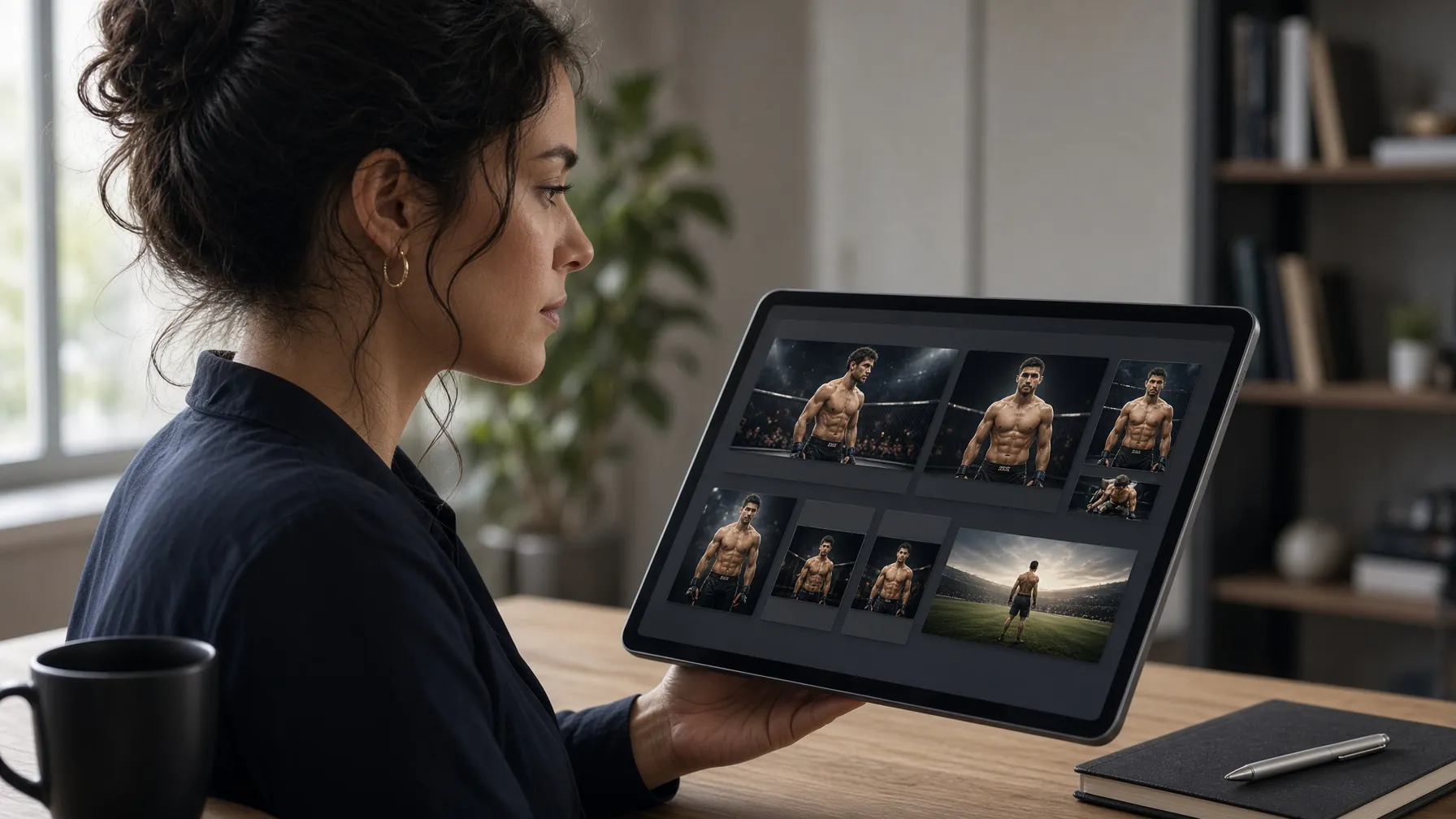
To complement your UGC video, you need high-quality ad images. CreaX provides a visual generator with multiple styles, including classic, humble-orbit, punch, luxe, and metaads. These styles allow you to tailor the look of your ads to fit your brand identity.
You can generate images in various aspect ratios, including 1:1, 3:4, 4:5, and 9:16, ensuring your creative is perfectly formatted for platforms like Instagram, Facebook, and TikTok. By generating a full set of ad images alongside your video, you create a cohesive brand experience that reinforces your message across every touchpoint.
Step 5: Reviewing and Publishing Your Assets
After your assets are generated, the final step is to review and publish. CreaX provides a seamless interface where you can download your UGC video, landing pages, and ad images directly. Because the entire process—from product URL input to final asset generation—takes less than two minutes, you can pivot your strategy in real-time based on performance data.
If you find that a specific video hook or image style is performing exceptionally well, you can quickly generate variations or scale your production for other products in your catalog. This speed is what allows marketers to maintain a consistent output of fresh, high-quality creative without the overhead of traditional production costs.
Checklist for a Successful CreaX Campaign
- Ensure your product URL is live and accessible.
- Select the correct target country from the 20 available options.
- Choose the appropriate language and currency for your target market.
- Select the UGC video duration (18s, 30s, or 45s) based on your ad platform.
- Choose the landing page complexity that fits your conversion goal.
- Select an ad image style that aligns with your brand aesthetic.
- Download and deploy your assets across your ad channels.