
How Many Landing Pages Should You Test per Product?
FAQ · Landing page testing
How many landing pages should you test per product? For most sellers the honest answer is two or three versions at a time, each built around one big idea, and only once your ads are bringing clicks. This FAQ covers when page tests are worth it, what to change between versions, how much traffic you need, and when to stop.
Updated October 2026 · By the CreaX team
Key takeaways
- ✓Start with two or three page versions per product, not ten. Each extra version splits your budget and slows the answer.
- ✓Change one big thing per version: the headline promise, the offer, the page length or the proof. Button colors rarely decide a test.
- ✓Test pages when ads get clicks but the page doesn’t convert. If nobody clicks, fix the creative first.
- ✓Decide your success metric and stop rule before launch: usually cost per purchase, judged against your break-even.
In this guide
AnswerThe short answer
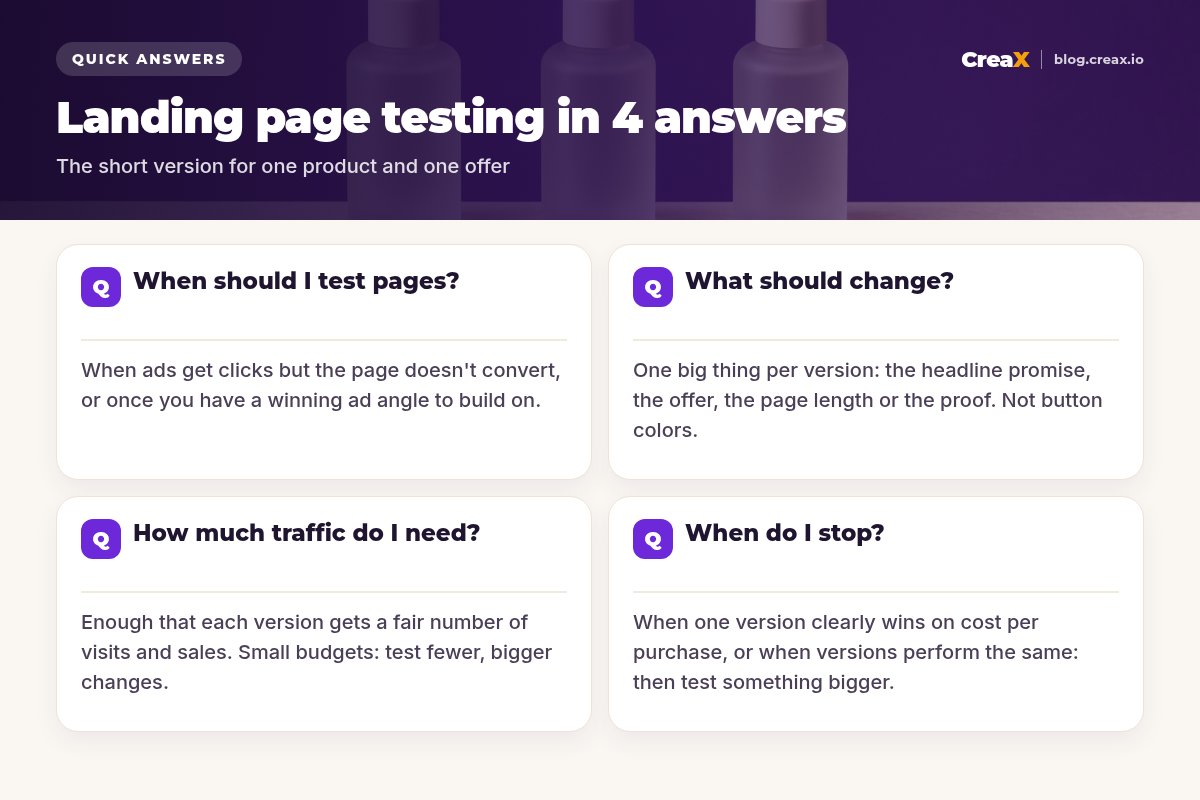
Test two or three landing pages per product at a time. Make each one a genuinely different idea, send them the same ads and audience, and judge them on cost per purchase. When one clearly wins, keep it as your new control and test the next big idea against it.
Why not more? Every version you add divides your traffic. With a small budget, five pages means each one gets a fraction of the visits, and you may never see a clear difference. Two strong, different versions give you a usable answer sooner.
| Situation | How many pages | Why |
|---|---|---|
| New product, first test | 1 page | First find out if any ad angle gets clicks; test the product, not the page |
| Ads get clicks, few sales | 2–3 pages | The page is now the bottleneck; test big ideas |
| One page clearly winning | Winner + 1 challenger | Keep the control, test the next idea against it |
| Large budget, several angles | 1 page per angle | Match each page to its ad's promise |
A practical starting point, not a rule. Adjust to your budget and traffic.
TimingWhen should I test pages?
Test landing pages when the page is the bottleneck. The clearest sign: your ads earn a healthy click-through rate, but visitors don't add to cart or buy. If your ads don't get clicks in the first place, a better page won't help, because nobody sees it. Fix the creative first; our guide to Facebook ads that aren’t converting covers the creative side.
Page tests also make sense when:
- You found a winning ad angle and want a page built specifically around that promise.
- You changed the offer: a bundle, a new price or a guarantee deserves its own test.
- Traffic comes from a new source: TikTok visitors may need a different page than Meta or search visitors.
- Your page has never been tested and it's the same template you use for every product.
iAds first, pages second
VariablesWhat should change between versions?
Change the things that change a buyer's decision. These are the big levers, roughly in the order we'd test them:
- The headline promise: “sleep better tonight” vs “wake up without a stiff neck”. Match it to the ad that sends the traffic.
- The offer: single unit vs bundle, a real discount vs free shipping, a guarantee vs none.
- Page length and structure: a short page with one image and a button vs a long page with demos, FAQs and proof.
- The proof: real reviews up top vs a product demo video up top vs a comparison table.
- The hero visual: studio product shot vs product in use vs a short video.
Small cosmetic changes such as button color, font or icon style rarely move results enough to measure on a small budget. Save them for when you have lots of traffic. For what a strong page includes in the first place, see our FAQ on what makes a high-converting product page.
Get two page versions without building twice
CreaX turns a product link into a publish-ready landing page in about 60–120 seconds, with studio creatives and UGC-style video ads to match.
BudgetHow much traffic do I need?
There's no universal number, and anyone who quotes one without knowing your conversion rate and prices is guessing. What matters is that each version gets enough visits and purchases that the difference isn’t just luck. A practical way to plan:
Know your break-even cost per purchase
Set a budget per version
Use fewer versions on small budgets
Use your ad platform's split testing
!Don't call it after a handful of sales
DecideWhen do I stop a page test?
Stop when one of these happens:
- A clear winner: one version has a meaningfully lower cost per purchase after each version reached the budget you set. Make it your control.
- A flat result: versions perform about the same. That's useful: the change didn't matter. Test something bigger next time.
- A clear loser: one version burns money with no sales well past your break-even. Cut it early.
- Something changed: you edited the ads, audience or offer mid-test. The test is broken; restart it cleanly.
After stopping, write down what you tested and what happened. That note is the real value of the test: it tells you which kinds of changes matter for your products.
Worked example: a skincare serum
Say you sell a hydrating face serum. Your best ad, built around “plump, dewy skin by morning”, gets plenty of clicks, but the page converts poorly. Here's a clean way to test:
| Version | The one big idea | Everything else |
|---|---|---|
| A (control) | Your current page: generic headline, single bottle at full price | Same ads, audience, budget |
| B | Headline repeats the ad promise: “Plump, dewy skin by morning” | Same ads, audience, budget |
| C | Same as A, but the offer becomes a two-bottle bundle with a real saving | Same ads, audience, budget |
Illustrative example. B tests the promise, C tests the offer; each changes one big thing against A.
If B wins, message match was the problem, and the next test might try the bundle on top of B's headline. If C wins, the offer mattered more than the words. If nothing wins, the issue may be the product, the price or the traffic, and that's worth knowing before spending more.
MistakesCommon mistakes to avoid
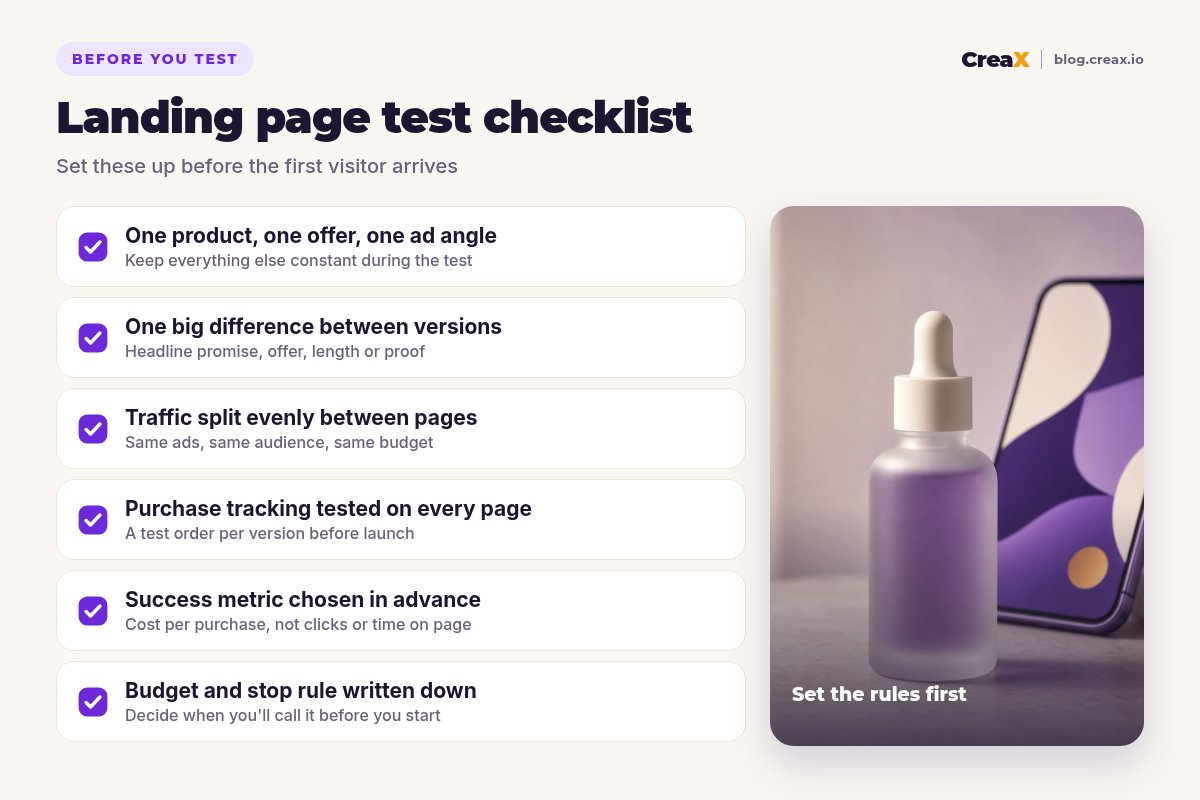
- Testing too many pages at once. Budget spread thin, no clear answer.
- Changing several things between versions. A new headline, offer and layout together: you won't know which one worked.
- Changing the ads mid-test. Different ads bring different visitors.
- Judging on clicks or time on page. The goal is purchases at a profitable cost.
- Broken tracking on one version. One page looks like it never converts because the pixel isn't firing.
- Never testing again. A winner is just the new control.
Copy thisChecklist you can copy
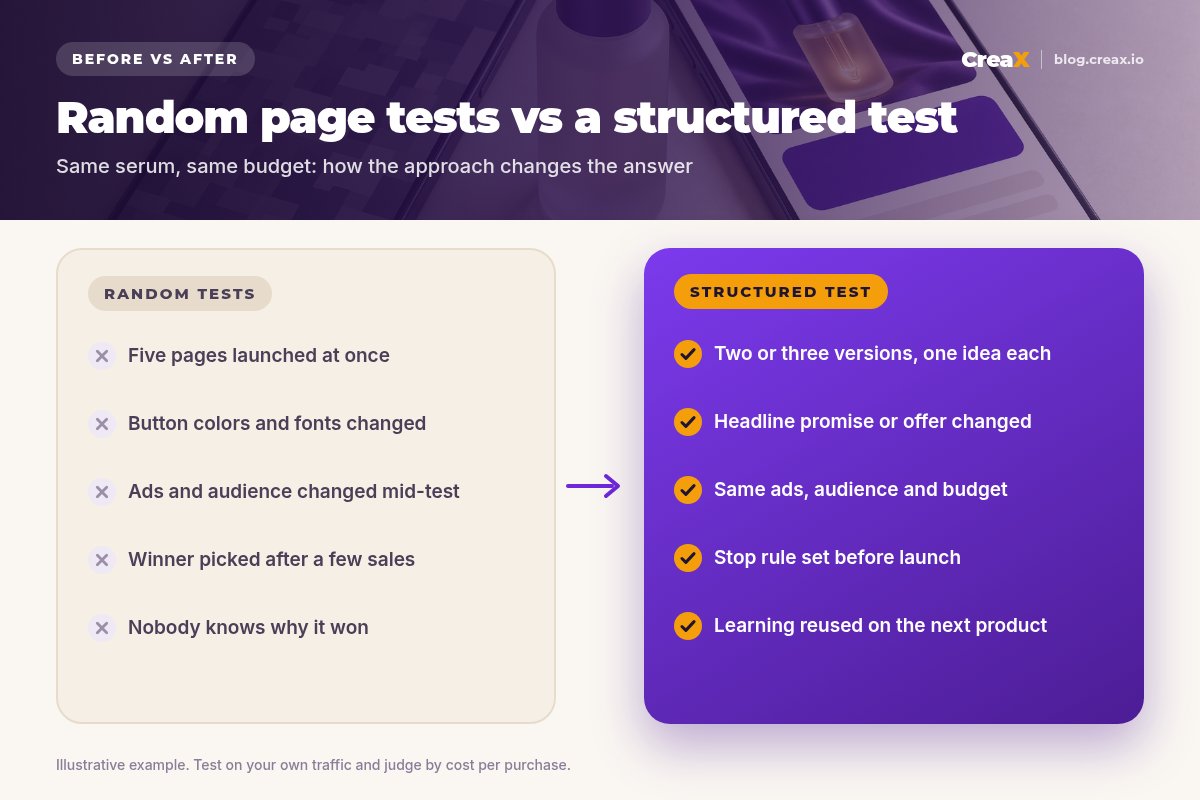
Before you launch a page test
- ✓Ads already get clicks; the page is the bottleneck
- ✓Two or three versions, each built around one big idea
- ✓Same ads, audience and budget for every version
- ✓Purchase tracking tested with a real order on each page
- ✓Success metric chosen: cost per purchase vs break-even
- ✓Budget per version and stop rule written down
- ✓Results and learning recorded after the test
CreaXHow CreaX helps (briefly)
The slowest part of page testing is usually building the versions. CreaX turns a product link or image into a publish-ready landing page in about 60–120 seconds, so creating a second or third version around a different promise or offer doesn't mean starting from scratch. It also generates studio ad creatives and UGC-style video ads from the same product, so each page can have ads that repeat its promise. You still choose the big idea for each version and check every claim. Our walkthrough on turning a product link into a landing page shows the flow.
Build your next page test in minutes
Paste a product link and get a landing page, studio creatives and UGC-style video ads, then test versions built around different promises.
FAQFrequently asked questions
Q.Is A/B testing landing pages worth it for small stores?
Q.Should every ad angle have its own landing page?
Q.Can I test a landing page against my product page?
Q.How long should a page test run?
Q.What if both pages perform the same?
Q.Do I need special software for split testing?
Ready to run a cleaner page test?
One product link, about 60–120 seconds: a landing page, studio creatives and UGC-style video ads from the same product story.
This guide is published by CreaX. It contains general testing practices, not guaranteed results, and no invented statistics. Results depend on your product, offer, traffic and tracking.