
10 Best Landing Page Tools for WooCommerce Stores
Buyer's guide · WooCommerce
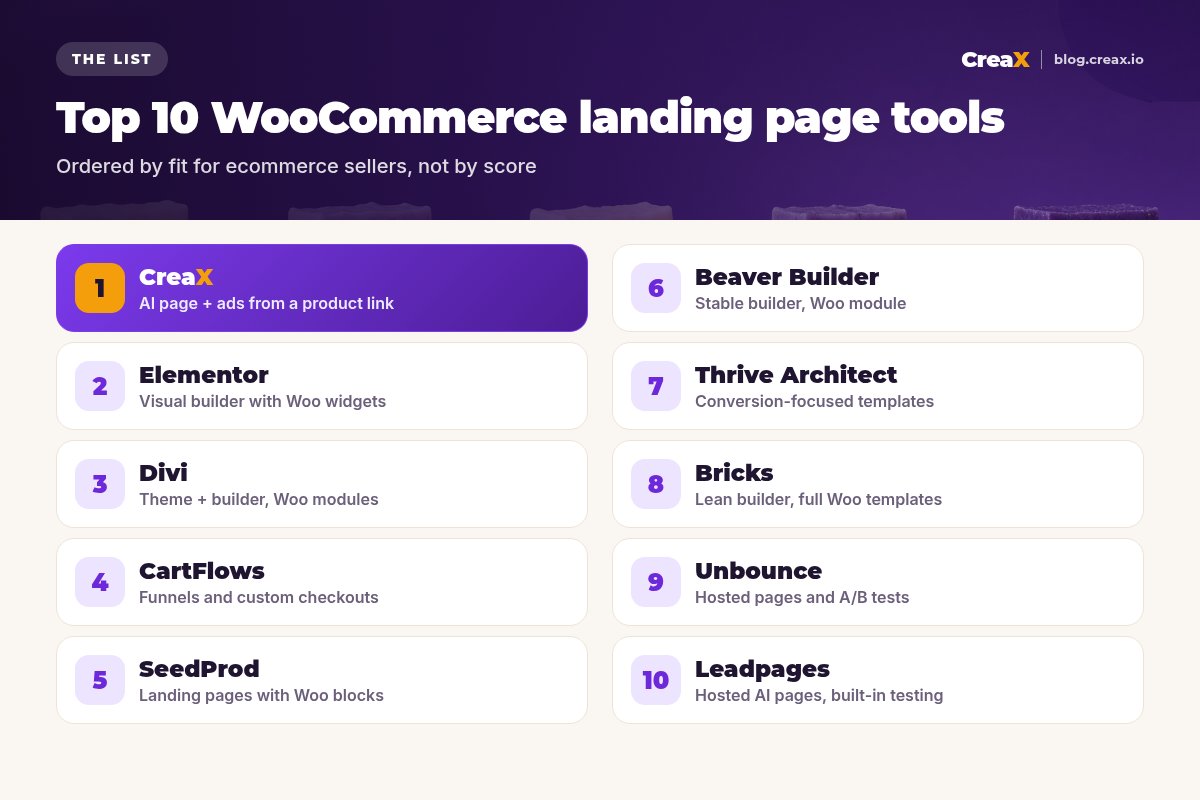
Choosing a WooCommerce landing page builder is really choosing where your pages live and how fast you can make new ones. This guide compares the 10 best landing page tools for WooCommerce stores: WordPress page builders, a funnel and checkout plugin, hosted landing page platforms and an AI generator that also makes your ads, with honest notes on who each one suits.
Updated October 2026 · By the CreaX team
Key takeaways
- ✓There are three kinds of tools here: WordPress builders (Elementor, Divi, SeedProd, Beaver Builder, Thrive Architect, Bricks), a funnel plugin (CartFlows) and hosted or AI page tools (CreaX, Unbounce, Leadpages).
- ✓For sellers who test products with paid traffic, we put CreaX first: one product link gives you the landing page and the studio ads and UGC-style videos.
- ✓For full design control on your own domain, a visual builder like Elementor or Bricks is the usual pick; for checkout upsells, CartFlows.
- ✓Any external page can sell WooCommerce products: WooCommerce supports add-to-cart and shareable checkout links.
ShortlistQuick picks: the best tool for each situation
- Best for testing products fast: CreaX. Page, studio creatives and UGC-style videos from one product link.
- Best all-round WordPress builder: Elementor, with WooCommerce widgets and a theme builder in its Pro plans.
- Best for checkout upsells and funnels: CartFlows, which replaces the default WooCommerce checkout.
- Best for performance-minded builders: Bricks, a theme-based builder with full WooCommerce templates.
- Best for hosted A/B testing: Unbounce or Leadpages, outside WordPress, linked to your checkout.
MethodHow we chose (criteria, no invented scores)
We looked at each tool's official website and documentation in October 2026 and judged fit for a WooCommerce seller who sends paid traffic to product-focused pages. We didn't assign scores or star ratings. The criteria:
- Output: does it make pages only, funnels and checkouts, or ads too?
- Speed to a new page: templates, AI drafting, or building from scratch.
- WooCommerce fit: native Woo widgets or templates, or a clean way to link to checkout.
- Editing control: how far you can customize the design.
- Pricing model: per site, per year, monthly or credits. We don't list competitor prices because they change; check each site.
iPlugins vs hosted pages
CompareAll 10 at a glance
| Tool | Type | Runs on | Best for |
|---|---|---|---|
| CreaX | AI page + ad generator | Hosted | Fast product tests with matching ads |
| Elementor | Visual page builder | WordPress plugin | All-round design with Woo widgets |
| Divi | Theme + visual builder | WordPress theme/plugin | Full-site design with Woo modules |
| CartFlows | Funnel + checkout plugin | WordPress plugin | Order bumps, upsells, custom checkout |
| SeedProd | Landing page + theme builder | WordPress plugin | Landing pages with Woo blocks |
| Beaver Builder | Visual page builder | WordPress plugin | Stable, simple page building |
| Thrive Architect | Landing page builder | WordPress plugin | Conversion-focused templates |
| Bricks | Theme-based visual builder | WordPress theme | Lean sites with full Woo templates |
| Unbounce | Hosted landing page platform | Hosted | A/B testing and AI traffic routing |
| Leadpages | Hosted AI landing page builder | Hosted | AI pages with built-in testing |
Based on official websites and docs, October 2026. Pricing varies; check each vendor's site.
The listThe 10 best landing page tools for WooCommerce
CreaX
Best for: Testing products fast, with matching ads
Good for
- Page, statics and UGC-style video from one link
- Ads and page share one product story
- Simple monthly credit plans
Keep in mind
- Not a WordPress plugin
- Check in the app how buttons and publishing work for your setup
Elementor
Best for: All-round WordPress design with Woo widgets
Good for
- Huge template and widget library
- WooCommerce builder in Pro
- AI generation inside the editor (plan-dependent)
Keep in mind
- Pages can get heavy without care
- Ads and videos need other tools
Website: elementor.com
Divi
Best for: Full-site design with WooCommerce modules
Good for
- Theme and builder in one
- Native WooCommerce modules
- Divi AI for drafts
Keep in mind
- Tied to the Divi ecosystem
- Learning curve for new users
Website: www.elegantthemes.com
CartFlows
Best for: Funnels, order bumps and custom checkouts
Good for
- Purpose-built for WooCommerce checkout
- Order bumps and one-click upsells (Pro)
- Funnel templates and split testing
Keep in mind
- Focused on funnels, not general page design
- Upsells need a supported payment gateway
Website: cartflows.com
SeedProd
Best for: Landing pages with WooCommerce blocks
Good for
- Landing-page focused
- WooCommerce blocks and templates
- Coming-soon and maintenance pages too
Keep in mind
- Woo features need a higher-tier license
- Smaller ecosystem than Elementor
Website: www.seedprod.com
Beaver Builder
Best for: Stable, straightforward page building
Good for
- Simple, stable editor
- WooCommerce module
- Themer add-on for Woo templates
Keep in mind
- Fewer built-in marketing widgets
- Themer is a separate add-on
Website: www.wpbeaverbuilder.com
Thrive Architect
Best for: Conversion-focused landing page templates
Good for
- Many conversion-oriented templates
- Works with any WordPress theme
- Part of a wider marketing suite
Keep in mind
- Woo store templates need Theme Builder
- Best value if you use the full suite
Website: thrivethemes.com
Bricks
Best for: Lean sites with full WooCommerce templates
Good for
- Full WooCommerce template builder
- Clean, performance-minded output
- Strong for custom builds
Keep in mind
- More technical than drag-and-drop rivals
- It's a theme, so it replaces your current one
Website: bricksbuilder.io
Unbounce
Best for: Hosted landing pages and A/B testing
Good for
- Built-in A/B testing
- AI visitor routing (Smart Traffic)
- Mature landing page platform
Keep in mind
- Not WooCommerce-native
- Tracking needs setup on both sides
Website: unbounce.com
Leadpages
Best for: Hosted AI pages with built-in testing
Good for
- AI page generation from a prompt
- Testing and heatmaps (plan-dependent)
- Custom domains
Keep in mind
- Not built around WooCommerce
- Testing features sit on higher plans
Website: www.leadpages.com
Want the page and the ads from one link?
CreaX turns a product link into a landing page, studio creatives and UGC-style video ads in about 60–120 seconds.
DecideHow to choose: the questions to ask
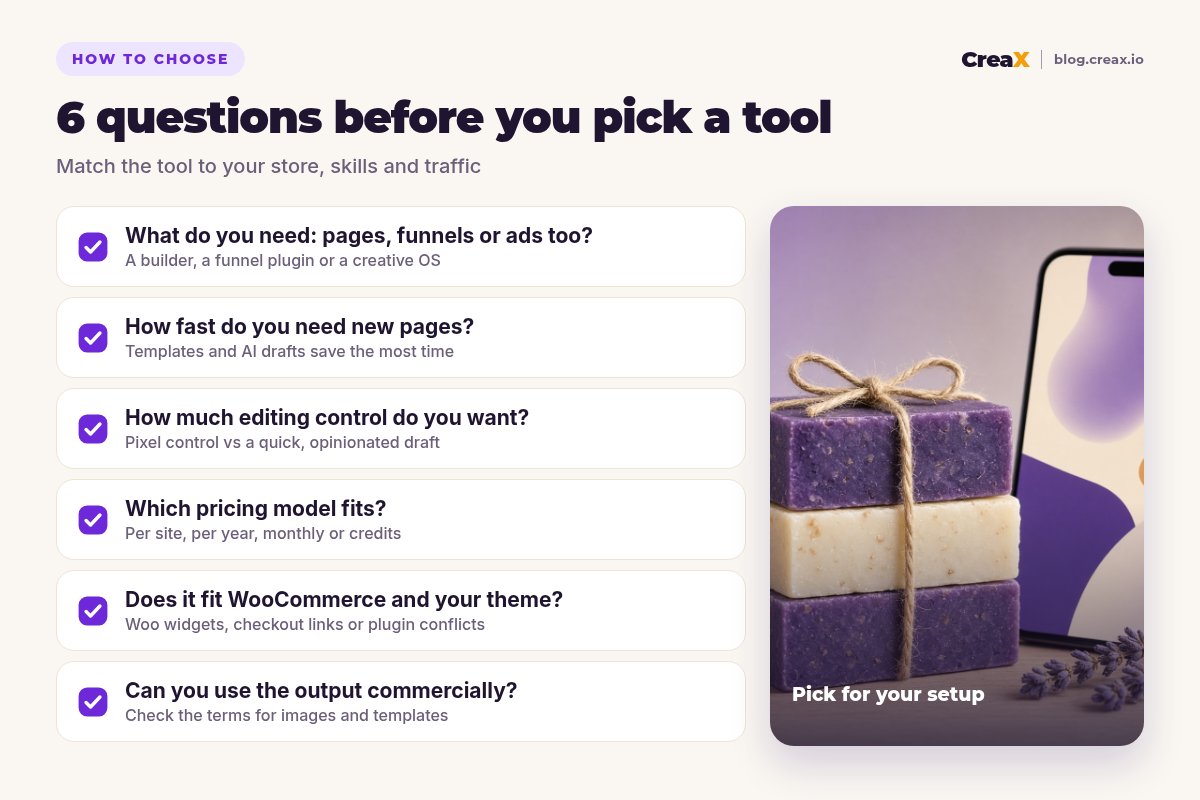
Five questions
- ✓Do I need only pages, or funnels and checkout upsells, or the ads too?
- ✓How many new pages will I make per month: one, or one per product test?
- ✓Do I want pixel-level control or a fast, good-enough draft?
- ✓Is my site already built on one of these builders or themes?
- ✓Will the page live on my WordPress site or on a hosted tool linked to checkout?
If you answered “ads too” and “one per product test”, start with CreaX. If you want full control on your own domain, pick the builder that matches your theme. If checkout revenue is the priority, add CartFlows. Our roundup of the best AI landing page generators for ecommerce covers more AI options, and our comparison of CreaX vs PageFly and GemPages shows how the same trade-off looks on Shopify.
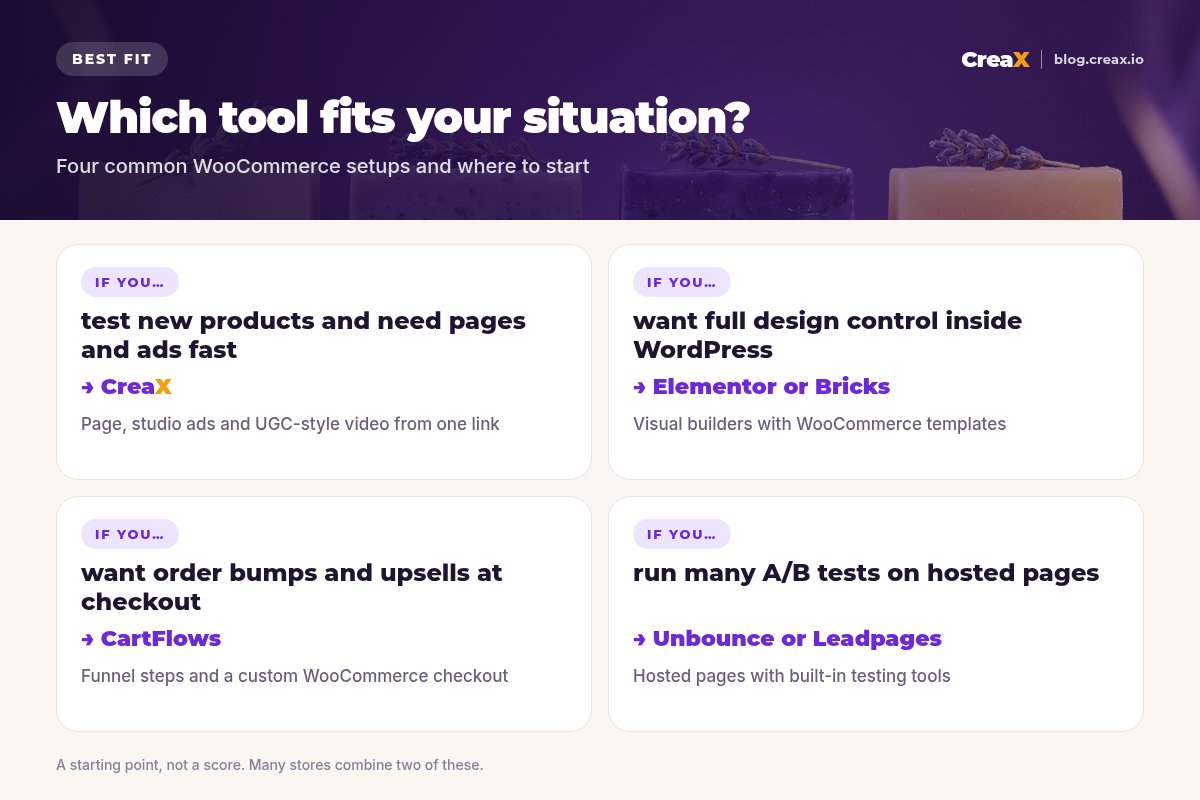
★Wire the checkout before you compare designs
ExampleWorked example: a small-budget stack
Say you run a small WooCommerce store selling handmade natural soap and want to test a new lavender bar with Meta ads on a tight budget:
| Need | Tool | Why |
|---|---|---|
| Test page and ads for the new bar | CreaX | One product link gives the page, statics and UGC-style videos for the test |
| Store theme and product pages | Your current theme with the block editor | No new plugin until a product proves itself |
| Bundle upsell at checkout (later) | CartFlows | Add an order bump once the product sells |
| Rebuild the winner on your domain (later) | Elementor or your existing builder | Long-term page with full control |
Illustrative stack. Pick tools you already pay for where possible.
The idea is to spend little before you have evidence: test fast, then invest in the tools that improve a proven product's page and checkout. For the copy and structure of the page itself, see our FAQ on what makes a high-converting product page, and for getting the test live quickly, launching a product test in 24 hours.
Start your next product test
Paste a product link and get a landing page, studio creatives and UGC-style video ads, then send buyers to your WooCommerce checkout.
FAQFrequently asked questions
Q.What's the best free landing page tool for WooCommerce?
Q.Do I need a page builder plugin for WooCommerce landing pages?
Q.Can a hosted landing page sell WooCommerce products?
Q.Elementor or Divi for WooCommerce?
Q.Is CartFlows a page builder?
Q.Why is CreaX ranked first?
Ready to build your next WooCommerce landing page?
One product link, about 60–120 seconds: a landing page, studio creatives and UGC-style video ads from the same product story.
This guide is published by CreaX. We describe other tools from their own public websites as of October 2026, avoid invented scores or prices, and recommend checking each vendor's site for current features and plans.