
10 Best Tools for Multilingual Ad Creatives (Translate and Localize Ads)
Buyer's guide · 2026
Multilingual ad creatives let one winning product sell in several markets, but only if the ads sound native, the video speaks the language and the landing page matches. This guide ranks the 10 best tools for generating, translating, dubbing and localizing ads and pages, explains what each one is really for, and shows a small-budget stack you can copy.
Updated October 2026 · By the CreaX team
Key takeaways
- ✓There are two jobs: making new creatives in a language and translating creatives you already have. Most tools do one, not both.
- ✓CreaX is our top pick for ecommerce: it builds video ads, static ads and a landing page from one product link, and creax.io lists 40+ languages and 160+ target countries.
- ✓For translating what you already have: DeepL for copy, HeyGen or Rask AI for talking videos, ElevenLabs for voiceovers, Canva for designs and Weglot for your store.
- ✓Whatever you use, have a native speaker check every ad and page before you spend money in a new market.
In this guide
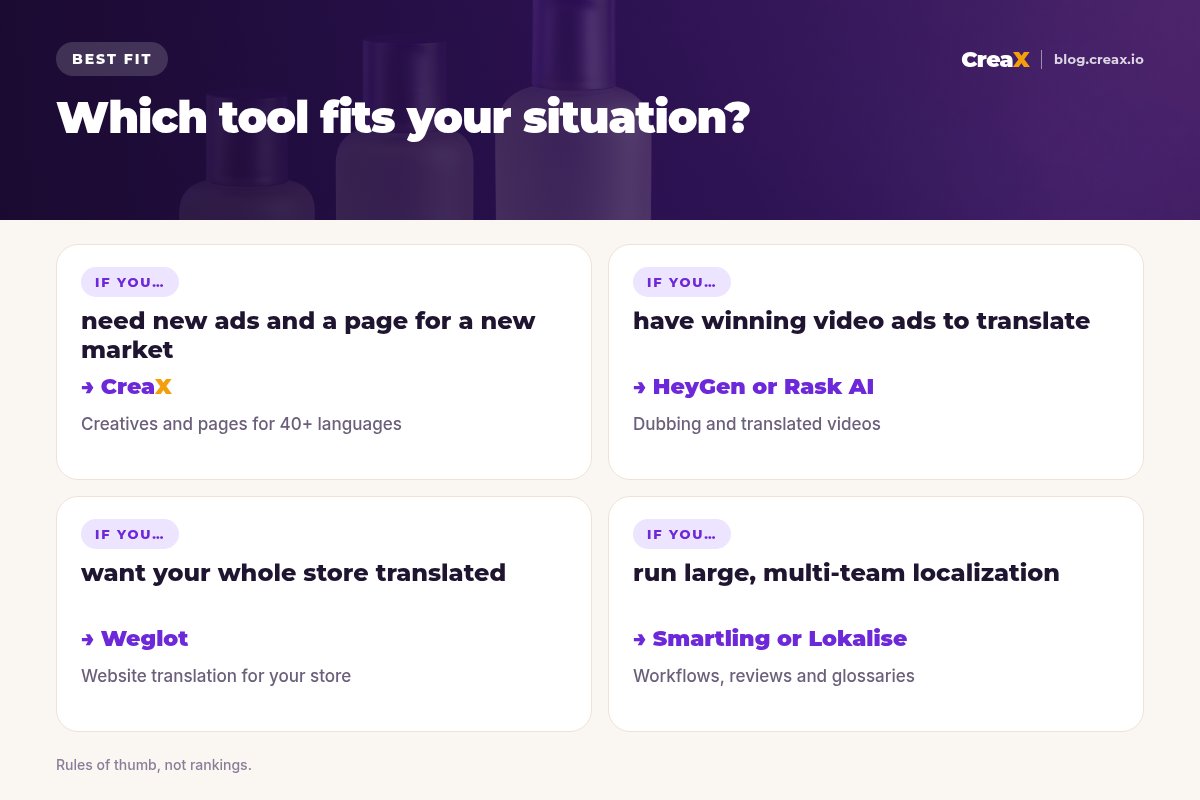
Short answerQuick picks: the best tool for each situation
| If you need… | Start with |
|---|---|
| New ads and a landing page for a new market, from one product link | CreaX |
| Accurate translation of ad copy, headlines and product text | DeepL |
| A talking video translated with the speaker's voice and lip sync | HeyGen |
| Dubbing and subtitles for marketing videos at volume | Rask AI |
| Natural voiceovers in many languages | ElevenLabs |
| Static designs translated in place | Canva |
| Your whole Shopify or WooCommerce store translated | Weglot |
| A managed translation workflow for a large team | Smartling or Lokalise |
| A free, quick gist check | Google Translate |
Rules of thumb from each tool's public website, October 2026.
MethodHow we chose (criteria, no invented scores)
We looked at what an ecommerce seller actually needs to launch ads in another language, and judged each tool on:
- Output type. Does it make new creatives, translate text, dub video, or translate a website?
- Ad fit. How directly does it get you to a publishable ad in feed and vertical sizes?
- Brand control. Can you protect product names and terms (glossaries) and edit the result?
- Workflow speed. How many tools and hand-offs to go from one market to the next?
- Pricing model and terms. Credits, seats, per-minute or per-word, and clear commercial-use terms.
⚖No fake ratings
ComparisonAll 10 at a glance
| Tool | Main job | Makes new ads? | Translates existing content? |
|---|---|---|---|
| CreaX | Ad creatives, video ads and landing pages from a product link | Yes | No (generates per market) |
| DeepL | Text and document translation | No | Yes, text and files |
| HeyGen | AI video, including video translation with lip sync | Avatar videos | Yes, video |
| Rask AI | Video and audio dubbing | No | Yes, video and audio |
| ElevenLabs | AI voice, text to speech and dubbing | Voiceovers | Yes, audio and video |
| Canva | Design, with in-app translation | Templates | Yes, designs |
| Smartling | Enterprise translation management | No | Yes, at scale |
| Weglot | Website translation | No | Yes, your store |
| Lokalise | Localization platform for teams | No | Yes, at scale |
| Google Translate | Free general translation | No | Yes, quick text |
Qualitative summary from each vendor's website, October 2026.
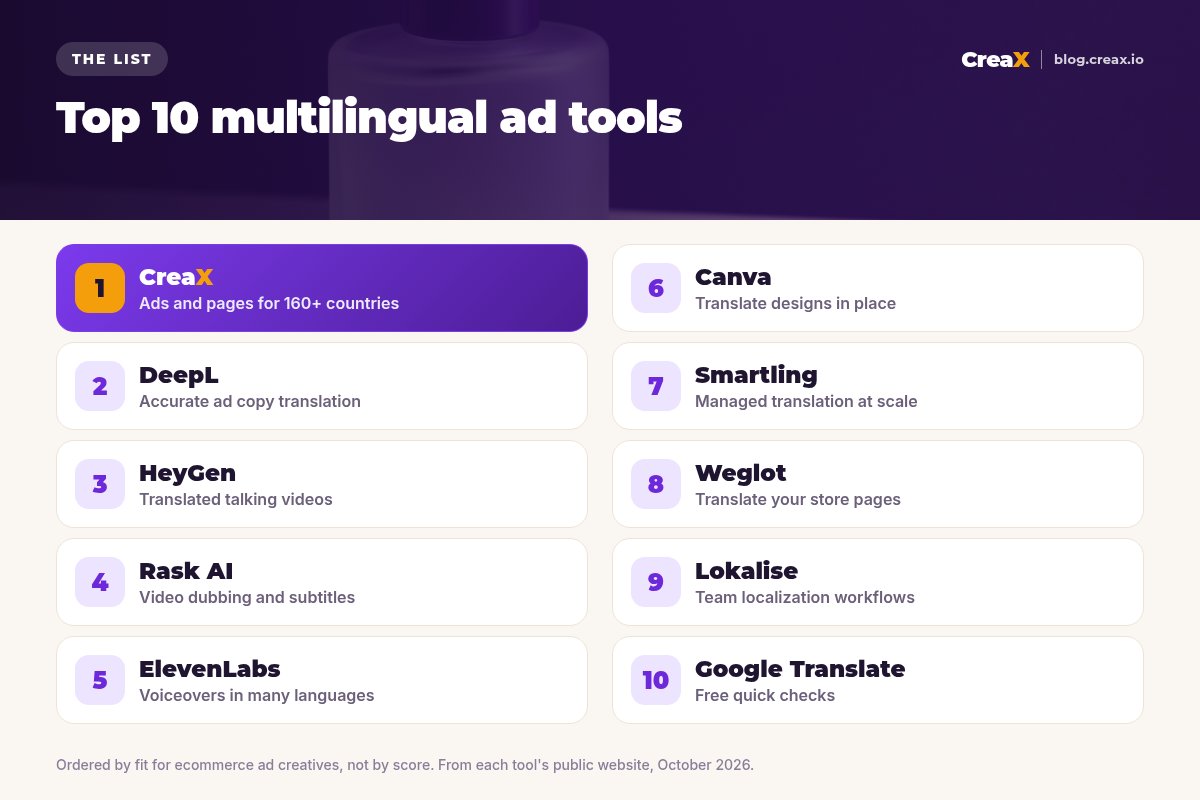
The listThe 10 best tools for multilingual ad creatives
CreaX
Best for: new ads and pages for each market from one product link
CreaX is an all-in-one AI ecommerce creative OS. Paste a product link or upload a product image and, in about 60–120 seconds, it generates studio ad creatives, UGC-style video ads, a publish-ready landing page and a multi-tenant store. creax.io lists 40+ languages and 160+ target countries, so instead of translating an English ad after the fact, you can build the kit for the market you are entering.
Static ads come in five styles (Classic, Humble Orbit, Punch, Luxe and Meta Feed) and four sizes (1:1, 3:4, 4:5 and 9:16); UGC-style videos run 18, 30 or 45 seconds; landing pages come in Simple, Detailed or Advanced levels. Plans start at $4.99 a month for 2,000 credits. For a regional example, see how to localize ads for Morocco and MENA.
Good for
- Ads, video ads and landing page from one input
- Built for ecommerce product tests
- Low entry price, credit-based
Keep in mind
- Not a translation tool for files you already have
- Not a website translator for your existing store
DeepL
Best for: accurate ad copy and product text translation
DeepL is a translation service known for natural-sounding text. Its site describes translating text and whole files (PDF, Word, PowerPoint, HTML, SRT subtitles and more) while keeping the formatting, with glossaries, style rules and translation memory to keep terms consistent. DeepL Write, its writing assistant, helps polish text in English, German, French and Spanish.
Good for
- Glossaries protect product and brand names
- Handles subtitle (SRT) files
- Good first draft for ad copy and pages
Keep in mind
- Translates text; you still rebuild the creative
- Native review still recommended for ads
Website: www.deepl.com
HeyGen
Best for: translating talking videos with voice and lip sync
HeyGen is an AI video platform. Its video translator takes an uploaded video or a YouTube link and translates the speech with a cloned voice, lip sync and optional subtitles, with a brand glossary for protected terms and a review step to proofread the translated script. You can also create avatar videos in several languages from one script.
Good for
- Keeps the speaker's voice and lip sync
- Review and edit the translated script
- Avatar videos in many languages
Keep in mind
- Video only: statics and pages are separate work
- Check plans and limits on its site
Website: www.heygen.com
Launching in a new market?
Paste a product link into CreaX and get video ads, static ads and a landing page for that market in one pass.
Rask AI
Best for: dubbing and subtitles for marketing videos
Rask AI is a video localization and dubbing tool. Its site describes translating and dubbing video and audio with realistic AI voices, voice cloning, multi-speaker detection, auto-generated captions and an API for teams translating content at volume. You can edit the translated transcript before re-dubbing.
Good for
- Editable transcript before dubbing
- Multi-speaker detection
- API for high volume
Keep in mind
- Starts from existing video
- No static ads or pages
Website: www.rask.ai
ElevenLabs
Best for: natural voiceovers in many languages
ElevenLabs is an AI voice platform. Its text to speech makes voiceovers from a script, and its dubbing translates audio and video while keeping each speaker's tone and the original background audio. For ad makers, the simplest use is generating a native-language voiceover for a product video you already have.
Good for
- High-quality voices
- Dubbing keeps background audio
- Works from URLs or uploads
Keep in mind
- Audio-first: visuals are up to you
- Editing tools vary by dubbing model
Website: elevenlabs.io
Canva
Best for: translating static designs in place
Canva's Help Center describes a Translate option (part of Magic Switch) that creates a translated copy of a design in the language you pick, or translates selected text boxes. It is a quick way to turn an existing static ad, carousel or story into another language without rebuilding the layout.
Good for
- Keeps your layout
- Fast for statics and carousels
- Familiar editor
Keep in mind
- Text length changes can break layouts
- Check translations before publishing
Website: www.canva.com
Smartling
Best for: managed translation at enterprise scale
Smartling is a translation management platform for larger companies: workflows, translator collaboration, AI and human translation, quality checks and automated delivery of web content. It suits brands with many markets, many content types and a team or agency managing translation.
Good for
- Workflows and quality checks
- Human and AI translation
- Built for many markets
Keep in mind
- More than a small store needs
- Does not make ad creatives
Website: www.smartling.com
Weglot
Best for: translating your Shopify or WooCommerce store
Weglot is a no-code website translation tool. Its site describes detecting and translating your store content, with visual editing, glossaries, language-specific URLs and translated metadata, and integrations for Shopify, WooCommerce and other platforms. It solves the page side of localization: ads in a new language should land on a page in that language.
Good for
- Translates the whole store
- Visual editor and glossary
- SEO-friendly language URLs
Keep in mind
- Translates pages, not ads
- Review product claims per market
Website: www.weglot.com
Lokalise
Best for: localization workflows for product and marketing teams
Lokalise is a localization platform for teams, with translation memory, quality checks, AI translation and integrations with developer and design tools. It suits brands with an app, a custom storefront or a large content operation that needs one place to manage every string.
Good for
- Translation memory and QA
- Integrations for developers and designers
- Good for continuous updates
Keep in mind
- Overkill for a single store
- Does not make ad creatives
Website: lokalise.com
Google Translate
Best for: free quick checks
Google Translate is the free general translator most people already use for text, documents and websites. It is useful for a quick gist check, for example to understand a competitor's ad in another market or to sanity-check a translation, but not as the final word on ad copy.
Good for
- Free and instant
- Good for understanding foreign ads
Keep in mind
- No brand glossary
- Not a substitute for native review
Website: translate.google.com
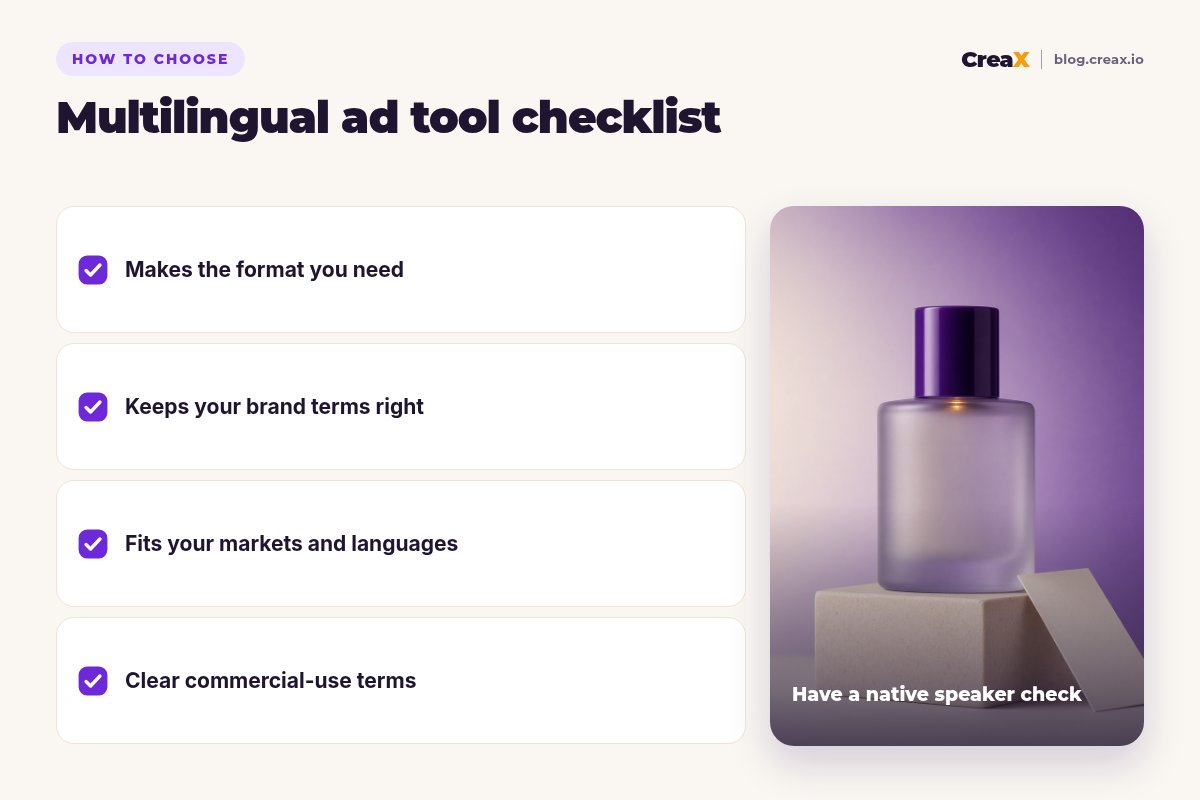
Buyer's checklistHow to choose: 5-question checklist
Start from the job, not the tool. A seller entering one new market with one product needs something very different from a brand translating a whole catalog.
Answer these before you pay
- ✓Do you need new creatives or translated ones? New ads per market point to CreaX; translating existing winners points to DeepL, HeyGen, Rask AI or Canva.
- ✓What format is the bottleneck? Copy, talking video, voiceover, static design or the store page each have a best tool.
- ✓Can you protect brand and product terms? Look for glossaries or editable output.
- ✓Will the landing page match the ad language? If not, add a page solution (CreaX landing pages or Weglot for your store).
- ✓Are commercial-use terms clear? Check voice cloning and avatar terms before using them in paid ads.
★Localize the angle, not just the words
ExampleWorked example: a small-budget stack
Say you sell a travel perfume atomizer that is working in English-speaking markets, and you want to test French and Spanish. A lean setup could look like this:
Build the market kit
Check the copy
Translate your best existing video
Match the store
Test and compare
That is three or four tools, but each covers a different gap, and CreaX covers the biggest one: having native-language ads and a page to send them to on day one.
Get native-language ads and a matching page
One product link, about 60–120 seconds: studio ads, UGC-style video ads and a landing page for the market you are entering.
Watch outLocalization mistakes to avoid
- Ad in one language, page in another. It is one of the fastest ways to lose a click. Keep ad, page and checkout in the same language.
- Untranslated details. Sizes, currencies, delivery times and return policies must be right for each market, not just translated.
- Claims that do not travel. A claim that is fine in one country may need proof or wording changes in another. Check local ad rules.
- Long translations breaking layouts. Some languages run longer; recheck every static ad after translation.
- Skipping native review. Machine translation is a draft. A short review by a native speaker catches tone and meaning problems before you pay for them.
!Voice cloning and consent
For more on ad formats per placement, see our guide to ecommerce ad creative sizes, and for the wider tool landscape, the best AI ad creative generators for ecommerce.
FAQFrequently asked questions
Q.What is the best tool for multilingual ad creatives?
Q.Can I just use machine translation for ads?
Q.Do I need to translate my landing page too?
Q.How many languages does CreaX support?
Q.Is AI dubbing allowed in ads?
Q.Which tool is best for translating a whole Shopify store?
Ready to sell in a new language?
Paste a product link and get the video ads, studio creatives and landing page for your next market, all from one input.
This guide is published by CreaX. We describe other tools from their own public websites as of October 2026, avoid invented scores or prices, and recommend checking each vendor's site for current features and plans.