
10 Best AI Tools for YouTube Shorts Ads
Buyer's guide · YouTube Shorts ads
YouTube Shorts ads need the same thing as TikTok and Reels ads: a vertical video that earns attention in the first seconds and makes the product obvious. The right AI tool depends on what you start with: a product link, your own footage, long videos, or editing skills. Here are the 10 best AI tools for YouTube Shorts ads in 2026, and how to pick one.
Updated October 2026 · By the CreaX team
Key takeaways
- ✓CreaX is our pick for ecommerce sellers: one product link in, UGC-style vertical video ads, studio statics and a landing page out.
- ✓YouTube Create and CapCut are strong, low-cost choices if you film your own product clips and want quick edits.
- ✓Opus Clip fits if you already have long videos (demos, podcasts, webinars) to cut into Shorts.
- ✓Premiere Pro, Descript and VEED suit teams who want more control over the edit. Always check music and asset licences for ad use.
In this guide
TL;DRQuick picks: the best tool for each situation
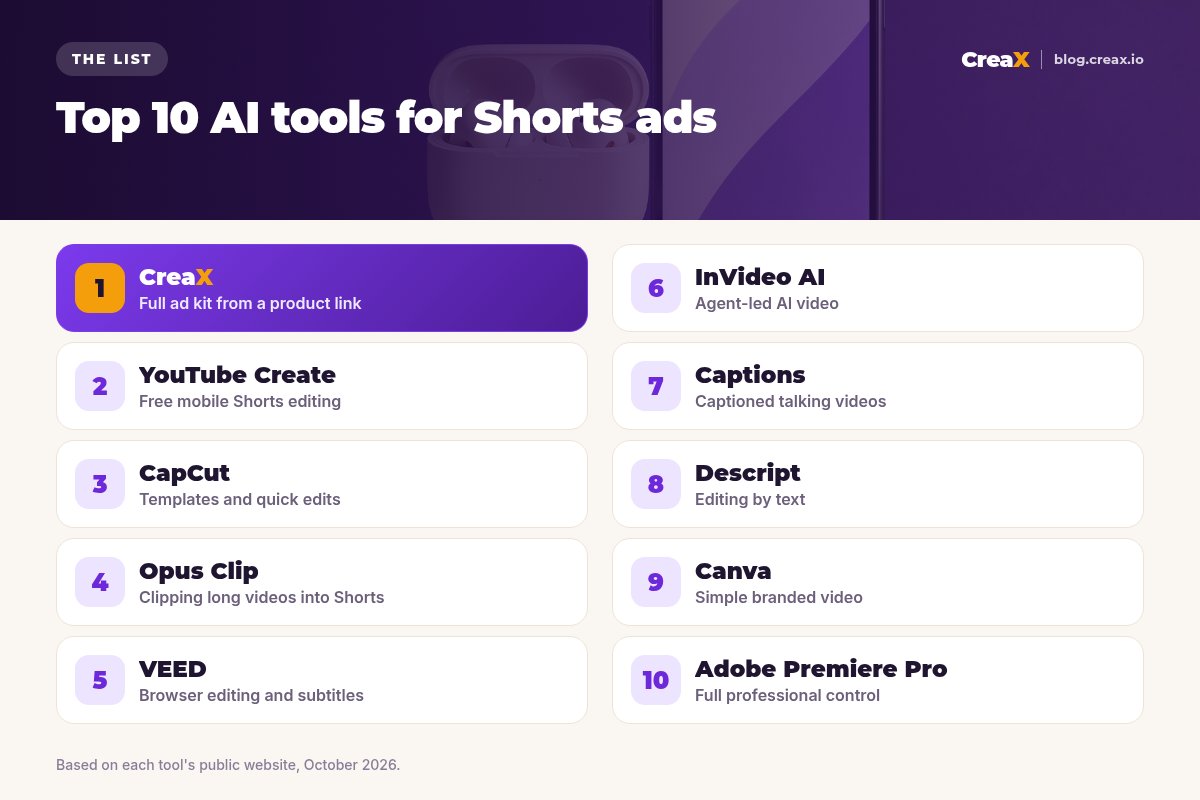
- Best overall for ecommerce: CreaX, because it makes the ad and the page it sends people to.
- Best free mobile editor: YouTube Create, YouTube's own editing app.
- Best for templates and fast edits: CapCut.
- Best for turning long videos into Shorts: Opus Clip.
- Best browser editor with subtitles: VEED.
- Best for agent-led AI video: InVideo AI.
- Best for captioned talking videos: Captions.
- Best for editing by text: Descript.
- Best for simple branded video: Canva.
- Best for full professional control: Adobe Premiere Pro.
★Shorts ads vs Shorts content
MethodHow we chose (criteria, no invented scores)
We did not test every tool against a benchmark, and we do not give star ratings. We looked at each tool's public website as of October 2026 and asked five questions that matter for sellers making Shorts ads:
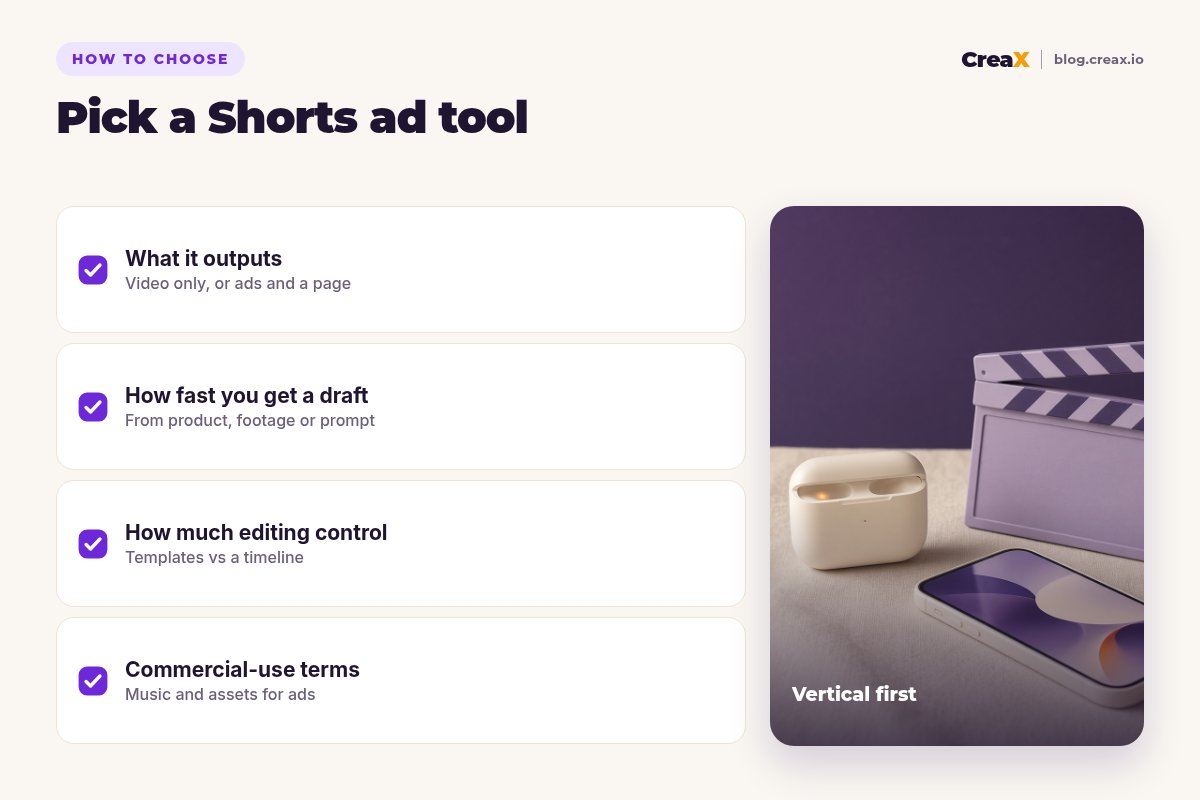
- What does it output? Video only, or video plus statics and a landing page?
- What do you start from? A product link, your own footage, a long video or a prompt?
- How much editing control do you get? Templates and AI drafts, or a full timeline?
- Does it fit vertical 9:16 Shorts? All ten do, but some are built around it.
- Can you use the output in ads? Check each tool's terms for commercial use, music and stock assets.
The list is ordered by fit for ecommerce sellers, not by quality. A professional editor might rank Premiere Pro first, and that would be fair for their needs.
Comparison tableAll 10 at a glance
| Tool | Starts from | Best for | Landing page |
|---|---|---|---|
| CreaX | Product link or image | Full ad kit for ecommerce | Yes |
| YouTube Create | Your clips and photos | Free mobile Shorts editing | No |
| CapCut | Your clips, templates | Templates and quick edits | No |
| Opus Clip | Long videos | Clipping into Shorts | No |
| VEED | Your clips | Browser editing, subtitles | No |
| InVideo AI | Prompt, script or product link | Agent-led AI video | No |
| Captions | Talking-head footage | Captioned talking videos | No |
| Descript | Recorded video or audio | Editing by text | No |
| Canva | Templates, your assets | Simple branded video | No |
| Adobe Premiere Pro | Any footage | Professional editing | No |
From each tool's public website, October 2026. Features change often; check before you buy.
The listThe 10 best AI tools for YouTube Shorts ads
CreaX
Best for: ecommerce sellers who need the ad and the page
Good for
- Video ads, statics and landing page from one link
- Built for products, not general content
- Same kit works for TikTok, Reels and Meta
Keep in mind
- Not a timeline editor
- Not for repurposing long videos
YouTube Create
Best for: sellers who film their own product clips on a phone
Good for
- Free, made by YouTube
- Auto captions and music library
- Publishes straight to your channel
Keep in mind
- Mobile only
- You still need footage and a page
- Check music licences for paid ads
Website: www.youtube.com/creators/create/youtube-create-app/
CapCut
Best for: fast template-based edits
Good for
- Lots of templates
- Works on phone, desktop and web
- Auto captions
Keep in mind
- Check commercial-use terms for templates and music
- No landing page
Website: www.capcut.com
Opus Clip
Best for: turning long videos into Shorts
Good for
- Repurposes existing long videos
- Captions and vertical reframing
Keep in mind
- Needs long footage to start with
- Not built for product-only ads
Website: www.opus.pro
VEED
Best for: browser-based editing with subtitles
Good for
- Runs in the browser
- Strong subtitle tools
Keep in mind
- You bring the footage or assets
- No landing page
Website: www.veed.io
InVideo AI
Best for: agent-led AI video from a prompt or link
Good for
- AI creators and shot-by-shot control
- Full timeline editor
Keep in mind
- More decisions per ad
- No landing page or store
Website: invideo.io
Captions
Best for: captioned talking-head videos
Good for
- Polished captions
- Good for founder-led videos
Keep in mind
- You need to record yourself or use its AI tools
- No landing page
Website: www.captions.ai
Descript
Best for: editing video by editing text
Good for
- Edit by text
- Good for scripted or spoken videos
Keep in mind
- Built around recorded footage
- Learning curve for new users
Website: www.descript.com
Canva
Best for: simple, on-brand vertical videos
Good for
- Easy templates
- Brand kit for consistent look
Keep in mind
- Basic for motion-heavy ads
- No product-to-video generation from a link
Website: www.canva.com
Adobe Premiere Pro
Best for: full professional control
Good for
- Total control
- Industry-standard workflow
Keep in mind
- Steep learning curve
- Slowest path to a first test
Website: www.adobe.com/products/premiere.html
Make your next Shorts ad from a product link
CreaX turns one link into vertical UGC-style video ads, studio statics and a landing page.
DecideHow to choose: 5-question checklist
Answer these before you pick a tool
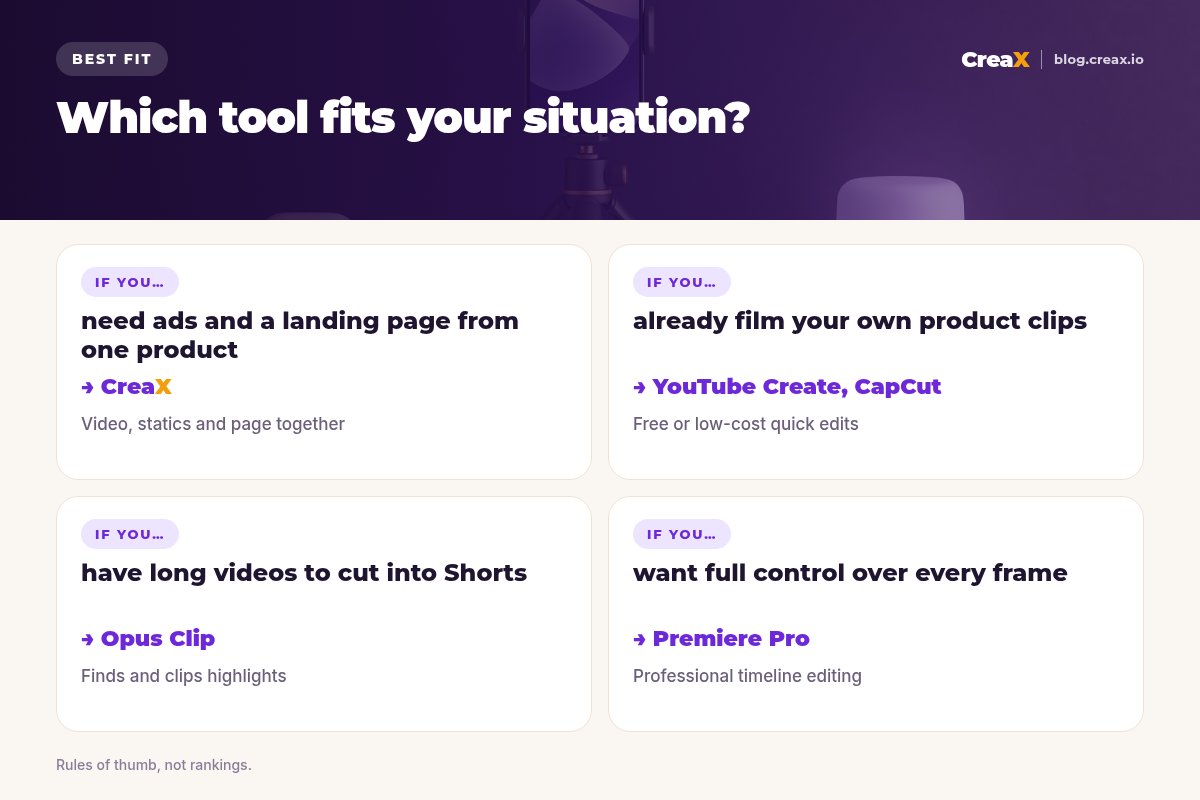
- ✓Do you have footage already? If not, start with a tool that generates from a product, like CreaX.
- ✓Do you have long videos? Opus Clip or Descript can turn them into Shorts.
- ✓Do you need a landing page? Most video tools stop at the video. CreaX builds the page too.
- ✓How much editing do you want to do? Templates (CapCut, Canva) vs full control (Premiere Pro).
- ✓Is the output cleared for ads? Check music, stock and template licences for paid use.
If you are also deciding on length, read how long a video ad should be, and for the first seconds, UGC ad hooks that stop the scroll.
ExampleWorked example: a small-budget stack
Say you sell wireless earbuds and want to test YouTube Shorts ads alongside TikTok.
- CreaX makes the first kit from the product link: three UGC-style vertical videos for three angles (commute, gym, calls), a few studio statics and a landing page.
- YouTube Create or CapCut polishes any clips you film yourself, such as unboxing the earbuds, with captions and music cleared for ads.
- Google Ads runs the videos in Shorts, all pointing to the same page.
- After the first results, generate new variations of the winning angle and drop the rest.
Only claim battery life, noise cancelling or water resistance if your supplier's specs back it up. Shorts viewers move fast, and so do refund requests.
!Music and licences
Build your Shorts ad kit in one pass
One product link in, vertical video ads, statics and a landing page out.
FAQFrequently asked questions
Q.Can I run any vertical video as a YouTube Shorts ad?
Q.Which AI tool is best for YouTube Shorts ads?
Q.Is YouTube Create free?
Q.How long should a Shorts ad be?
Q.Do I need captions on Shorts ads?
Q.Can I reuse TikTok ads on YouTube Shorts?
Ready to test YouTube Shorts ads?
Paste a product link and get vertical video ads, studio creatives and a landing page in about 60–120 seconds.
This guide is published by CreaX. We describe other tools from their own public websites as of October 2026, avoid invented scores or prices, and recommend checking each vendor's site for current features and plans.