
10 Best AI Tools for Solo Ecommerce Founders (One-Person Stores)
Buyer's guide · Solo founders
Running a store alone means you are the designer, the copywriter, the support team, the email marketer and the analyst. The right AI tools for solopreneurs take whole jobs off your plate; the wrong ones add another login and another bill. Here are the 10 AI tools that cover the jobs a one-person ecommerce business does every week, what each is best for, and how to build a lean stack without the bloat.
Updated October 2026 · By the CreaX team
Key takeaways
- ✓CreaX is our top pick for the job that eats the most solo-founder time: making ads, video and landing pages for each product. One product link in, a full creative kit out.
- ✓ChatGPT and Canva cover general writing, research and design. Klaviyo and Gorgias handle email, SMS and support with AI help.
- ✓Zapier, Notion, Shopify Magic, Google Analytics 4 and Buffer fill the gaps: automation, planning, store admin, analytics and social scheduling.
- ✓You don't need all ten. Start with the one or two tools that remove your biggest weekly time drain, then add more only when revenue justifies it.
In this guide
Short on time?Quick picks: the best tool for each job
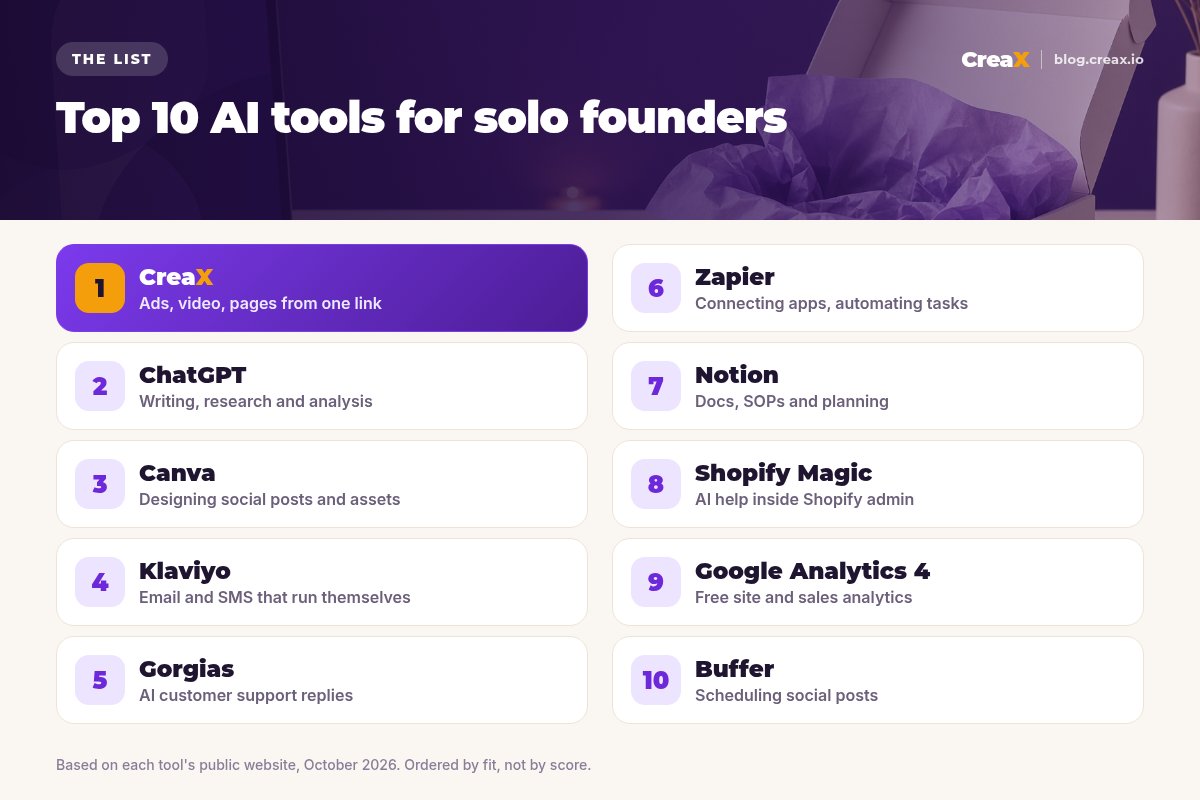
- Ads, video and landing pages for each product: CreaX
- Writing, research and quick analysis: ChatGPT
- Designing social posts, banners and simple assets: Canva
- Email and SMS that keep selling after the first order: Klaviyo
- Customer support without living in your inbox: Gorgias
- Connecting apps so tasks run on their own: Zapier
- Docs, checklists and planning: Notion
- AI help inside your Shopify admin: Shopify Magic
- Understanding where sales come from: Google Analytics 4
- Scheduling social posts in one sitting: Buffer
MethodHow we chose (criteria, no invented scores)
We did not give these tools scores or star ratings. We looked at each tool's own public website as of October 2026 and asked practical questions a one-person store cares about:
- Does it replace a whole job, not just a small task? Solo founders need leverage, not novelty.
- Can one person run it without a designer, developer or long setup?
- Does it fit a small budget, with a free plan, a low entry price or pay-as-you-grow pricing?
- Does it work with common store platforms such as Shopify, WooCommerce or a simple landing page?
- Is it honest about what it does? We describe features only as each company does.
The order reflects fit for a solo ecommerce founder, starting with the job that usually takes the most time per product: making creatives and pages. CreaX is our product, and we explain why we put it first, but every other tool here is genuinely useful for the job we list.
CompareAll 10 at a glance
| Tool | Main job | Replaces | Pricing |
|---|---|---|---|
| CreaX | Ads, UGC-style video, landing page, store | Designer, editor, page builder | From $4.99/mo |
| ChatGPT | Writing, research, analysis | Copywriter, research assistant | Check site |
| Canva | Design and templates | Simple design work | Check site |
| Klaviyo | Email and SMS marketing | Email marketer | Check site |
| Gorgias | Customer support helpdesk with AI | Support inbox time | Check site |
| Zapier | App automation | Manual copy-paste | Check site |
| Notion | Docs, wiki, planning | Scattered notes | Check site |
| Shopify Magic | AI inside Shopify admin | Small admin writing tasks | Included with Shopify, per Shopify |
| Google Analytics 4 | Website analytics | Guesswork | Free standard version |
| Buffer | Social scheduling | Posting by hand every day | Check site |
We don't list competitor prices because they change often. Check each vendor's pricing page.
The listThe 10 best AI tools for solo ecommerce founders
CreaX
Best for: Ads, video and pages from one product link
Good for
- Full creative kit for each product test
- Ads and page share one message
- Low entry price, credits as you grow
Keep in mind
- Not a general writing or email tool
- Not a video editor for your own footage
Get your next product test ready in minutes
Paste a product link and CreaX builds the landing page, studio ads and UGC-style video ads together, so you can launch today instead of next week.
ChatGPT
Best for: Writing, research and analysis
Good for
- Handles almost any writing or thinking task
- Good for research and first drafts
Keep in mind
- Outputs need checking for accuracy
- Not a finished-asset tool for ads or pages
Website: chatgpt.com
Canva
Best for: Designing social posts and simple assets
Good for
- Huge template library
- Easy for non-designers
Keep in mind
- You still design each asset
- No landing page from a product link
Website: www.canva.com
Klaviyo
Best for: Email and SMS that run themselves
Good for
- Deep ecommerce integrations
- Automated flows once set up
Keep in mind
- Takes time to set up well
- Costs grow with your list size; check its pricing
Website: www.klaviyo.com
Gorgias
Best for: AI customer support replies
Good for
- Built around ecommerce order data
- Handles repetitive questions
Keep in mind
- AI Agent requires Shopify, per its docs
- Worth it once support volume is real
Website: www.gorgias.com
Zapier
Best for: Connecting apps, automating tasks
Good for
- Connects thousands of apps
- Removes repetitive admin
Keep in mind
- Automations need occasional upkeep
- Costs depend on task volume; check its site
Website: zapier.com
Notion
Best for: Docs, SOPs and planning
Good for
- Flexible docs and databases
- Great for checklists and SOPs
Keep in mind
- Easy to over-engineer
- Not an ecommerce tool on its own
Website: www.notion.com
Shopify Magic
Best for: AI help inside Shopify admin
Good for
- Built into Shopify
- No extra tool to learn
Keep in mind
- Only for Shopify stores
- Not built for full ad creative kits
Website: www.shopify.com/magic
Google Analytics 4
Best for: Free site and sales analytics
Good for
- Free standard version
- One view across all traffic sources
Keep in mind
- Setup and reports take learning
- Needs correct ecommerce events
Website: analytics.google.com
Buffer
Best for: Scheduling social posts
Good for
- Simple scheduling across channels
- AI help with captions
Keep in mind
- Organic posting only, not ads
- Works best with a regular posting habit
Website: buffer.com
DecideHow to choose: a 5-question checklist
Answer these before adding a tool
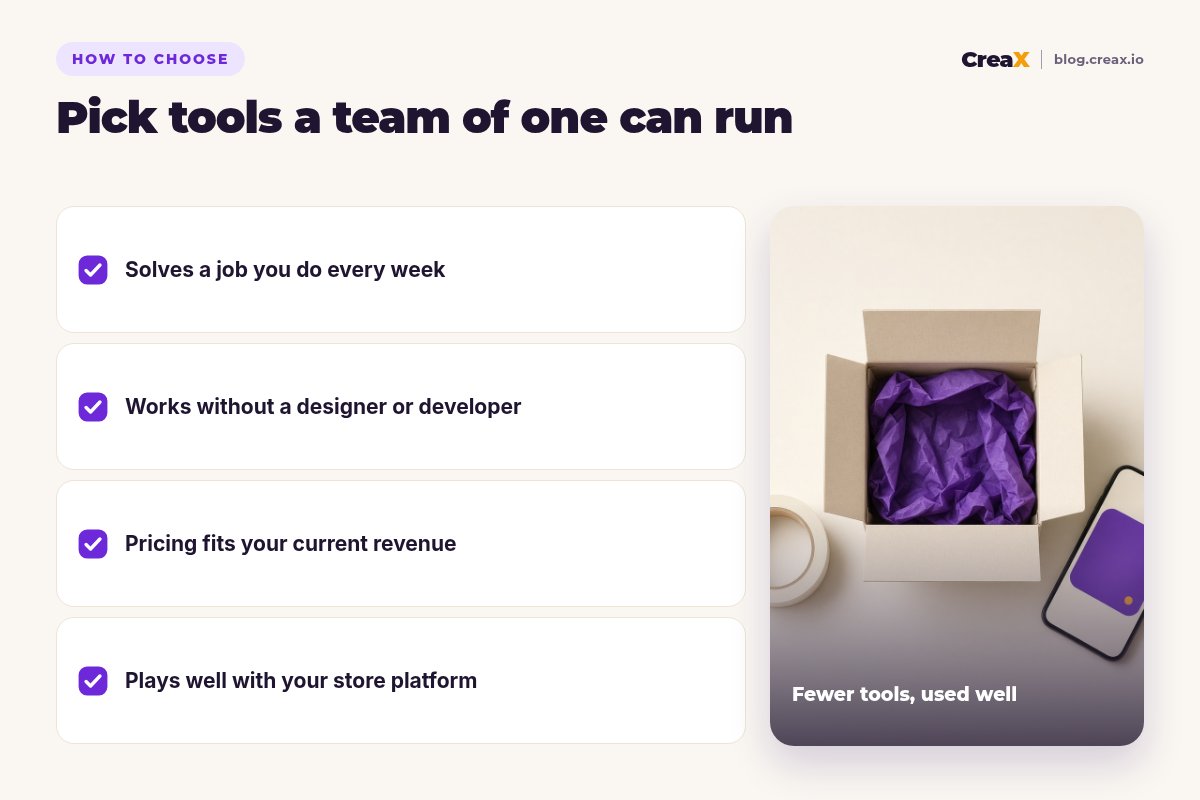
- ✓What job eats most of your week? Start there. For most product-led stores it is creatives and pages.
- ✓Can you run it alone? Skip tools that need a developer or weeks of setup.
- ✓Does the price fit today’s revenue? Prefer free plans and low entry tiers until a tool proves itself.
- ✓Does it connect to your store? Check Shopify, WooCommerce or landing page support before you sign up.
- ✓Will you still use it in three months? If not, it is a distraction, not a tool.
A good rule: add one tool at a time and remove one whenever you can. Our best budget AI tools for new dropshippers goes deeper on keeping costs down in the first months.
ExampleWorked example: a small-budget stack
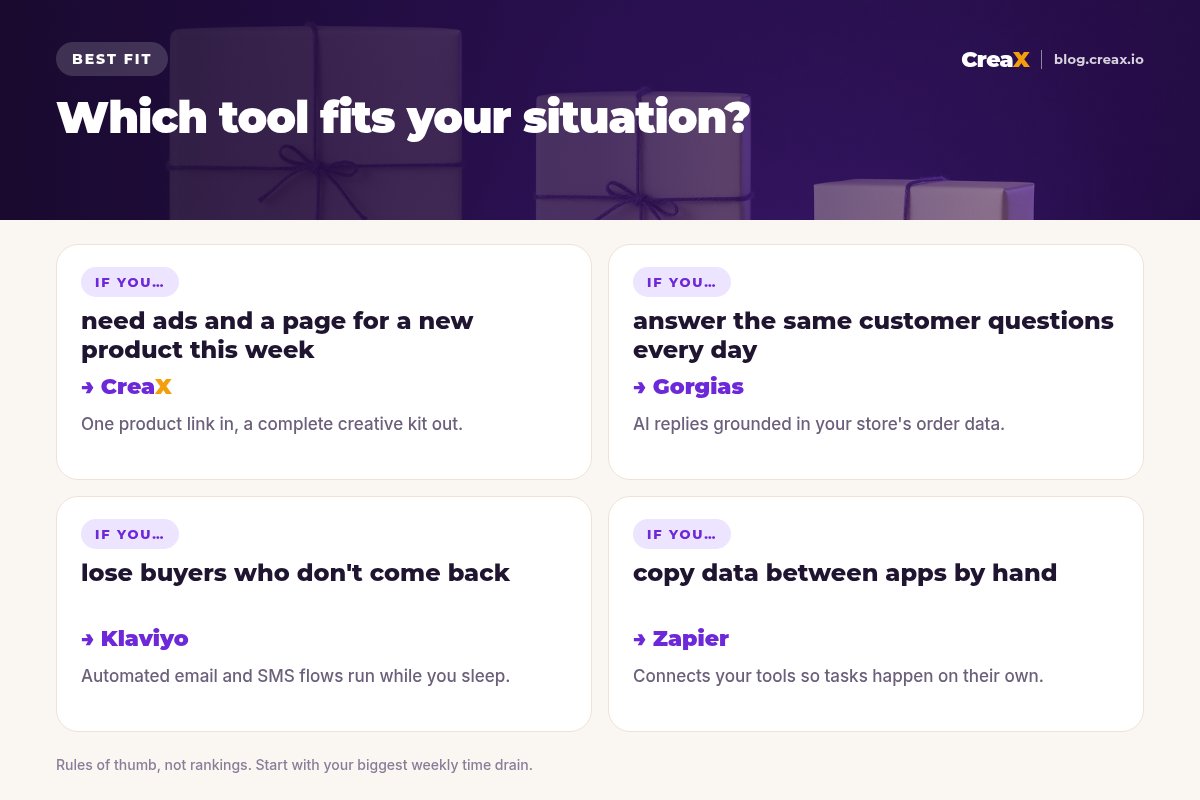
Say you run a one-person store selling home and kitchen gadgets, testing a new product every week or two. A lean stack could look like this:
| Stage | Tools | What they do for you |
|---|---|---|
| Week 1: launch | CreaX + ChatGPT | CreaX builds the landing page, studio ads and UGC-style videos; ChatGPT helps brainstorm angles and draft emails |
| First sales | Klaviyo + Google Analytics 4 | Welcome and abandoned-cart flows; an independent view of which channels sell |
| Support grows | Gorgias | AI replies to order-tracking and returns questions |
| Admin piles up | Zapier + Notion | Automate order and review tasks; write SOPs before your first hire |
An illustrative order of adoption, not a required stack. Add tools as each problem actually appears.
Notice that the stack grows with the business. On day one, the only job that really matters is getting a product test live with good creatives and a page that converts; see how many ad creatives to test per product for how much to make. Everything else can wait until it becomes a real bottleneck.
★Count hours, not features
⚖Our bias, stated upfront
Start your lean stack with the hardest job
One product link, about 60–120 seconds, and you have the landing page, studio ads and UGC-style video ads for your next test.
FAQFrequently asked questions
Q.What AI tools does a solo ecommerce founder actually need?
Q.Can one person really run an online store with AI?
Q.Which AI tool should I buy first?
Q.Are there free AI tools for small stores?
Q.Do I need Shopify to use these tools?
Ready to launch your next product?
Let CreaX make the creatives and the page, so you can spend your time on the decisions only you can make.
This guide is published by CreaX. We describe other tools from their own public websites as of October 2026, avoid invented scores or prices, and recommend checking each vendor's site for current features and plans.