

10 Best AI Tools for Home Decor and Furniture Brands
Top 10 · Home decor and furniture
The best AI tools for home decor brands solve different problems: some clean up product photos, some build 3D and AR views of furniture, some restyle rooms, and some turn a product into finished ads and a landing page. Here are the 10 we would look at in 2026, what each does well, and how to build a small stack for a decor or furniture store.
Updated October 2026 · By the CreaX team
Key takeaways
- ✓Home decor brands use AI for four separate jobs: product imagery, room and lifestyle scenes, 3D or AR product views, and ads that send buyers to a page. No single tool does all four well.
- ✓Pick CreaX when a new lamp, rug or chair needs studio ads, UGC-style video ads and a landing page from one product link or image, fast.
- ✓Pick Photoroom or Claid.ai for clean catalog photos and lifestyle scenes, Cylindo for 3D, 360° and AR views of configurable furniture, and ReimagineHome to restyle real rooms.
- ✓Whatever you use, the product must stay true: size, color, material and texture in the image have to match what arrives at the customer's door.
In this guide
TL;DRQuick picks: the best tool for each situation
| If you need… | Start with | Why |
|---|---|---|
| Ads, video ads and a landing page for a new product | CreaX | One product link or image becomes a full test kit |
| Clean, consistent catalog photos | Photoroom | Background removal, brand kit and batch editing |
| 3D, 360° and AR views of configurable furniture | Cylindo | Visual commerce platform built for furniture brands |
| Lifestyle scenes for a large catalog | Claid.ai | Product-photography focus with an API |
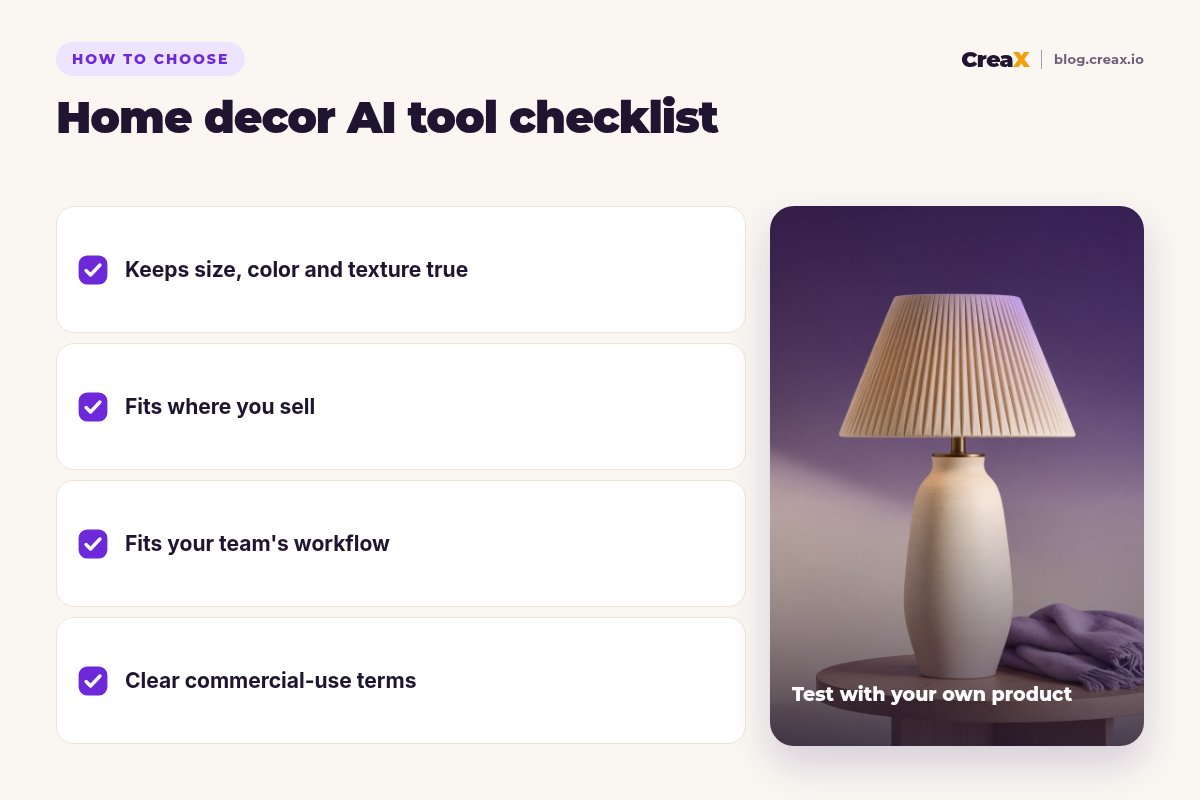
| Restyling a real room or showroom photo | ReimagineHome | Room redesigns that keep the structure |
MethodHow we chose (criteria, no invented scores)
We picked tools decor and furniture sellers actually use and judged them on five questions:
- Product fidelity: does the output keep the real shape, proportions, color, wood grain, weave and finish?
- Job fit: does it solve a real decor job?
- Workflow speed: how many steps from what you have to something you can publish?
- Scale: does it work for one hero product and for a catalog with dozens of finishes?
- Fit for small teams: can a founder or a two-person team use it without an agency?
⚖No fake ratings
Comparison tableAll 10 at a glance
| Tool | Best for | Main output |
|---|---|---|
| CreaX | Launching and testing new products | Studio ads, UGC-style video ads, landing page, store |
| Photoroom | Clean catalog photos | Cutouts, AI backgrounds, batch edits |
| Cylindo | Configurable furniture | 3D, 360° views, AR, lifestyle scenes |
| Claid.ai | Catalog-scale scenes | AI photoshoots, upscaling, API |
| Pebblely | Quick themed scenes | Product backgrounds from one photo |
| ReimagineHome | Restyling real rooms | Staged and redesigned room images |
| Canva | Lookbooks and social layouts | Designs from templates, AI editing |
| Adobe Firefly | Precise generative edits | Generative fill, expand, new images |
| Shopify Sidekick | Shopify store owners | Store tasks, copy and photo help in admin |
| Pinterest Performance+ | Pinterest advertisers | Automated campaigns, AI backgrounds |
Summarised from each tool's public website, October 2026.
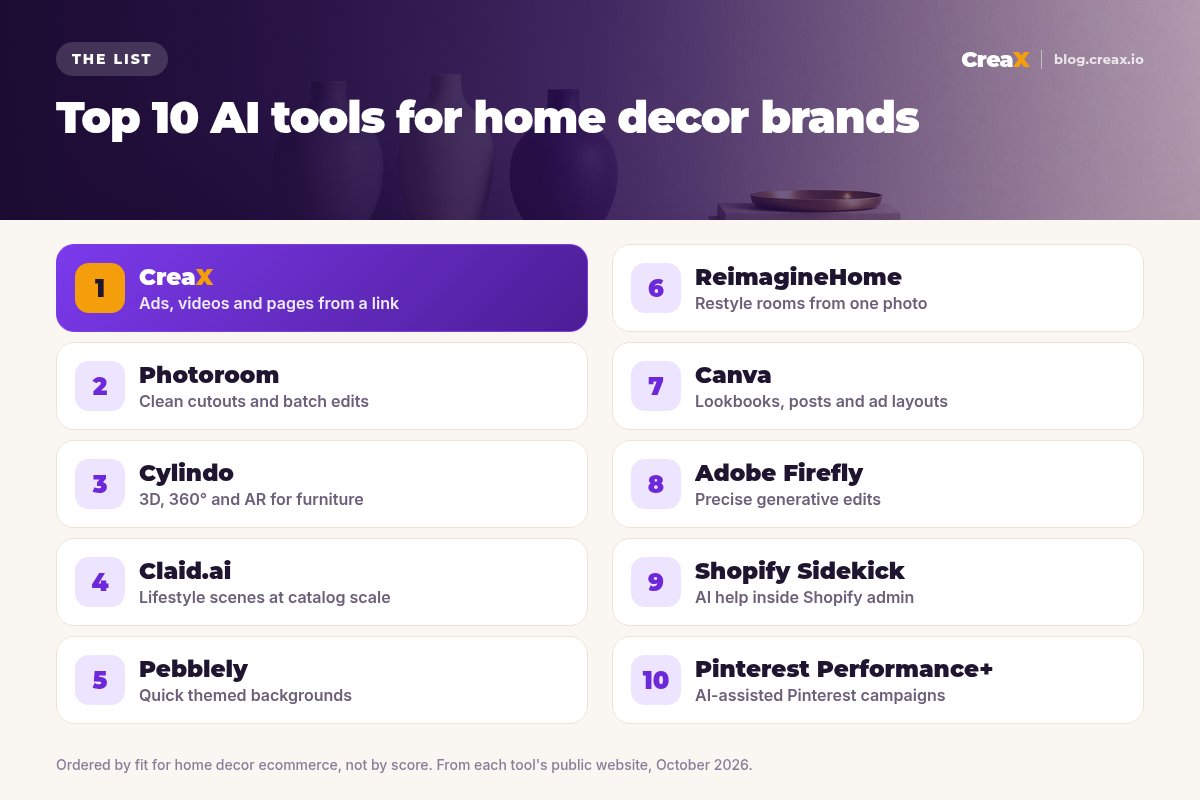
The listThe 10 best AI tools for home decor and furniture brands
CreaX
Best for: launching new products with ads, videos and a page
CreaX is an all-in-one AI ecommerce creative OS. Paste a product link (from Alibaba, AliExpress, Amazon, Etsy or any product page) or upload a product image and, in about 60–120 seconds, it generates studio ad creatives, UGC-style video ads, a publish-ready landing page and a multi-tenant store. For a decor brand, that means a new table lamp or accent chair can go from supplier photo to a testable campaign the same day.
Static ads come in five ad styles (Classic, Humble Orbit, Punch, Luxe and Meta Feed) and four sizes (1:1, 3:4, 4:5 and 9:16), which covers feed, Stories and Pinterest-style vertical placements. Video ads run 18, 30 or 45 seconds, and landing pages come in Simple, Detailed or Advanced levels. creax.io lists 40+ languages and 160+ target countries. Plans start at $4.99 a month for 2,000 credits. See how studio ad creatives come from one product photo.
Good for
- Ads, video ads, landing page and store from one input
- Luxe and Classic styles suit premium decor
- Low entry price, credit-based
Keep in mind
- Not a 3D configurator or AR viewer
- Not a room-redesign tool
Photoroom
Best for: clean, consistent catalog photos
Photoroom is an AI photo editor and listing studio for ecommerce. Its site highlights background removal, AI product photography and staging, a brand kit that locks backgrounds, padding and colors, batch editing across whole catalogs, instant resizing, video templates for Reels, TikTok and Stories, and an API. It is a fast way to make mixed supplier shots look like one brand.
Good for
- Fast, clean cutouts
- Batch editing for a whole collection
- Brand kit keeps images consistent
Keep in mind
- You still design ads and pages elsewhere
- Photo-focused (see CreaX vs Photoroom)
Website: www.photoroom.com
Cylindo
Best for: 3D, 360° and AR views of configurable furniture
Cylindo describes itself as an AI visual commerce platform for furniture brands. Its site covers interactive 360° product views, close-up detail shots, web-based augmented reality that puts a piece in the shopper's own room, accurate visuals across fabrics, finishes and configurations, and lifestyle scenes made with AI or staged 3D rooms. It suits furniture makers with many fabric and finish options.
Good for
- Built for furniture and configurable products
- 360°, close-ups and AR from one platform
- Visuals stay grounded in product data
Keep in mind
- A platform project, not a quick self-serve tool
- More than a small decor shop with simple products needs
Website: www.cylindo.com
Turn your next decor product into a ready-to-test campaign
Paste a product link or upload one image and get studio ads, UGC-style video ads and a landing page in one pass.
Claid.ai
Best for: lifestyle scenes at catalog scale
Claid.ai focuses only on product photography. Its AI Studio places products in editorial and lifestyle scenes, removes backgrounds, upscales, fixes light and color, and turns still images into short video clips, with an API for processing large catalogs in a brand style. For decor brands with many SKUs, it is a way to give every vase, cushion or side table a consistent lifestyle shot.
Good for
- Emphasis on keeping product details
- Scenes, upscaling and light fixes together
- API and bulk workflows
Keep in mind
- More than a small shop may need
- Images only (see CreaX vs Claid.ai)
Website: claid.ai
Pebblely
Best for: quick themed backgrounds
Pebblely keeps it simple: upload a product photo and generate themed backgrounds, one by one or in bulk, for listings, social posts, website imagery, email banners and ad creatives. For candles, ceramics and frames, it is a quick way to get attractive scenes.
Good for
- Very easy to learn
- Bulk generation of variations
Keep in mind
- Large furniture in full rooms is harder to stage convincingly
- No video, ads or pages (see CreaX vs Pebblely)
Website: pebblely.com
ReimagineHome
Best for: restyling a real room from one photo
ReimagineHome is an AI interior design and virtual staging tool. Its site describes uploading a room photo, describing the result you want, and refining step by step while walls, windows and structure stay fixed. It also offers decluttering, surface restyling and moodboard-based designs. It is built mainly for homeowners, agents and interior designers, but decor brands can use it for inspiration content.
Good for
- Keeps room structure while restyling
- Step-by-step refinement
- Free designs to try, per its site
Keep in mind
- Room-level inspiration, not a product-accurate catalog tool
- Your exact product is not guaranteed to appear unchanged
Website: www.reimaginehome.ai
Canva
Best for: lookbooks, social posts and ad layouts
Canva is a broad design platform with a huge template library and AI tools such as Magic Edit, Background Remover, Magic Eraser and Magic Resize (now part of Magic Switch), which resizes one design for many channels. Decor brands use it for seasonal lookbooks, sale banners, Pinterest pins and simple ad layouts.
Good for
- Templates for almost every format
- Easy for non-designers
- Team brand kits
Keep in mind
- You design each asset by hand
- No landing pages built from a product (see CreaX vs Canva)
Website: www.canva.com
Adobe Firefly
Best for: precise generative edits
Adobe Firefly is Adobe's AI creative space for generating and editing images, video, audio and vectors, with tools like Generative Fill and Generative Expand that also feed into Photoshop and Express. Adobe says its own Firefly models are trained on licensed and public-domain content. For brands with a designer, it is a precise way to extend a room shot or swap a wall color.
Good for
- Fine control for designers
- Fits existing Adobe workflows
- Commercially safe models, per Adobe
Keep in mind
- Needs design skills to get the most out of it
- Slower path from photo to finished ad
Website: www.adobe.com/products/firefly.html
Show your products at their best, in every format
One product link or image: studio ads in 1:1, 3:4, 4:5 and 9:16, UGC-style video ads and a landing page that matches them.
Shopify Sidekick (Shopify Magic)
Best for: AI help inside your Shopify admin
Shopify's AI features now sit under Sidekick, an assistant inside the Shopify admin. Its page describes help with store design, upgrading phone photos to studio-style shots, product descriptions, discount setup, email campaigns, collections and performance summaries, included with Shopify plans (features and limits vary by plan). See CreaX vs Shopify Magic for how it compares with a dedicated creative tool.
Good for
- Included with your Shopify plan
- Knows your store data and can act in the admin
Keep in mind
- Only for Shopify stores
- Not built to produce full ad campaigns or video ads
Website: www.shopify.com/magic
Pinterest Performance+
Best for: AI-assisted Pinterest campaigns
Pinterest matters for home decor because people go there to plan rooms. Performance+ bundles Pinterest's automation and AI features in Ads Manager: simpler targeting, automatic bidding and, for sales campaigns, AI-generated product backgrounds, automatic image resizing, and Collections and Shopping ads built from your catalog. It works best when you already have strong product images. Our guide to Pinterest ads for ecommerce covers setup.
Good for
- Reaches people actively planning their homes
- Catalog-based ads with less manual work
Keep in mind
- Only runs on Pinterest
- You still need good source images and a page to land on
Website: business.pinterest.com
Buyer's checklistHow to choose: 5-question checklist
Demos always look good. Run one of your own products, ideally one with a tricky texture like boucle or rattan, through your top two or three tools with the same goal.
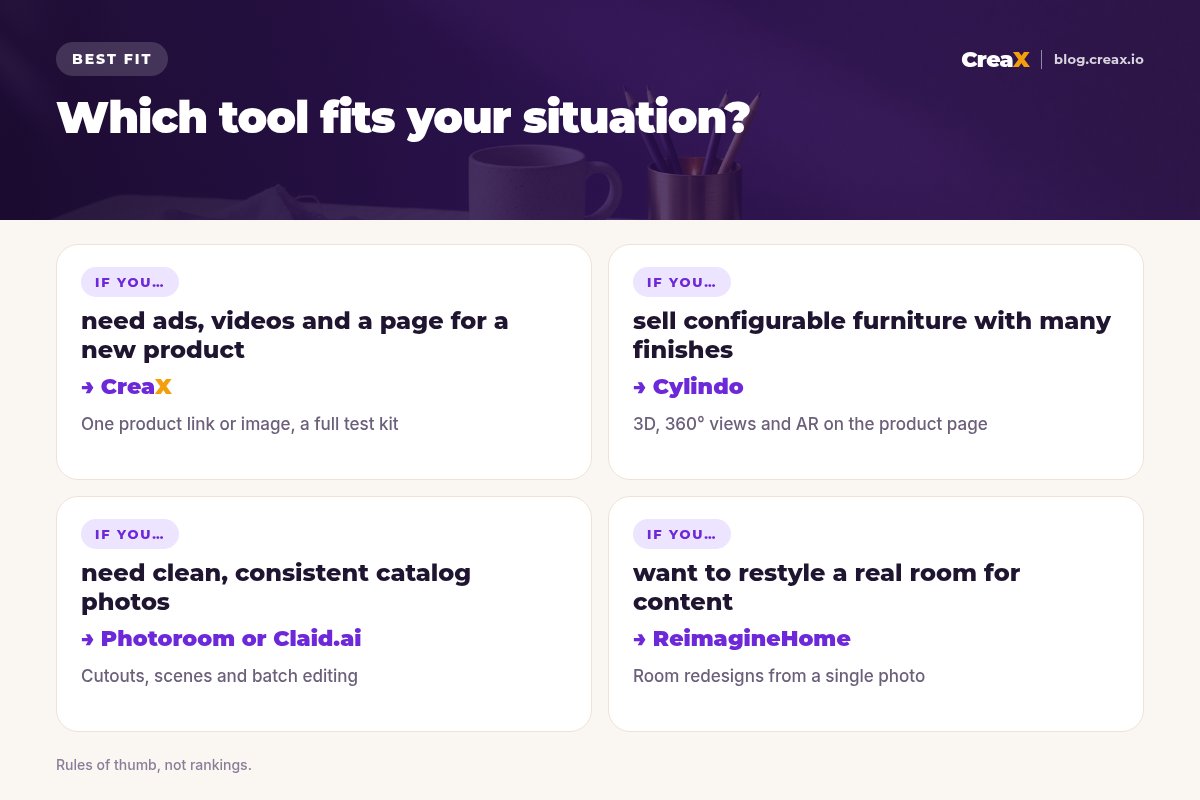
Answer these five before you pay
- ✓Is the product still accurate? Zoom in on color, grain, weave, legs, hardware and proportions.
- ✓Which job is your bottleneck? Catalog photos, room scenes, 3D views, ads or a page to send traffic to. Fix the biggest one first.
- ✓Does the output fit your channels? Feed ads need 1:1 or 4:5, Stories and Reels need 9:16, Pinterest favors vertical images, marketplaces want clean backgrounds.
- ✓Can your team run it? A founder needs one-click tools; a team with a designer or 3D artist can use precise editors and platforms.
- ✓Are the commercial terms clear? Read the license and content policy before running paid ads.
★Count the whole job, not the image
ExampleWorked example: a small-budget stack
Imagine a small online shop launching a handmade ceramic table lamp in three glazes, with no designer and a modest monthly tool budget. A sensible stack could look like this:
Get clean product photos
Add a lifestyle scene or two
Build the campaign kit
Reach people planning a room
The pattern scales: one creative tool for the job you do most, plus a specialist only where it pays for itself.
Avoid returnsKeep home decor imagery honest
Furniture and decor are bulky and costly to return, so the image has to match the product. Backgrounds, rooms and lighting can change; shape, color, material, finish and size cannot. Keep at least one photo with a clear sense of scale, list the dimensions, and never let a scene make veneer look like solid oak. Our article on whether AI product photos can replace a photoshoot goes deeper.
!A two-minute check before every launch
FAQFrequently asked questions
Q.What is the best AI tool for home decor brands?
Q.Can AI create room scenes for furniture?
Q.Is virtual staging the same as product photography?
Q.Does CreaX make 3D or AR furniture views?
Q.How much does CreaX cost?
Ready to launch your next decor product?
One product link or image, about 60–120 seconds: studio ads, UGC-style video ads and a landing page for your first test.
This guide is published by CreaX. We describe other tools from their own public websites as of October 2026, avoid invented scores or prices, and recommend checking each vendor's site for current features and plans.