
10 Best AI Tools for Food and Beverage Brands
Top 10 · Food and beverage
The best AI tools for food and beverage brands help you show your product the way it really tastes: fresh, appetizing and honest. Snack, coffee, sauce and drink brands need a steady flow of product photos, ad creatives, short videos, emails and social posts, usually without a food stylist on call. Here are the 10 AI tools we would look at in 2026, what each one is best at, and how to build a small stack that fits your budget.
Updated October 2026 · By the CreaX team
Key takeaways
- ✓Split the stack by job: ads and pages (CreaX), product photos (Photoroom, Pebblely, Claid.ai, Adobe Firefly), design (Canva), repeat customers (Klaviyo), social and creators (Later), store admin (Shopify Magic) and drafting (ChatGPT).
- ✓CreaX is our first pick for food and drink brands that sell with paid ads: one product link or image becomes studio ad creatives, UGC-style video ads and a landing page in about 60–120 seconds.
- ✓Food has to look like your food. Check every AI image for texture, color, portion size and packaging before it goes live, and never show ingredients or results you cannot deliver.
- ✓Most small brands need only three or four of these tools. Start with the job that slows you down most.
In this guide
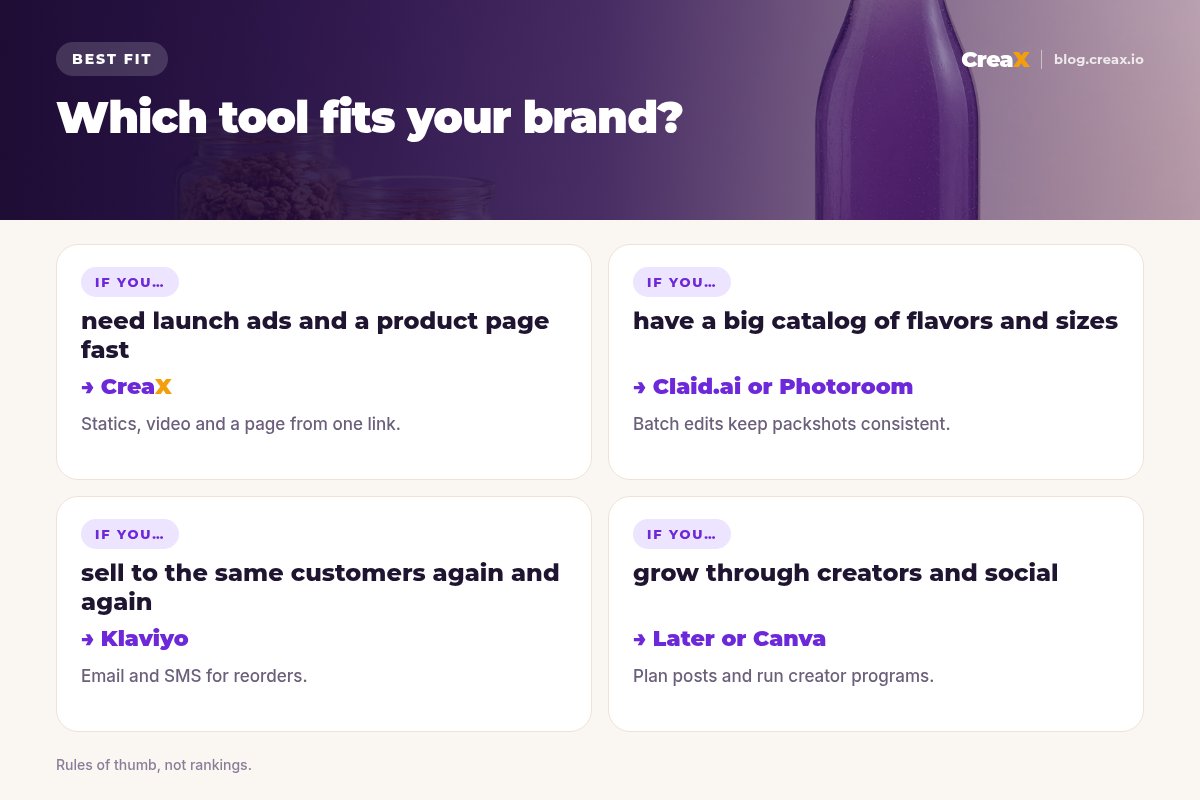
TL;DRQuick picks: the best tool for each situation
| If you need… | Start with | Why |
|---|---|---|
| Ads, videos and a landing page for a product | CreaX | Studio statics, UGC-style video and a page from one link |
| Clean packshots on white for listings | Photoroom | Background removal and batch edits |
| Quick themed scenes for social posts | Pebblely | Upload a photo, pick or describe a scene |
| Menus, labels, posters and social graphics | Canva | Templates and AI editing in one editor |
| Precise edits to a hero campaign image | Adobe Firefly | Generative fill and expand, Adobe app workflow |
| Hundreds of flavors, sizes and bundles | Claid.ai | Product photo tools with an API for catalogs |
| Reorders and subscriptions by email and SMS | Klaviyo | Marketing platform with AI campaign tools |
| Creators, scheduling and link in bio | Later | Influencer and social media management |
| AI help where your store already lives | Shopify Magic | Sidekick inside Shopify admin |
| First drafts of copy, recipes and FAQs | ChatGPT | General AI assistant |
MethodHow we chose (no invented scores)
We picked tools that small and mid-size food and beverage brands selling online can actually use: direct-to-consumer snack and drink brands, coffee roasters, sauce and spice makers and bakeries that ship. For every tool we read its own public website in October 2026 and describe only what it says it does. We give no star ratings or performance numbers, and we do not list competitor prices because they change often; check each vendor's pricing page.
The order reflects fit for a typical food or drink brand that sells online and runs paid social ads. CreaX is first because making ads and pages for products is exactly what it is built for. It is not an email or scheduling tool, so the rest of the list covers those jobs.
★One tool per bottleneck
ComparisonAll 10 at a glance
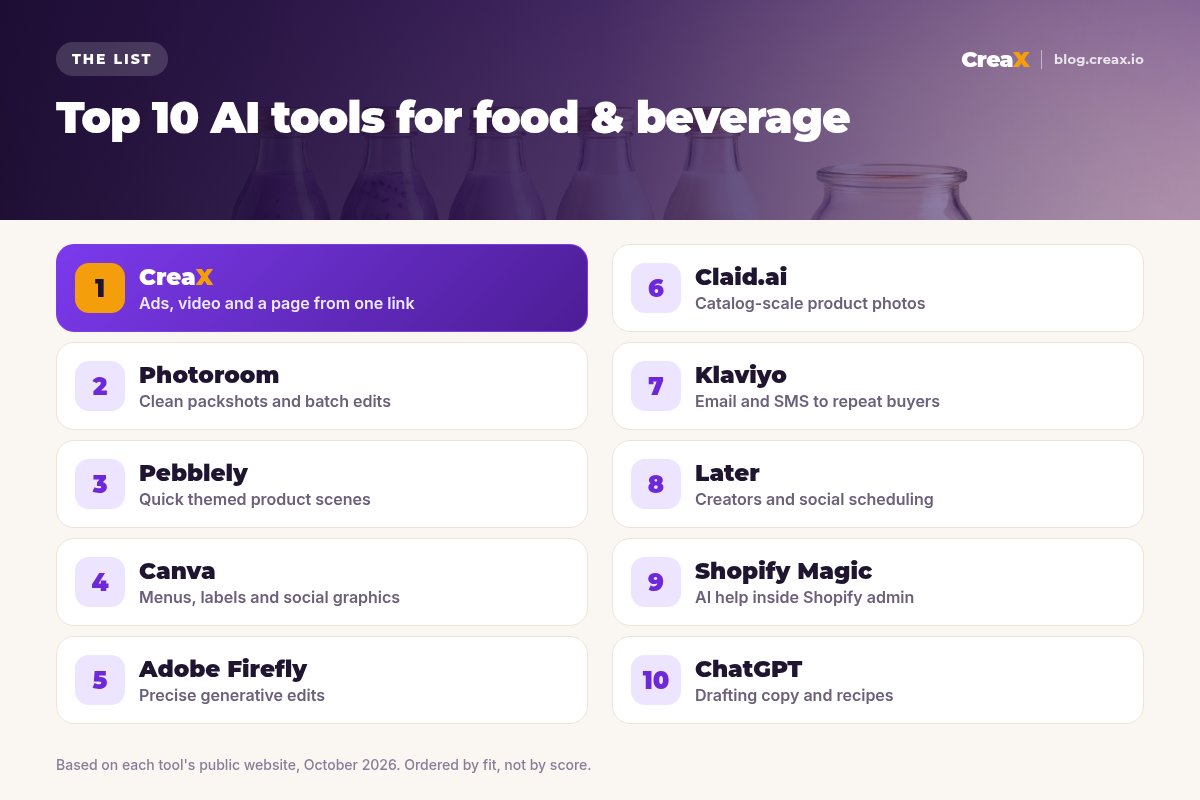
| Tool | Main job for F&B brands | Type | Pricing |
|---|---|---|---|
| CreaX | Launch ads, UGC-style video and product pages | AI creative OS | $4.99–$49.99/month, top-ups $1 per 500 credits |
| Photoroom | Packshots, backgrounds, batch edits | AI photo editor | Free and paid plans; check photoroom.com |
| Pebblely | Themed product scenes | AI product photos | Check pebblely.com |
| Canva | Menus, labels, social graphics | Design tool | Free plan; check canva.com |
| Adobe Firefly | Generative image and video edits | Generative AI app | Free daily generations; paid plans |
| Claid.ai | Catalog-scale product photography | AI photo studio + API | Free trial; check claid.ai |
| Klaviyo | Email and SMS for reorders | Marketing platform | Free plan; paid by contacts and usage |
| Later | Creators and social scheduling | Social and influencer platform | Check later.com |
| Shopify Magic | AI tasks in Shopify admin | Built-in assistant | Included with Shopify plans |
| ChatGPT | Drafting copy and ideas | AI assistant | Free and paid plans |
Summarised from each vendor's public website, October 2026. Confirm current plans before you buy.
The listThe 10 best AI tools for food and beverage brands
CreaX
Best for: launch ads, UGC-style videos and product landing pages
CreaX is an all-in-one AI ecommerce creative OS. Paste a product link (from Amazon, Etsy or any product page) or upload a product image and, in about 60–120 seconds, you get studio ad creatives (product photos and static ads), UGC-style video ads, a publish-ready landing page and a multi-tenant store. For a food or drink brand, that means a new flavor, a bundle or a seasonal box can have its own ads and page the same day.
Static ads come in five styles (Classic, Humble Orbit, Punch, Luxe and Meta Feed) and four sizes (1:1, 3:4, 4:5 and 9:16), and video ads run 18, 30 or 45 seconds. Landing pages come in Simple, Detailed or Advanced levels. Plans start at $4.99 a month for 2,000 credits. Our guide to studio ad creatives from one product photo shows how it works.
Good for
- Statics, UGC-style video and a page from one product
- Fast new angles for launches and seasons
- Low entry price, credit-based
Keep in mind
- Not an email, SMS or scheduling tool
- Check every food image for accuracy before launch
Photoroom
Best for: clean packshots and consistent listing photos
Photoroom is an AI photo editor and listing studio for ecommerce. It is known for fast background removal and adds AI product photography, product staging, a brand kit, instant resizing, batch editing (in the app or through its API) and video templates that turn a product shot into short clips for Reels, TikTok and Stories. For food brands, its everyday job is clean, consistent packshots of jars, bags and bottles across your store and marketplaces. See CreaX vs Photoroom.
Good for
- Fast, clean cutouts of packaging
- Batch edits and a brand kit for consistency
- Web, mobile and API
Keep in mind
- Focused on images, not landing pages
- AI scenes need a check for realistic food
Website: www.photoroom.com
Pebblely
Best for: quick themed scenes for social posts
Pebblely keeps it simple: upload a product photo and generate themed backgrounds, one by one or in bulk, for listings, social posts, website imagery, email banners and ad creatives. For a coffee bag on a wooden table or a sauce bottle by a picnic basket, it is a quick way to get attractive scenes without a shoot. Compare it in CreaX vs Pebblely.
Good for
- Very easy to learn
- Bulk generation of variations
Keep in mind
- Images only: no video or pages
- Props and food around the product need a careful look
Website: pebblely.com
Canva
Best for: menus, labels, posters and social graphics
Canva is the design tool many small food brands already use for menus, flyers, label drafts, recipe cards and social posts. Its templates cover almost every format, and its AI features help you edit photos and generate ideas without leaving the editor.
Good for
- Templates for almost every format
- AI editing built in
- Generous free plan
Keep in mind
- You design most things by hand
- Not built around product ads or landing pages
Website: www.canva.com
Adobe Firefly
Best for: precise generative edits for hero images
Adobe Firefly is Adobe's AI creative app for generating and editing images, video, audio and vectors. It offers tools like Generative Fill and Generative Expand, works with Photoshop, Premiere and Adobe Express, and includes Adobe's own models, which Adobe describes as commercially safe, alongside partner models from other companies with their own terms. For a brand with a designer, it is a precise way to extend a campaign photo or swap a background.
Good for
- Fine control for hero images
- Fits existing Adobe workflows
- Free daily generations to try it
Keep in mind
- Needs design skills to get the most out of it
- Partner models have their own terms
Website: www.adobe.com/products/firefly.html
Claid.ai
Best for: catalog-scale product photography
Claid.ai focuses only on product photography: AI photoshoots that place products in lifestyle scenes, background removal, upscaling, light and color fixes, AI video clips from stills and an API for processing large catalogs. It says its models are trained to keep logos, labels and product shapes intact, which matters when your packaging is the product. See CreaX vs Claid.ai.
Good for
- Emphasis on keeping packaging details
- API and bulk workflows
- Free to try
Keep in mind
- More than a brand with a few products may need
- No landing pages
Website: claid.ai
Klaviyo
Best for: reorders and subscriptions by email and SMS
Klaviyo describes itself as an AI marketing and service platform and B2C CRM, covering email, SMS and more, with AI tools that can build a campaign from a prompt. Food and drink are repeat purchases, so the reorder reminder, the new-flavor launch email and the subscription nudge often matter as much as the first ad.
Good for
- Email, SMS and more in one place
- AI campaign building from your store data
- Free plan with core features
Keep in mind
- Paid plans scale with contacts and usage
- Takes setup time to get flows right
Website: www.klaviyo.com
Later
Best for: creators, scheduling and link in bio
Later combines social media management (plan, publish, analyze, Link in Bio and content creation tools) with influencer marketing software and full-service creator programs. Food and drink travel well on Instagram and TikTok, so a brand that leans on recipes, taste tests and creators can keep the calendar and creator work in one place.
Good for
- Scheduling and creator programs together
- Link in Bio for social traffic
Keep in mind
- Does not generate product ads
- Full-service programs suit larger budgets
Website: later.com
Shopify Magic
Best for: AI help inside your Shopify admin
If your store runs on Shopify, its AI features (now presented as Sidekick, Shopify's AI assistant) help with product descriptions, upgrading phone photos, social posts, discounts and email campaigns, right inside the admin. Shopify says Sidekick is included with your plan, with features and limits that vary by plan. See CreaX vs Shopify Magic.
Good for
- Built into Shopify, no extra tool
- Knows your store data
Keep in mind
- Only for Shopify stores
- Not built for full ad creative kits
Website: www.shopify.com/magic
ChatGPT
Best for: first drafts of copy, recipes and FAQs
ChatGPT is a general AI assistant. It is handy for first drafts: product descriptions, recipe ideas that use your product, email subject lines and FAQ answers. It does not know your ingredients, allergens or nutrition facts unless you give them, so check every claim before it goes out. Read CreaX vs ChatGPT for product ads for where a general AI stops.
Good for
- Fast first drafts for almost any text
- Free and paid plans
- Good for brainstorming angles
Keep in mind
- Not connected to your product data by default
- Every food claim needs checking
Website: chatgpt.com
Turn your next flavor into ads and a page
Paste a product link and get studio ads, UGC-style video and a landing page you can review before anything goes live.
DecideHow to choose: 5-question checklist
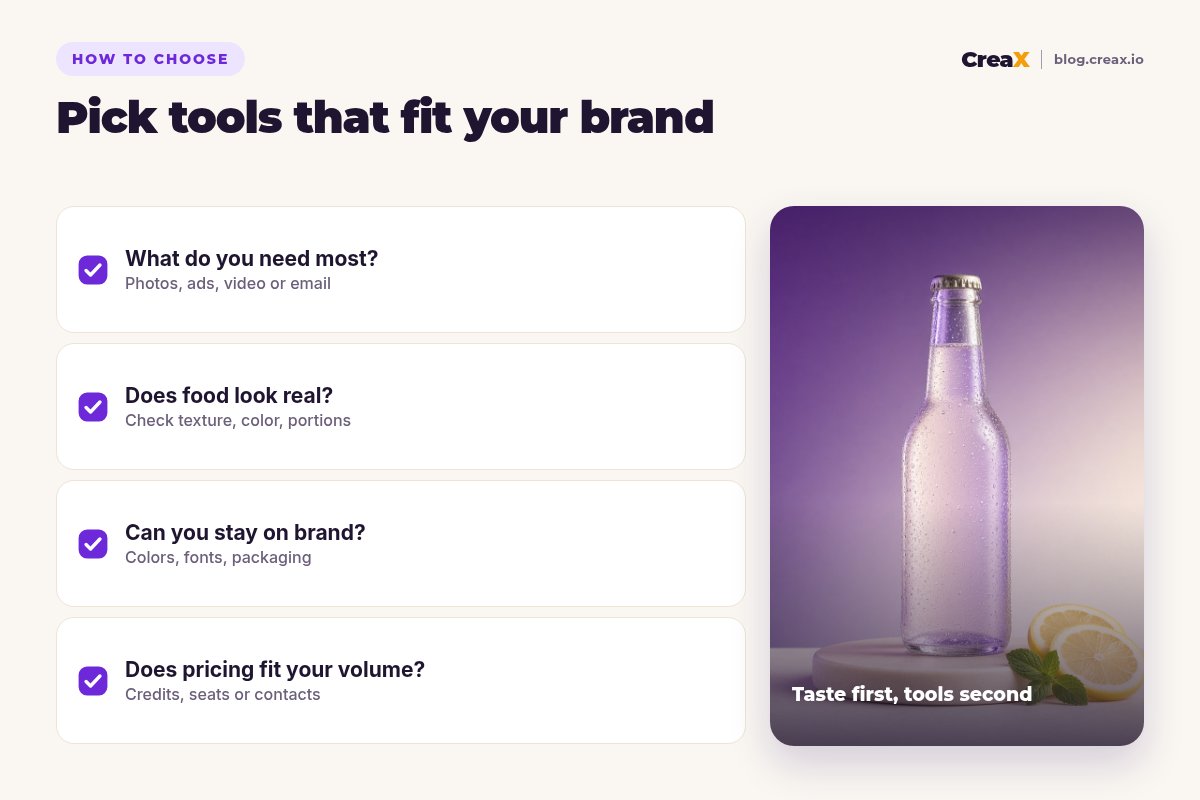
Before you add a tool
- ✓Which job takes longest today? Launch ads, listing photos, emails or social posts. Fix that one first.
- ✓Does the food still look real? Test the tool on your own product and check texture, color and portion size.
- ✓Can you keep your packaging accurate? Labels, logos and flavors must match what customers receive.
- ✓Does the pricing fit your volume? Credits, seats, contacts and images all grow with more flavors.
- ✓Do you stay in control? Every AI tool here should let you review what goes out before it runs.
ExampleWorked example: a small-budget stack
Say you run a small online brand selling sparkling lemonade and granola and can pay for two or three tools while you launch a new lavender-lemon flavor.
| Job | Tool | What you do with it |
|---|---|---|
| Launch ads and a flavor page | CreaX | Three angles (summer refresh, lunchbox treat, gift bundle), statics in 4:5 and 9:16, one UGC-style video, one landing page |
| Listing photos | Photoroom | Consistent white-background packshots for the store and marketplaces |
| Reorders | Klaviyo (free plan to start) | Launch email to past buyers, then a reorder reminder |
| Social graphics | Canva (free plan) | Recipe cards and stories around the launch |
An illustrative stack, not a performance claim.
Add Later when creators become a real channel, and Claid.ai when your catalog grows to many flavors and sizes. To decide how many ads to start with, read how many ad creatives to test per product.
Make food ads that look as good as your product
One product link, about 60–120 seconds: studio statics, UGC-style video and a landing page for your next launch.
Stay honestFood-specific rules for AI content
Food and drink ads carry more risk than most categories, because customers eat what you sell. A few rules keep AI content honest:
- Show the real product. AI can change the scene, not the food. The color of the drink, the size of the cookie and the look of the packaging must match what ships.
- Keep ingredients and allergens accurate. Never let an AI tool add ingredients, garnish or claims (organic, sugar-free, high protein) that are not true for your product.
- Be careful with health claims. Food and drink advertising is regulated in many markets, and ad platforms have their own rules. Check what you are allowed to say before you write it.
- Label AI content where required. Follow the rules of each ad platform and market you sell in.
- Keep your best real photos. Use AI to multiply good source photos, not to replace them.
!Never fake taste or reviews
For more on picking the right photos, see our guide to the best AI product photo generators.
FAQFrequently asked questions
Q.What is the best AI tool for food and beverage brands?
Q.Can AI make food photos look real?
Q.Do I need all 10 tools?
Q.Are these tools free?
Q.Can I use AI images on marketplace listings?
Q.What does CreaX cost?
Ready to launch your next flavor?
Paste a product link and get ads, UGC-style video and a landing page in about 60–120 seconds.
This guide is published by CreaX. We describe other tools from their own public websites as of October 2026, avoid invented scores or prices, and recommend checking each vendor's site for current features and plans.