

10 Best AI Tools for Selling Digital Products
Top 10 · Digital products
The best AI tools for digital product sellers do two different jobs: some bring buyers to your offer (ads, videos, landing pages), and some take the payment and deliver the files. Here are the 10 we would look at in 2026 for templates, ebooks, presets and courses, what each one is really for, and a small-budget stack you can copy.
Updated October 2026 · By the CreaX team
Key takeaways
- ✓Split your stack into traffic and offer (CreaX, Canva, ChatGPT), checkout and delivery (Gumroad, Payhip, Lemon Squeezy) and creator platforms (Stan, Beacons, Kajabi, Systeme.io).
- ✓CreaX is our first pick for getting buyers: one product page link or mockup image becomes video ads, static ads and a landing page in about 60–120 seconds.
- ✓For simple file sales, Gumroad and Payhip are the quickest start. Selling software or licenses? Lemon Squeezy acts as merchant of record.
- ✓Selling from your social bio points to Stan or Beacons; a full course and coaching business points to Kajabi or Systeme.io.
In this guide
TL;DRQuick picks: the best tool for each situation
| If you need… | Start with | Why |
|---|---|---|
| Ads and an offer page that bring buyers | CreaX | Video ads, static ads and a landing page from one link or image |
| The simplest way to sell a file | Gumroad or Payhip | Upload, set a price, share the link |
| A store inside your link in bio | Stan or Beacons | Mobile-first creator storefronts |
| Software, licenses and global tax handled | Lemon Squeezy | Merchant of record with license keys |
| Courses, coaching and memberships in one place | Kajabi or Systeme.io | Course hosting, email and funnels together |
| To design the product itself | Canva | Templates for planners, ebooks and printables |
| Outlines, drafts and sales copy | ChatGPT | A writing assistant you edit and fact-check |
MethodHow we chose (criteria, no invented scores)
- Fit for digital products: does it help create, market, sell or deliver files, courses or memberships?
- The job it does: bringing traffic, building the offer, or checkout and delivery.
- Speed: how fast can a solo creator get a first sale live?
- Tax and payments: who handles payments, VAT and sales tax?
- Cost model: free plan, subscription or transaction fees, and how that changes as you grow.
⚖No fake scores
Comparison tableAll 10 at a glance
| Tool | Main job | Ads & video | Checkout | Courses |
|---|---|---|---|---|
| CreaX | Video ads, static ads, landing pages | Yes | No | No |
| Gumroad | Sell digital products and memberships | No | Yes | Yes |
| Stan | Link-in-bio creator store | No | Yes | Yes |
| Payhip | Store for downloads, courses, coaching | No | Yes | Yes |
| Kajabi | All-in-one course and coaching platform | No | Yes | Yes |
| Lemon Squeezy | Merchant of record for software | No | Yes | No |
| Beacons | Link in bio, store and email | No | Yes | Yes |
| Systeme.io | Funnels, email and courses | No | Yes | Yes |
| Canva | Design templates and ebooks | Partial | No | No |
| ChatGPT | Writing and planning assistant | No | No | No |
Summarised from each tool's public website, October 2026. Features change often; check each site.
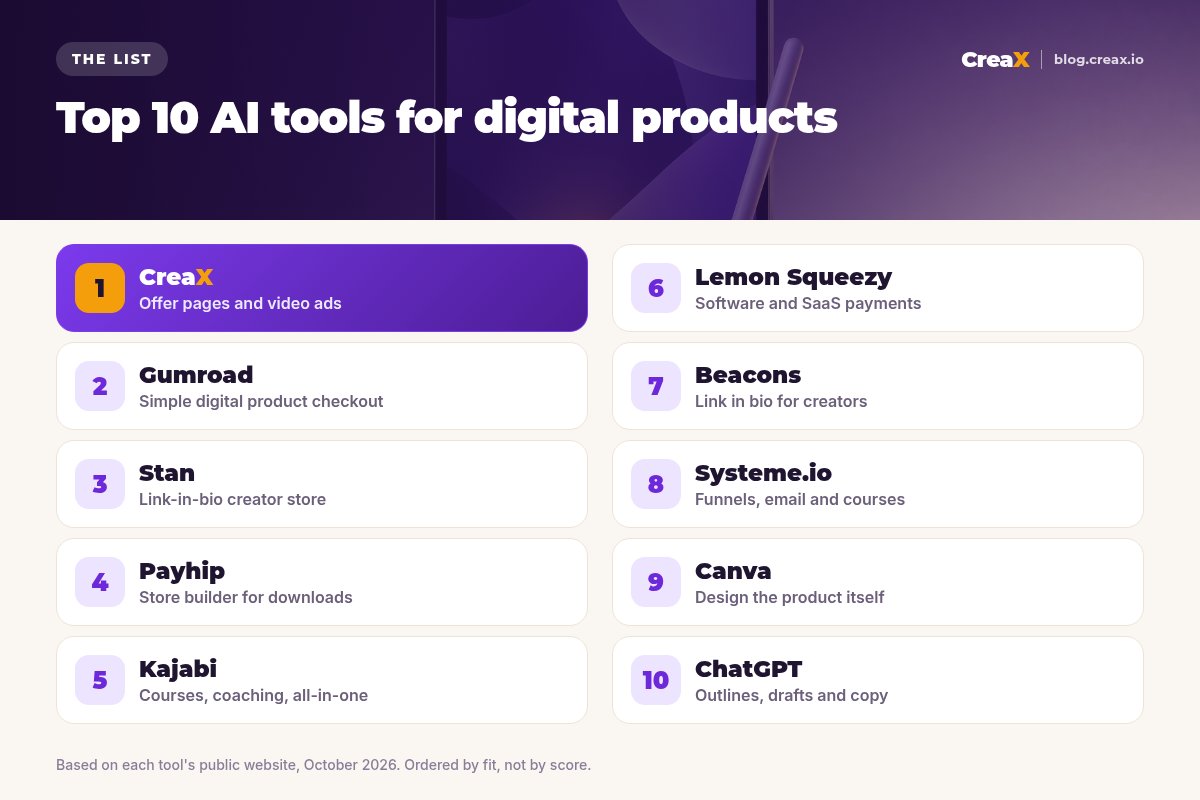
The listThe 10 best AI tools for selling digital products
CreaX
Best for: ads and an offer page that bring buyers
CreaX is an all-in-one AI ecommerce creative OS. Paste a product page link, or upload a product image such as a clean mockup of your template pack or ebook, and in about 60–120 seconds you get UGC-style video ads, studio static ads, a publish-ready landing page and a multi-tenant store. Coaches and affiliates are among the audiences CreaX is built for, which makes it a good fit for course and offer pages too.
Videos run 18, 30 or 45 seconds and static ads come in five styles and four sizes (1:1, 3:4, 4:5 and 9:16), so you have creatives for Reels, TikTok and Stories. Plans start at $4.99 a month for 2,000 credits, with top-ups at $1 per 500 credits. See how coaches launch an offer in 7 days with AI landing pages and video ads.
Good for
- Video ads, statics and an offer page together
- Works from a link or a mockup image
- Low entry price, credit-based
Keep in mind
- Built for ecommerce first: use a clear mockup for digital items
- No file delivery or course hosting: pair it with a checkout tool
Gumroad
Best for: the simplest checkout for digital products
Gumroad describes itself as a simple e-commerce platform for selling digital products, memberships and courses. You can build a storefront with its page editor, link a custom domain or embed checkout on your own site. Its features page lists memberships and subscriptions, pay-what-you-want pricing, multiple currencies, EU VAT collection, license keys, multiple file versions, lightweight DRM, email broadcasts and automated workflows.
Good for
- Start selling in minutes
- Memberships and pay what you want
- VAT handled for EU buyers
Keep in mind
- Basic design compared with full site builders
- Brings few buyers on its own: you drive the traffic
Website: gumroad.com
Stan
Best for: a link-in-bio store for creators
Stan is a mobile-first creator store that lives in your social bio link. Its public pages describe selling digital downloads, courses, webinars, memberships, communities, lead magnets and coaching bookings from one link. Stan also offers Stanley, an AI content tool for posts and scripts, and an AI Twin product type in beta.
Good for
- Built for selling from social profiles
- Many product types in one store
- AI help with content
Keep in mind
- Subscription-based; check stan.store for plans
- Less suited to a full standalone website
Website: stan.store
Payhip
Best for: a store builder for downloads, courses and coaching
Payhip lets you sell digital downloads, online courses, coaching, memberships and even physical products from one platform. Its site describes a customizable store builder, custom domains, an embed option for existing websites, VAT and tax features, email marketing and marketing tools, with a free way to start.
Good for
- Free to start
- Downloads, courses and memberships
- Embed on your existing site
Keep in mind
- Fewer advanced funnel features
- Traffic is up to you
Website: payhip.com
Kajabi
Best for: an all-in-one course, coaching and community business
Kajabi covers courses, communities, newsletters, coaching, digital downloads, memberships and podcasts, plus a branded mobile app, email marketing, a website builder, funnels and automations and its own payments. Its AI features include Cofounder and expert agents. It suits experts building a full knowledge business rather than selling a single file.
Good for
- Everything for a course business in one place
- Funnels, email and payments built in
- Branded mobile app option
Keep in mind
- More than you need for one template pack
- Higher cost than simple checkout tools; check kajabi.com
Website: kajabi.com
Lemon Squeezy
Best for: software, licenses and global tax as merchant of record
Lemon Squeezy presents itself as an all-in-one platform for software businesses: payments, subscriptions, global tax compliance as merchant of record, license key management, secure digital downloads, no-code checkout links, a simple store, email marketing, lead magnets, discounts and AI-based fraud prevention. It is a strong fit for apps, plugins and software-like digital products.
Good for
- Merchant of record handles sales tax
- License keys and subscriptions
- Checkout links you can share anywhere
Keep in mind
- Focused on software and SaaS
- Not a course platform
Website: www.lemonsqueezy.com
Beacons
Best for: link in bio with a store, media kit and email
Beacons is an all-in-one creator platform: a link-in-bio page, an online store for merch, digital products and courses, a media kit builder for brand deals, and email marketing. Its AI teammate, Beam, helps with content strategy, analytics and brand outreach. It suits creators who sell digital products alongside brand partnerships.
Good for
- Free plan to start
- Store, email and media kit together
- AI help for creators
Keep in mind
- Creator-first, not a full ecommerce site
- Advanced features on paid plans
Website: beacons.ai
Systeme.io
Best for: funnels, email and courses on a budget
Systeme.io combines sales funnels, email marketing, a website builder, online courses, affiliate management, marketing automation, communities and creator stores, with a free plan to start. It suits sellers who want funnels and email in one place. See CreaX vs Systeme.io for how it pairs with an ad and page generator.
Good for
- Free plan available
- Funnels, email and courses together
- Built-in affiliate management
Keep in mind
- You design pages and ads yourself
- Templates can look similar without customization
Website: systeme.io
Canva
Best for: designing the digital product itself
Canva is a general design platform with templates and AI features. Many sellers use it to design planners, ebooks, printables and social graphics. Before you sell anything made with Canva elements, read Canva's content license to see what you may resell. See CreaX vs Canva for using it on ads.
Good for
- Great for designing ebooks and templates
- Huge template library
- Free plan
Keep in mind
- Check licensing before reselling designs
- No checkout or delivery
Website: www.canva.com
ChatGPT
Best for: outlines, drafts and sales copy
ChatGPT is a general AI assistant. Digital product sellers use it to outline ebooks and courses, draft lessons, write product descriptions and plan email sequences. Treat everything as a first draft: check facts, add your own expertise and make sure the final product is genuinely useful and original.
Good for
- Fast outlines and first drafts
- Helps with descriptions and emails
- Free tier available
Keep in mind
- Needs fact-checking and your own expertise
- No design, checkout or delivery
Website: chatgpt.com
ChooseHow to choose: 5-question checklist
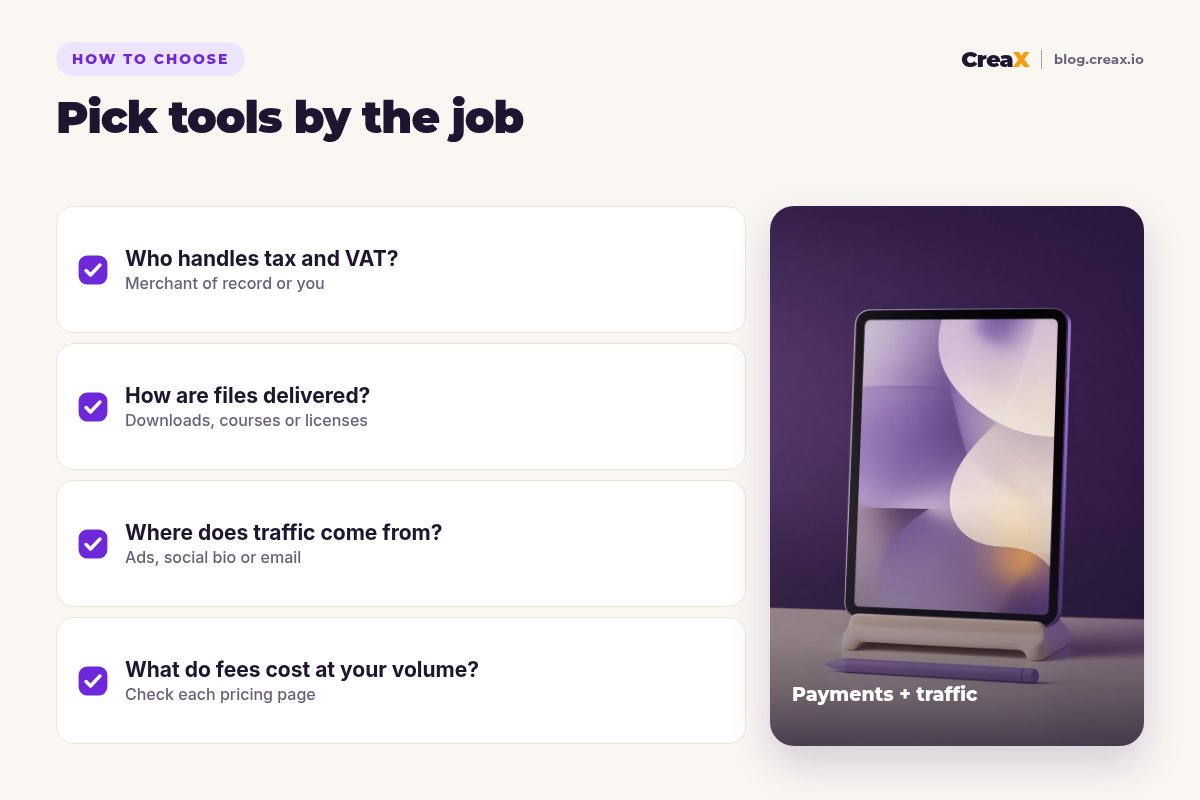
Answer these first
- ✓Who handles tax and VAT? A merchant of record handles it for you; otherwise you may be responsible.
- ✓How is the product delivered? Files, a course area, a community or license keys each suit different platforms.
- ✓Where will buyers come from? Social bio traffic suits Stan or Beacons; paid ads need creatives and a landing page.
- ✓What will fees cost at your volume? Compare subscriptions and transaction fees on each pricing page.
- ✓Can you use the content commercially? Check AI and template licensing before you sell.
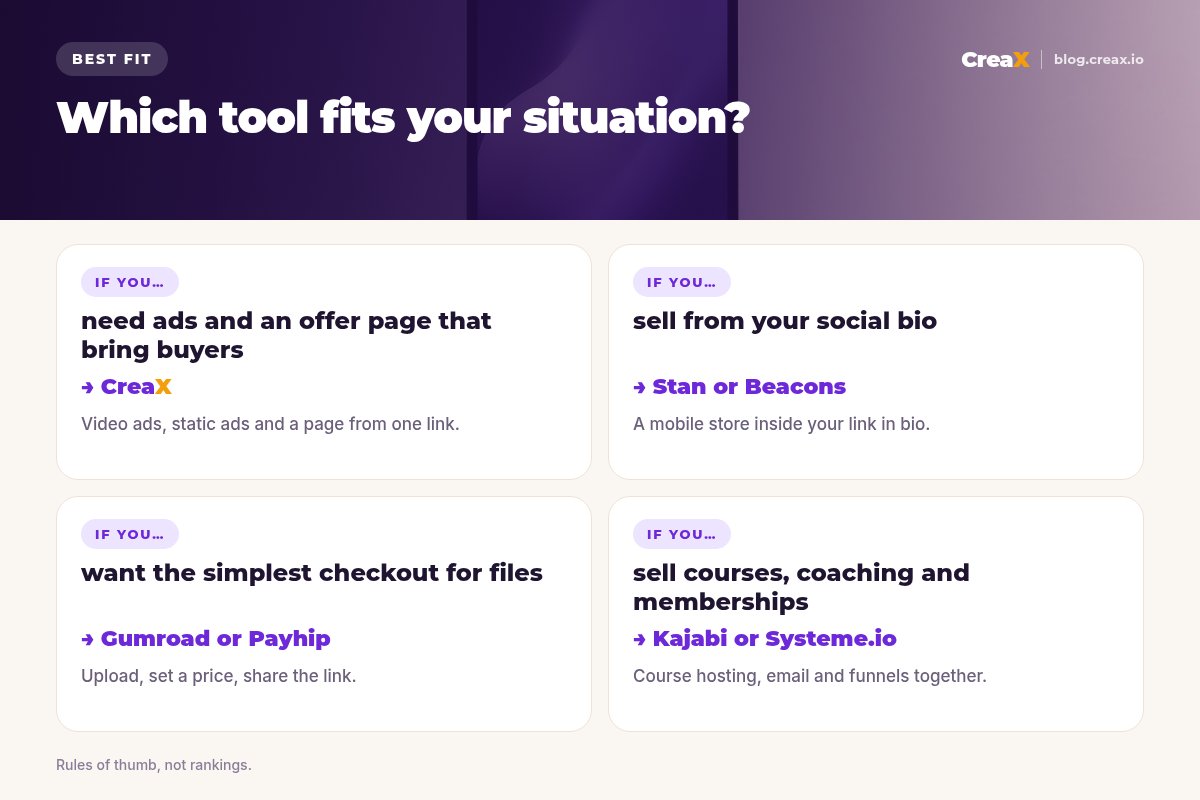
Bring buyers to your digital product
Upload a mockup or paste your product page link into CreaX and get video ads, static ads and an offer page you can launch.
ExampleWorked example: a small-budget stack
Say you sell a digital budget planner for tablets. A lean stack could look like this:
| Job | Tool | What you do |
|---|---|---|
| Design the planner | Canva | Build the pages, then export the files |
| Write the sales copy | ChatGPT | Draft the description and FAQ, then edit |
| Checkout and delivery | Gumroad or Payhip | Upload the files, set a price, get a checkout link |
| Mockup image | Canva | One clean image of the planner on a tablet |
| Ads and offer page | CreaX | Upload the mockup; get video ads, statics and a landing page |
| Traffic | Instagram, TikTok or Pinterest | Run the 9:16 videos and statics; link to the page |
An illustrative stack, not a performance claim.
Send ad traffic to the landing page, and link its button to your checkout. Keep claims honest: describe what the planner contains, not results you cannot promise. If you sell through affiliates, see how to build an affiliate pre-sell page without code, and for page structure read landing page vs product page.
Turn your digital product into an ad-ready offer
One link or mockup image, about 60–120 seconds: video ads, static ads and a landing page with one clear message.
FAQFrequently asked questions
Q.What is the best platform to sell digital products?
Q.Can CreaX sell or deliver my digital product?
Q.Do I need a merchant of record?
Q.Can I sell products I made with ChatGPT or Canva?
Q.How do I advertise a digital product?
Q.What digital products sell best?
Ready to get buyers to your digital offer?
Paste a link or upload a mockup and get video ads, static ads and a landing page for your next launch.
This guide is published by CreaX. We describe other tools from their own public websites as of October 2026, avoid invented scores or prices, and recommend checking each vendor's site for current features and plans.