

How to Plan a Monthly Ad Creative Calendar
How-to · Creative planning
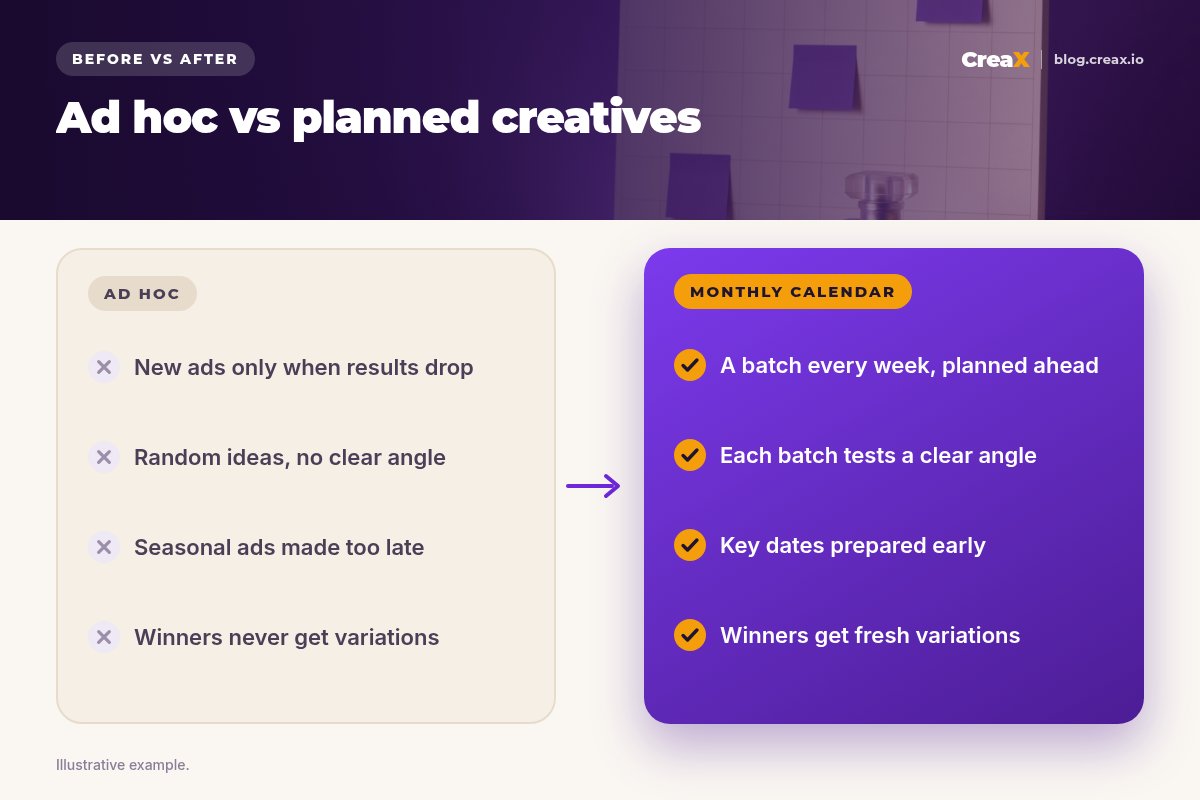
An ad creative calendar is a simple monthly plan for which ads you will make, when, and why. Without one, most stores make new creatives only when results drop, which is exactly when there is no time to do it well. This guide shows you how to plan a month of ad creatives in five steps: a clear goal, a short list of angles and formats, the dates that matter, a weekly production batch, and a review that feeds next month.
Updated October 2026 · By the CreaX team
Key takeaways
- ✓Give every month one goal: test new angles, scale a winner, or refresh tired ads. The goal decides what you make.
- ✓Plan angles first, formats second. A new angle is a new reason to buy; a new size or style is a variation of it.
- ✓Produce in one batch per week on a fixed day, so fresh creatives are always ready before you need them.
- ✓End the month with a review that rolls over: keep winners, make variations of them, retire the rest, and plan the next month from what you learned.
In this guide
The goalWhat you'll have at the end
By the end of this guide you will have a one-page calendar for next month: the goal, the products in focus, the angles you will test, the formats for each, the dates that change your message, a production day each week, and a review day at the end. It fits in a spreadsheet or a shared doc. You do not need project management software.
The calendar does not make your ads better on its own. What it does is make sure the next good batch is never late, so you are not scrambling when an ad tires or a holiday arrives. If you are new to the idea of planning creative around angles, our explainer on creative strategy for ecommerce is a good primer.
PreparationWhat you need before you start
- Last month’s results by ad, or at least a list of what is running and what is working.
- Your product list with the one or two products that matter most next month.
- A naming system for ads, so you can tell later which angle and format each result came from. See our guide to ad creative naming.
- A way to make creatives quickly: a designer, an editor, your own phone, or an AI tool that turns a product link into ads.
- An hour to plan, and a fixed hour or two each week to produce.
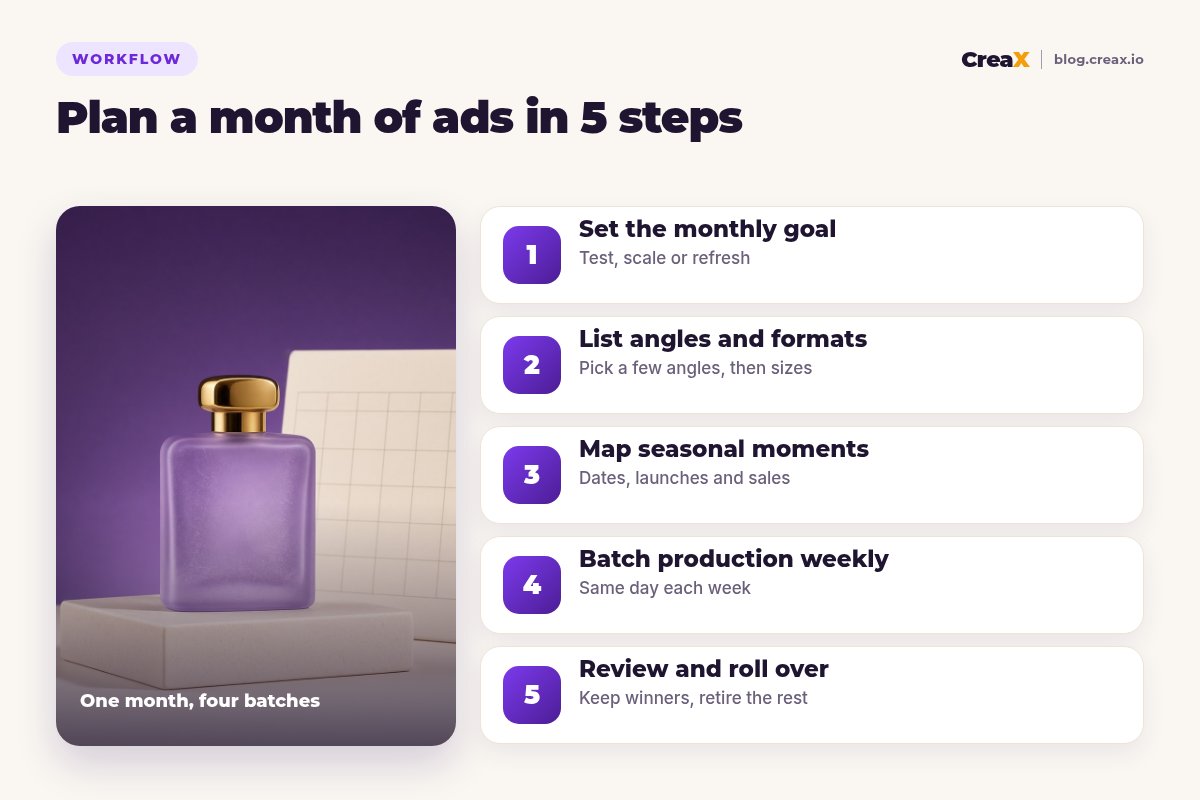
FocusStep 1: Set the monthly goal
Pick one main goal for the month. It decides what kind of creatives you make, and how many of each:
| Monthly goal | When to choose it | What you mostly make |
|---|---|---|
| Test | New product, or no clear winning angle yet | Several new angles, a few versions each |
| Scale | One angle clearly works and you want more spend on it | Many variations of the winning angle: hooks, sizes, styles |
| Refresh | Results are slipping on ads that used to work | New hooks and new visuals for proven angles |
| Seasonal push | A big date falls in the month | Seasonal versions of your best angles, ready early |
One main goal per month keeps the calendar honest. A small slice for something else is fine.
Write the goal at the top of the calendar in one sentence, for example: “Find a second winning angle for the travel mug”. If you are not sure ads are tiring, check our guide to creative fatigue signs before choosing refresh.
What to makeStep 2: List angles and formats
An angle is a reason to buy: a problem solved, a result, a moment, a buyer. A format is how you show it: static image, carousel, UGC-style video, slideshow. Plan angles first, because a new angle can change results; a new size of the same message usually will not.
- List 3–5 angles for your focus product. Use customer questions, reviews you have permission to quote, and what competitors are not saying.
- Pick 2–3 formats per angle. For most stores that means a static ad, a short video and one extra format such as a carousel.
- List the sizes you need for your placements, for example 1:1 and 4:5 for feed and 9:16 for Stories and Reels. Our guide to ecommerce ad creative sizes lists the common ones.
- Note the hook for each video. The first seconds decide whether anyone sees the rest; see what hook rate is.
Do not plan more than you can test. Our guide to how many ad creatives to test per product helps you size each batch to your budget.
Make a full set of angles and formats from one product link
CreaX turns one product link or image into studio ads in five styles and four sizes, UGC-style videos and a landing page, so a weekly batch takes minutes, not days.
DatesStep 3: Map seasonal moments
Next, mark every date in the month that changes what buyers want to hear. Then mark the date you need the creatives ready, which is always earlier:
- Holidays and shopping events in your markets, such as Valentine’s Day, Mother’s Day, back to school, Black Friday or Christmas.
- Your own dates: product launches, restocks, a sale you have decided to run, a new bundle.
- Shipping cutoffs before gift dates, so last-week ads stop at the right time.
- Platform and weather moments that matter to your niche, such as the first cold week for warm clothing.
For each date, write the angle you will adapt, the formats, and the ready-by date. Seasonal creatives work best when they are versions of angles you already know work. For a big event, see our guide to Black Friday ads for online stores.
!Only promote offers that exist
ProductionStep 4: Batch production weekly
Now turn the plan into a weekly rhythm. Pick one production day and protect it. Each week’s batch should do one job from the plan:
Week 1: launch the main angles
Week 2: test the next angles
Week 3: variations of what works
Week 4: seasonal and refresh
Every week: name and log
Batching is where tools save the most time. With CreaX, one product link gives you studio ad creatives in five ad styles (Classic, Humble Orbit, Punch, Luxe and Meta Feed) and four sizes, UGC-style video ads in 18, 30 or 45 seconds and a landing page, in about 60–120 seconds. That turns a production day into a review-and-choose session. See how to turn one product image into a week of ad tests.
LearnStep 5: Review and roll over
At the end of the month, block an hour for the review. For each angle, look at the metric that matches your goal, usually cost per purchase or cost per add to cart, not likes. Then sort every creative into three groups:
- Keep: still performing. It stays in next month’s plan.
- Iterate: the angle works but the creative is tiring. Plan new hooks or visuals for it.
- Retire: did not work after a fair test. Note why you think so, and drop it.
Then write next month’s goal based on what you saw. A month that found a winner usually leads to a scale month. A month of flat results usually leads to a test month with new angles. That roll-over is what turns a calendar into a system.
Keep a fresh batch ready every week
Paste a product link into CreaX and get studio ads, UGC-style video ads and a landing page for your next batch in one pass.
ExampleWorked example
Say you sell a fragrance and want to find a second winning angle next month, while preparing for a gift date early the month after. Your current winner is “a signature scent for everyday”.
| Week | Goal of the batch | Angles | Formats |
|---|---|---|---|
| 1 | Launch new angles | “A scent for evenings out”, “a travel-size favourite” | Static 4:5 and 9:16, 30-second UGC-style video |
| 2 | Test more and iterate | “A gift that feels personal” + new hook for week 1’s best | Static 1:1, 18-second video |
| 3 | Variations of the leader | Leading angle in two more ad styles | Static in Luxe and Classic styles, 9:16 video |
| 4 | Seasonal prep and refresh | Gift version of the leading angle, refreshed everyday ad | Static 4:5, 18-second video, gift landing page |
Illustrative plan. Use your own results and real offers.
At the review, the evenings angle has the best cost per purchase, the travel-size angle did not move, and the gift angle showed promise. Next month becomes a scale month for evenings with a seasonal gift push, and travel-size is retired.
PitfallsMistakes to avoid
- Planning formats instead of angles. Ten sizes of one message is still one test.
- Planning more than you can test. If the budget can only fairly test three angles, plan three.
- Making seasonal ads in the season. By then the window is half over. Plan the ready-by date.
- Skipping the review. Without it, next month repeats this month’s guesses.
- No naming system. If you cannot tell which ad was which angle, you cannot learn from results.
- Changing the landing page mid-test. Keep the page steady while you compare creatives.
★Keep the calendar on one page
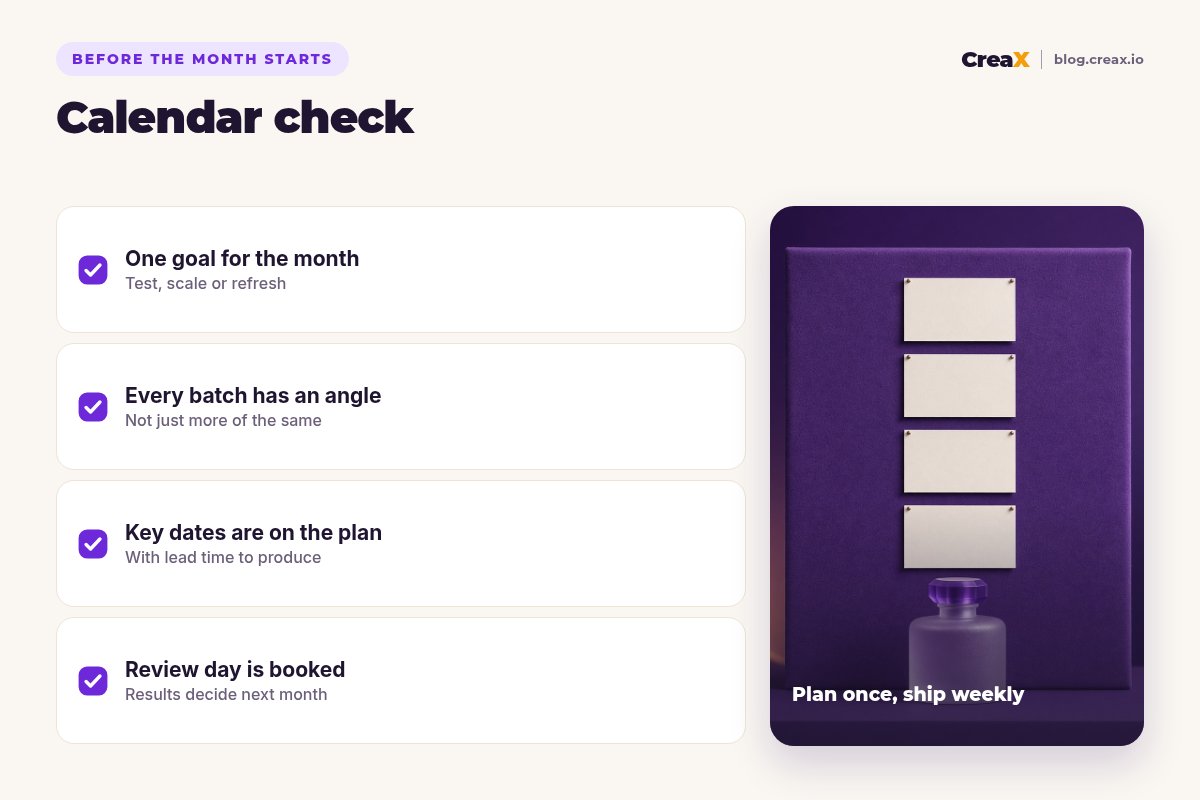
Before the month startsChecklist
Monthly ad creative calendar checklist
- ✓One main goal for the month is written at the top
- ✓Focus products are chosen
- ✓3–5 angles are listed, with 2–3 formats each
- ✓Sizes for each placement are noted
- ✓Seasonal and own dates are marked, with ready-by dates
- ✓A weekly production day is booked
- ✓Every creative will be named by product, angle, format and week
- ✓The end-of-month review is booked
FAQFrequently asked questions
Q.What is an ad creative calendar?
Q.How often should I make new ad creatives?
Q.How many creatives should be in each weekly batch?
Q.What should I put in a creative calendar template?
Q.How far ahead should I plan seasonal ads?
Q.Can AI tools help with a creative calendar?
Ready to fill next month’s calendar?
Paste a product link into CreaX and get the studio ads, UGC-style videos and landing page for your first weekly batch.
This guide is published by CreaX. Examples are illustrative and contain no invented results; plan around your own data, offers and platform rules.